Productivity : Waveform Generator Utility
26 - 567
Simply launch the Waveform Generator application, click on the ... button to open a file browser, navigate to the
folder containing the audio media files and tick the
Include sub-folders if you wish. Then click on Generate.
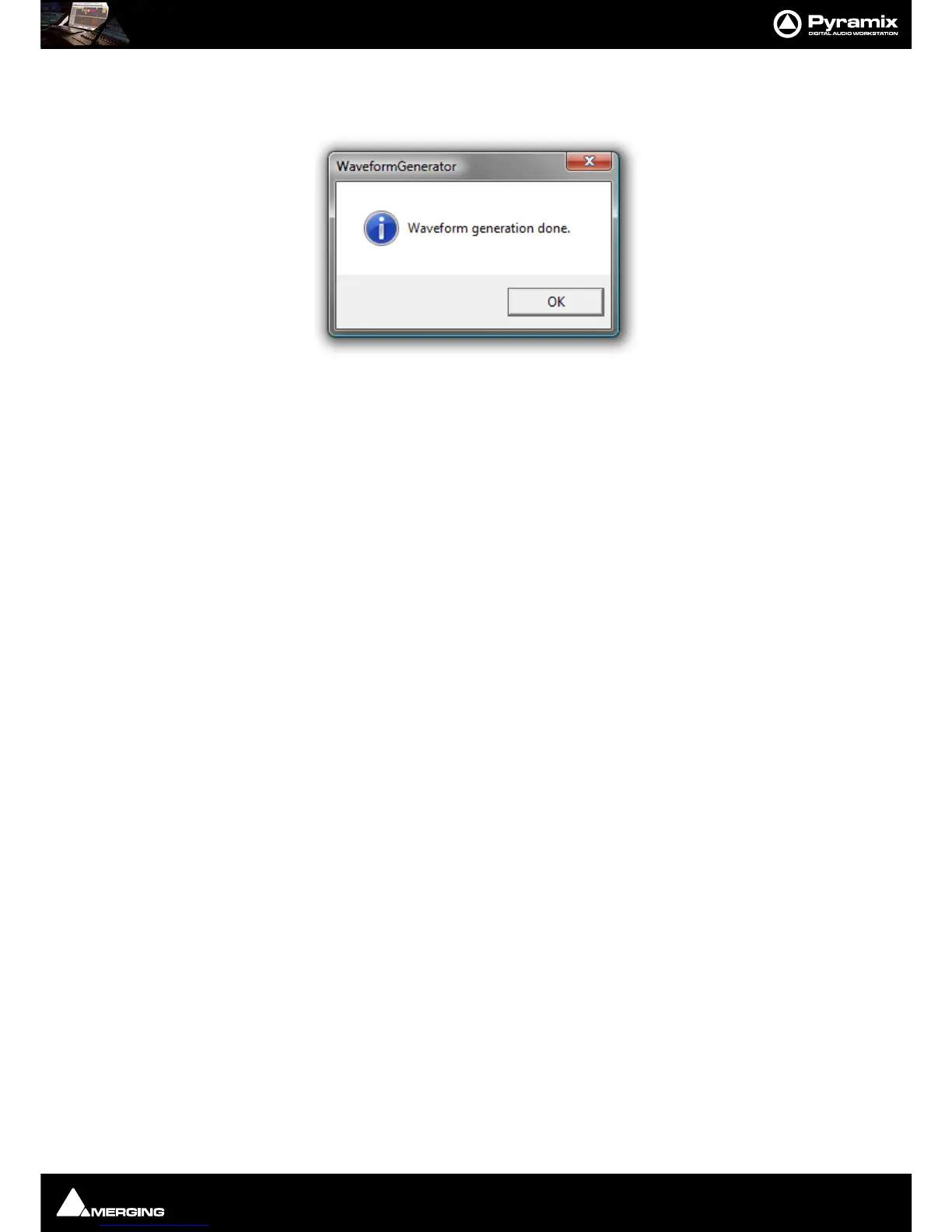
When Waveform generation is complete you will see this dialog box:
Click on
OK to close the box and that’s it. It really is that simple.



 To Next Page