Settings : Configuration - The Settings Dialog Window
28 - 640
Save
To save all settings, Click on the: Save button to open a Save As browser window. If necessary, navigate to a suit-
able location for the file. Type a suitable name in the
File name: box and click the Save button to save the file and
close the browser window.
Load
Load opens a Browser window to enable location of settings Profile (*.pms) files. When the required file has been
located clicking on the
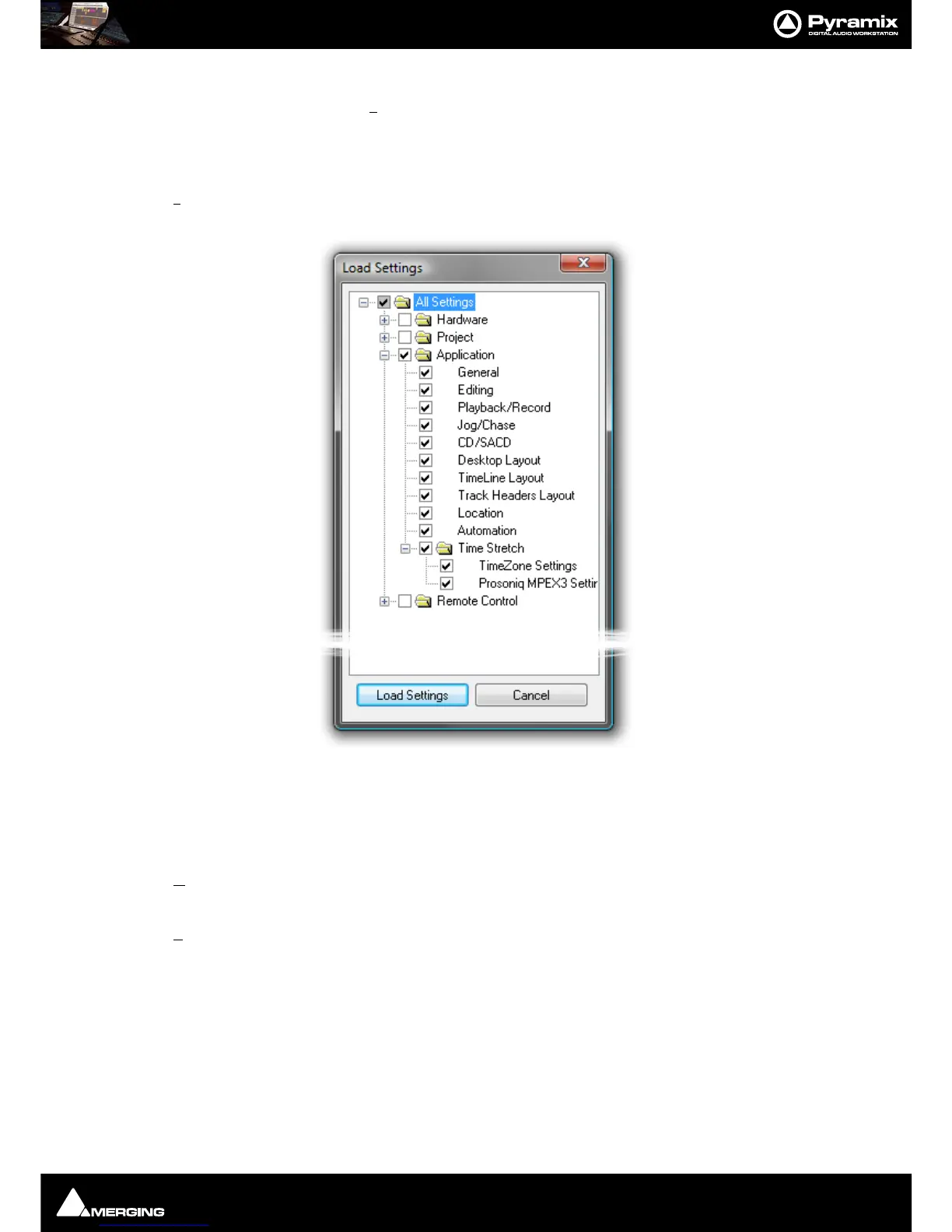
Open button loads the file and opens the Load Settings dialog.
Loading Settings Selectively
Load Settings loads only the settings with ticked boxes. The Load Settings dialog auto selects the currently
selected page. Clicking a folder check box checks the boxes of all the sub-folders and pages they contain. Thus,
clicking the
All Settings box checks all the boxes.
OK
Saves any changes made to settings and exits the Pyramix Settings window.
Cancel
Cancels any changes made to settings and exits the Pyramix Settings window.



 To Next Page