Media Management & Libraries : Media Management Tab Window
4 - 71
• Apodizing offers the steepest response around the Nyquist point and linear phase. It offers the best of
both worlds for the about the same computational effort as the 2 other designs
Quality Conversion Quality defaults to Very High.
Gain (dB) Use the increment/decrement buttons or type a value for any required Gain offset.
(E.g. when converting from DSD where the DSD recording has taken advantage of
the 3.1dB SACD maximum level allowed by SACD Audio signal properties Annex
D3 you should reduce the gain by typing a minus value (e.g. -3.10dB) to avoid clip-
ping in the PCM output product.)
Note: In a DSD to PCM conversion the gain is applied on the filter’s pre-computed lookup table
(64 bit floating point domain) so avoiding any clipping if dealing with levels above 0dB (SACD).
In PCM to PCM conversions gain adjustment is applied after the SRC stage and before the dither-
ing stage.
Dithering
Enable When ticked Dithering is enabled.
Requantization The drop-down list offers a wide choice of output bit-depths.
Noise Type Default is TPDF
Noise Shaping Choice of High Pass (POW-r2) or Equal Loudness (POW-r 3)
OK
Accepts the settings and closes the dialog.
Cancel
Cancels any changes made and closes the dialog.
Apply
For future developments
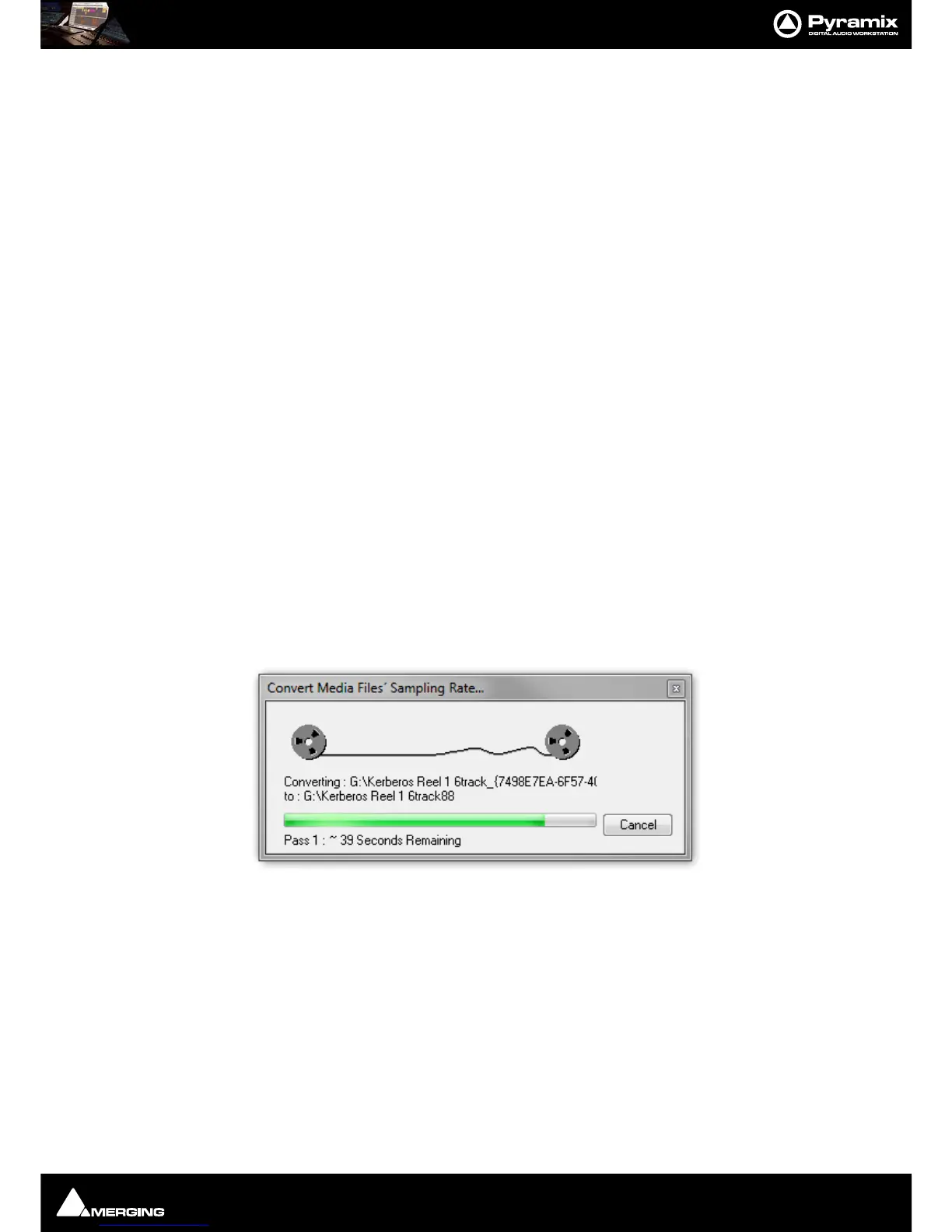
Choose OK in the MT HeptaCon SRC module dialog box to begin the conversion. When converting multiple files,
choose OK to convert the files one at a time with the possibility of changing parameters on each file or, if Add Suf-
fix was chosen in step 2, you can choose OK All to convert all the selected files in one operation.



 To Next Page