Transport and Navigation : Markers
6 - 130
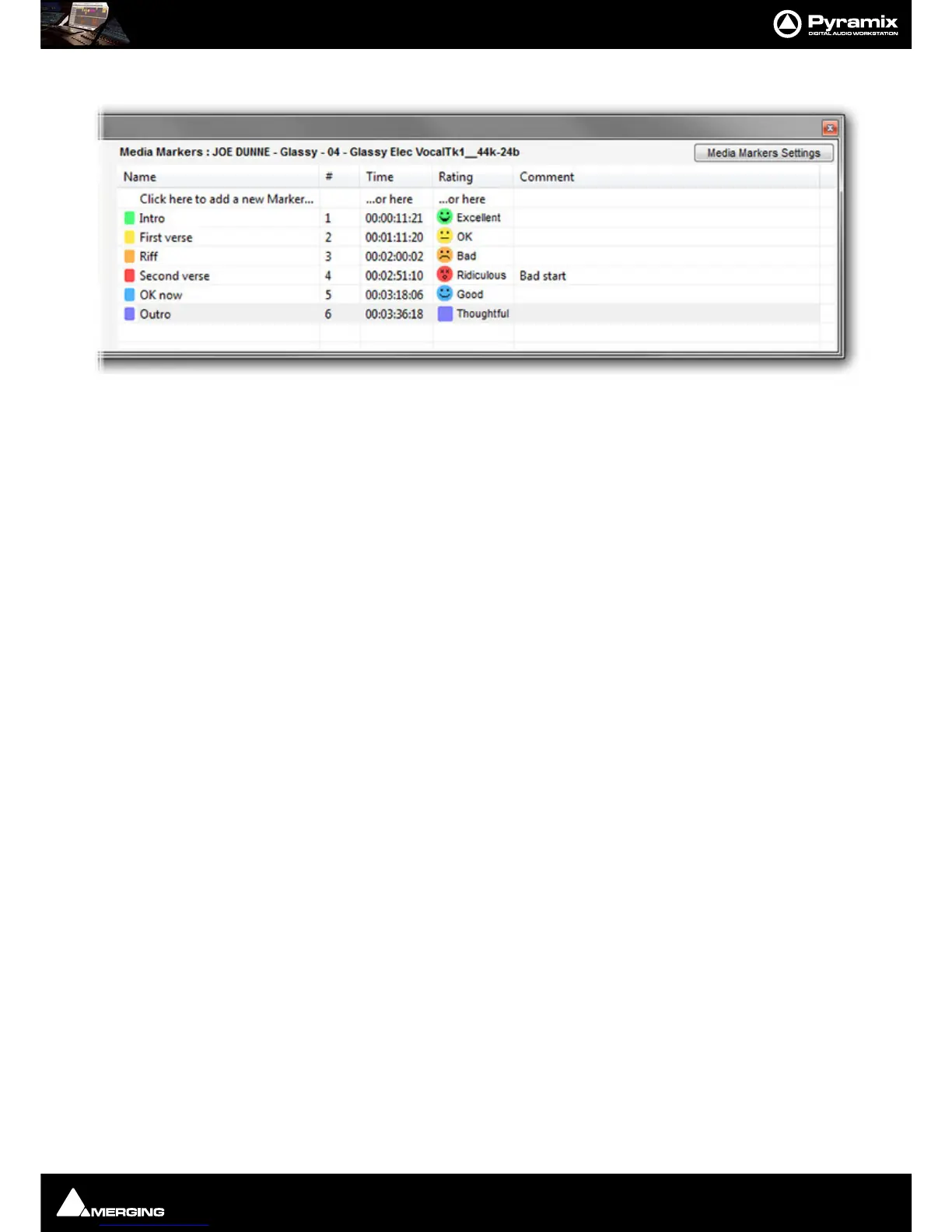
In the Marker Tab:
• The selected Clip name is shown at the top.
• The Media Marker section displays the list of Media Markers in the Clip selected currently.
• Media Markers can be added, deleted and modified here like standard Markers.
• To change a
Rating click the marker you wish to change in the Rating column. A list drops-down with the
standard ratings and the ten custom ratings. (See immediately below.)



 To Next Page