Transport and Navigation : Markers
6 - 131
Media Markers Settings - Custom Markers
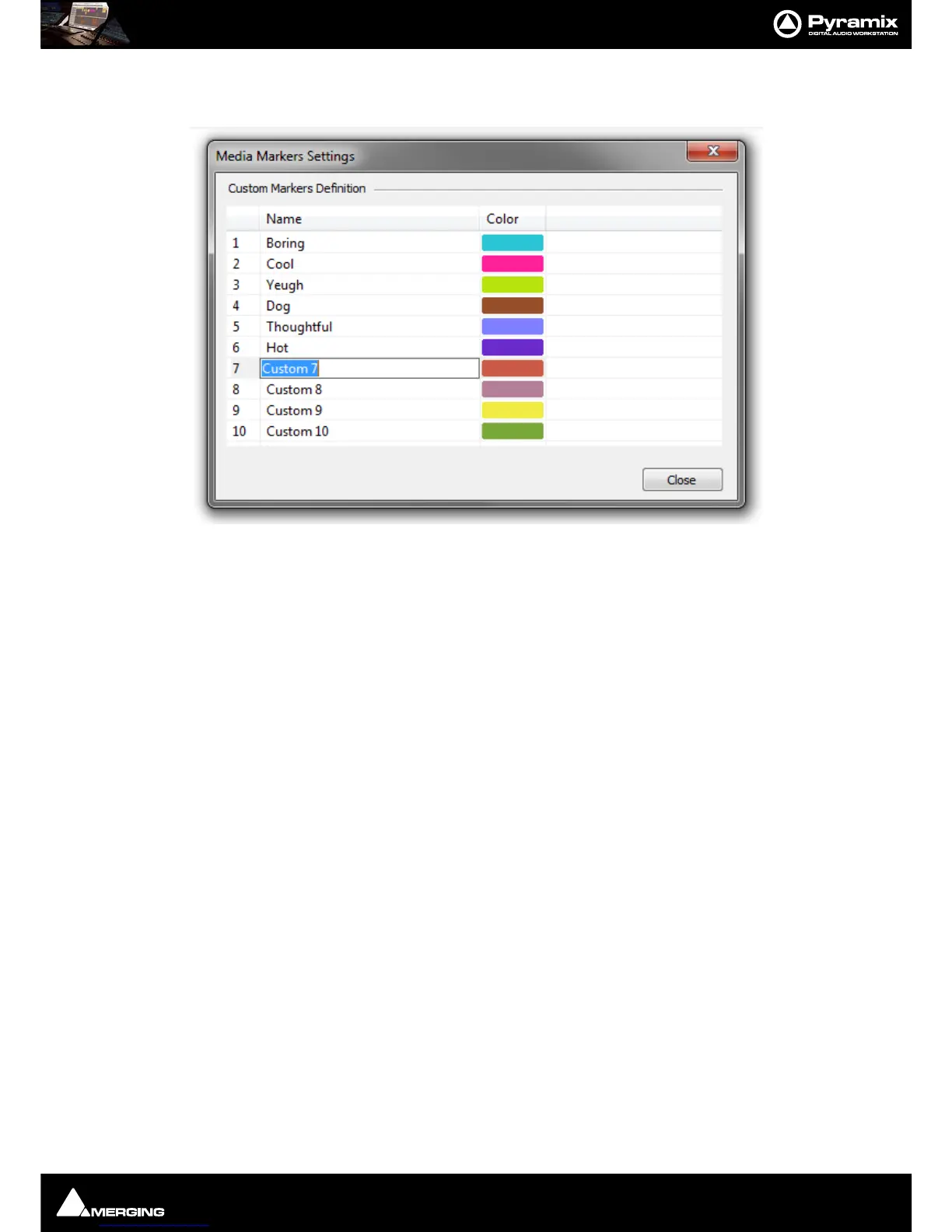
Clicking on the Media Markers Settings button opens the Media Markers Settings dialog:
By default the 10 Custom Markers are labelled
Custom 1 to Custom 10. Click in the field and type to rename the
Marker. Clicking on the Color pops-up a color picker where any color desired can be selected.
Note: Custom Media Markers have no effect on the Rating Line when inserted between standard
Media Markers.
Media Markers - Undo
Undo /Redo operates as normal when Adding, Deleting and Modifying Media Markers of an existing Clip/Media
File.
When Adding, Deleting and Modifying Media Markers while recording a Media File:
• In the Timeline: Undo / Redo works as normal while the recording continues. When the recording is
stopped nothing that has been done during recording can be undone.
• With Background Recorders whose recordings are being edited in the Timeline in the active Project:
Undo
/ Redo
works both during recording and after the recording is stopped.
• With Background Recorders whose recordings are NOT being edited in the Timeline of the Active Project
(I.e. when using the Take Logger.) There is NO undo for Media markers.
Editing Media Markers During a Recording in the Timeline:
If there is a Recording happening in the Project Timeline (and there are no selected Clips),the Marker Tab displays
the Markers for the current Recording.
Media Markers for the current Recording can be added, deleted and modified exactly like for the selected Clips.
Media Markers created during a Recording are saved automatically in an
.mmd file in the same location as the
recorded file.
Note: This is not available in Dubbing Mode.



 To Next Page