Editing : Edit Command highlights:
8 - 182
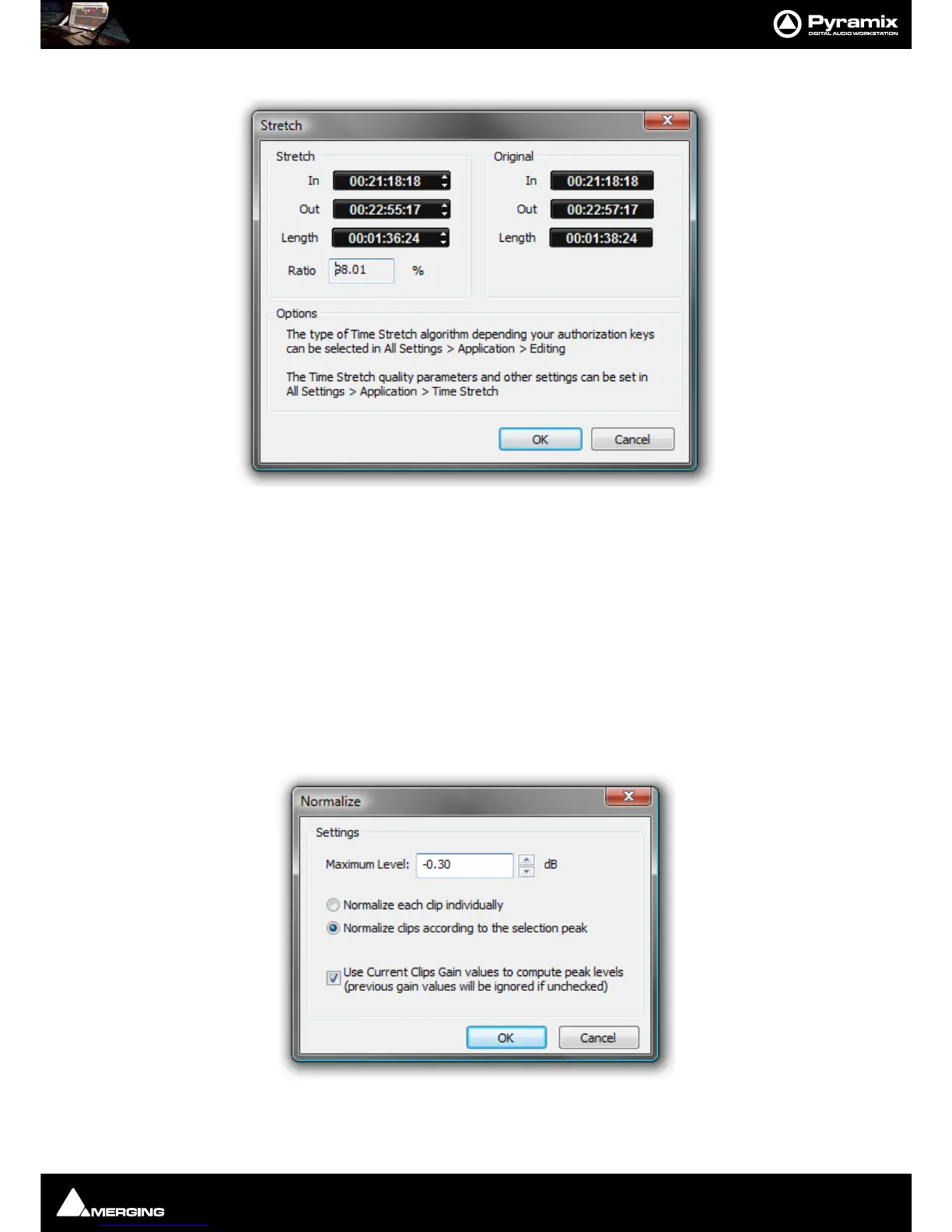
Stretch
Opens the Stretch plug-in dialog.
The Increment and Decrement buttons allow the In point, Out point or Length of the selection to be adjusted. The
Ratio of stretch or squeeze is shown as a percentage. Clicking the OK button starts the process. Cancel aborts.
Depending on the available authorization keys, the Time Stretch algorithm can be selected in:
All Settings > Application > Editing : Time Stretch Tool : Selected combo box
Settings for the chosen algorithm can be made in:
All Settings > Application > Time Stretch > ‘Plug-in name’ Settings
Note: The percentage of Stretch and Shrink is limited to 200% and 50% respectively.
Reverse Reverses the Clip in the Timeline so it plays backwards.
Normalize Opens the Normalize dialog.
The
Maximum Level can be set by typing or using the increment / decrement buttons.
The process can be applied to:



 To Next Page