Editing : Edit Command highlights:
8 - 183
• Normalize each clip individually
• Normalize clips according to the selection peak
Clicking on OK starts the process. The selected Clip or Clips are examined to locate the highest peak, then the
overall gain of the Clip(s) is increased so that this reaches the maximum level specified. All other selected Clips are
either treated individually or raised in level by the same amount.
When in
Normalize clips according to the selection peak mode, if the following box is checked:
• Use Current Clips Gain values to compute peak levels (previous gain values will be ignored if
unchecked)
Then:
MaxPeak of the selection will be computed using the level of Clips:
MaxPeak = Max(peak + Level)
DeltaGainToApply = DesiredMaximumLevel - MaxPeak
And then for each Clip, of the selection:
Level = Level + DeltaGainToApply
Note: this check-box is grayed out when Normalize each clip individually is selected.
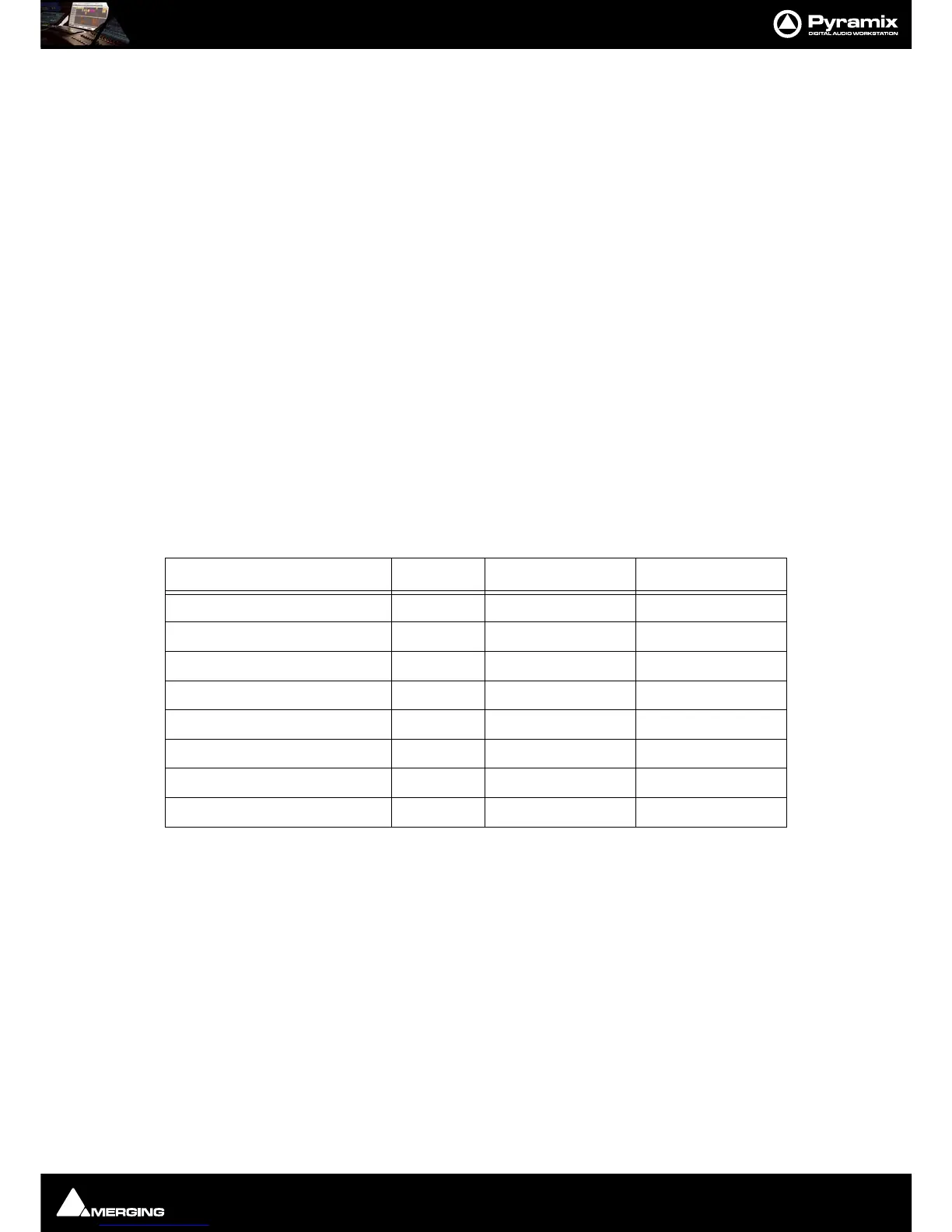
Normalize Example:
In this case with Maximum Level = -0.3 dB and “Use Current Clips Gain values to compute peak levels (previ-
ous gain values will be ignored if unchecked)”
selected:
Consolidate Opens the Consolidate Project dialog box. Please see: Consolidating Projects on
page 409
.
Spread
Opens the Enter gap time dialog which enables a space (silence) to be inserted between
selected Clips.
Abut to selected This command abuts all Clips between the Mark In and Mark Out on a Track to a selected
Clip between the Marks on the same Track.
Peak Level Original Gain Value New Gain Value
Clip 1 -18.0 4.0 3.8
Clip 2 -16.0 4.5 4.3
Clip 3 -12.0 -1.0 -1.2
Clip 4 -9.0 -2.6 -2.8
Clip 5 -3.0 1.0 0.8
Clip 6 0.0 -0.1 -0.3
Clip 7 -40.0 2.0 1.8
Clip 8 -20.0 4.2 4.0



 To Next Page