Automation : Display and Editing of Automation Data
15 - 375
Note: Auto Display should normally be Off when any control NOT on the Mixer Strip is dis-
played, or if you wish to lock the view to automation data from a specific control.
Init Creates an initial “write” of automation parameters for mouse editing. The initial
version is created with the current state of the mixing console control.
Snapshot Creates a snapshot of the automation curve displayed currently.
Snapshot Region Creates a snapshot of the automation curve in the current Region.
Delete Points & Interpolate Deletes all automation points from the control curve in the current Region and
interpolates between the last existing point before the selection and the first point
after the selection.
Delete Points Deletes all points from the automation curve in the current Region.
Trim See below
Trim
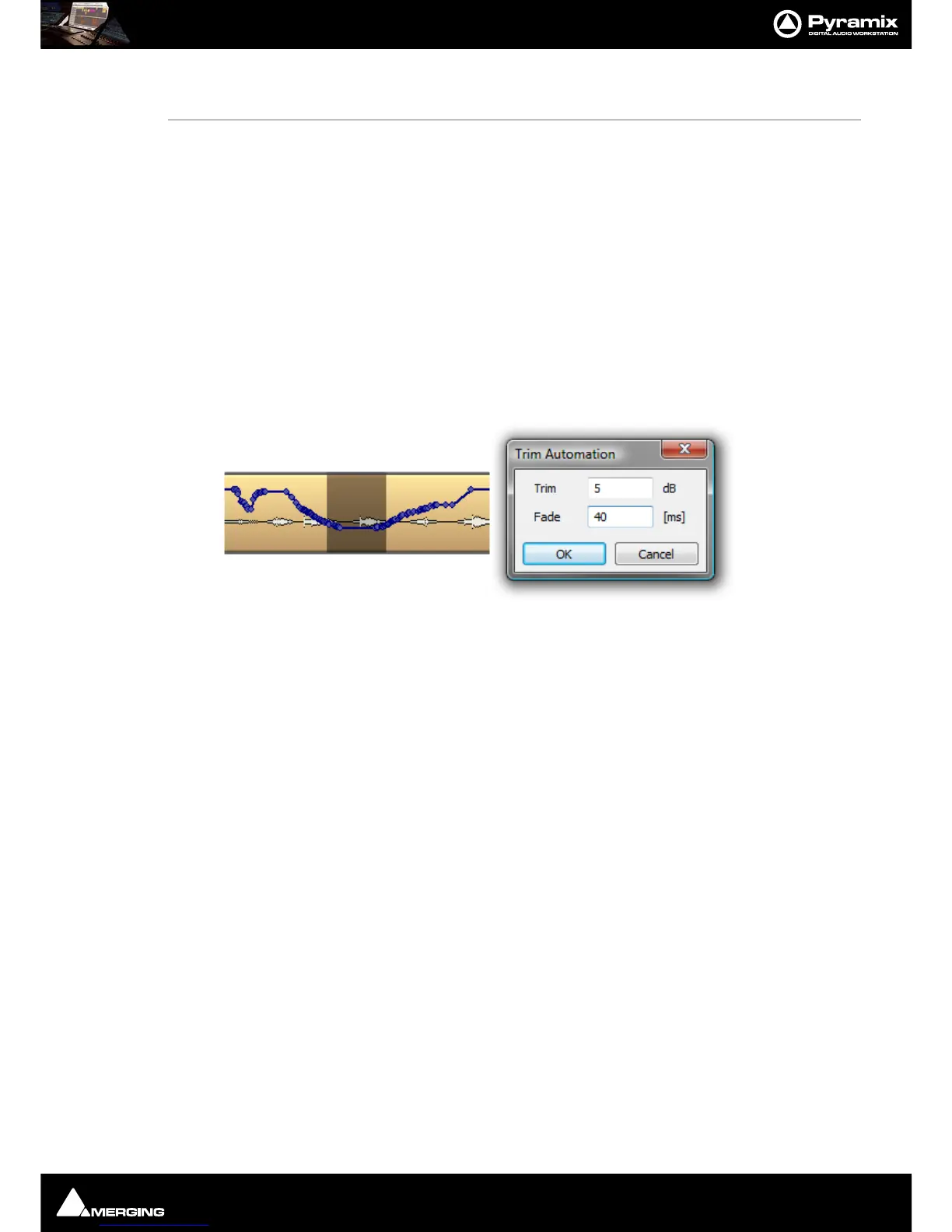
When automation Trim is invoked a dialogue box opens which enables the automation points values in the range
selected currently to be trimmed:
Values can be increase by simply typing the number of dB required or decreased by typing - (minus) before the
number in the
Trim box. The Fade box allows a value in ms to be entered. This defines the length of fade which is
automatically applied at the beginning and end of the selected range from and to the original values.
Note: dB applies to level changes. If the automation curve is displaying frequency, values will be in Hz and so on.



 To Next Page