File and Project Interchange : Import / Export
18 - 435
• Removed Cross Fade Curves:
The default settings are
Power for Fade Curves and Linear for Cross Fade curves.
Level Options
Convert whole Envelope under-90dB to Mute
When ticked does as it says.
Normalize Envelope to Envelope + Gain
When ticked the highest envelope point in the Clip is normalized to 0dB and a corresponding inverse static gain
adjustment is applied. For example, if the highest envelope point is -10dB all envelope points will be increased in
value by 10 dB and the static gain will be reduced by 10dB.
Note: This function is selected automatically and grayed out when Replace Rendered Fade
Clips with Real Fades or X-Fades is ticked.
Avid/Digidesign specific Options
Use Alternate Segments from Clip Selectors/Groups
The AAF specification allows for alternative media to be specified for Clips. Unfortunately, not all applications
apply this in the same way. If you experience problems with missing media checking the box may help.
Remove any ‘Sample Accurate Edits’
Only available when Replace Rendered Fade Clips By Real Fades or X-Fades is not ticked.(see Fades Options
above) When selected all the tiny, mute ‘padding’ media files used to ensure edits are always on frame boundaries
will be removed. The Media Clips with wanted material will be in precisely the correct positions.
Execute Import
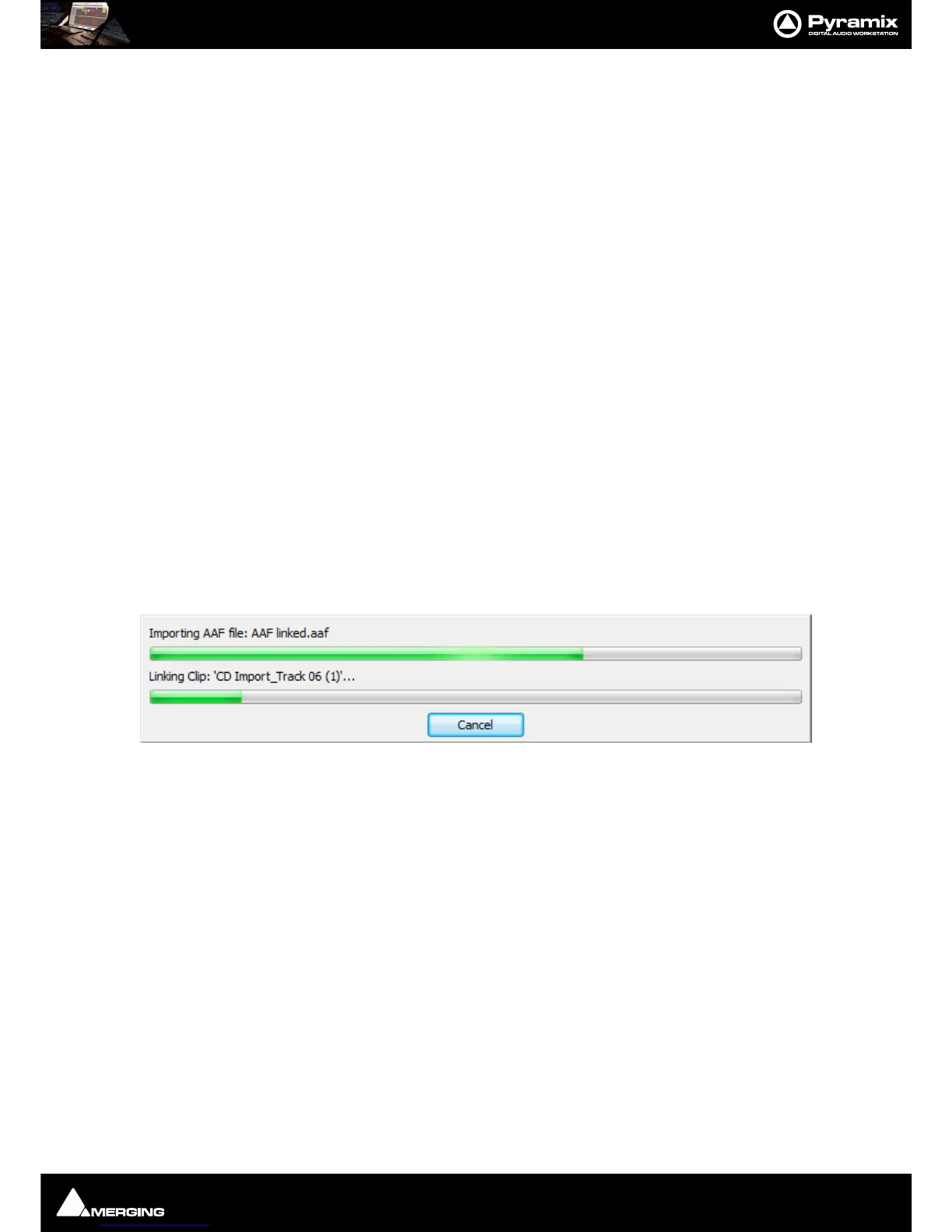
Navigate to the required AAF file or type its name in the File name box and click Open to begin the Import pro-
cess. A progress box opens to inform the user:



 To Next Page