File and Project Interchange : Import / Export
18 - 436
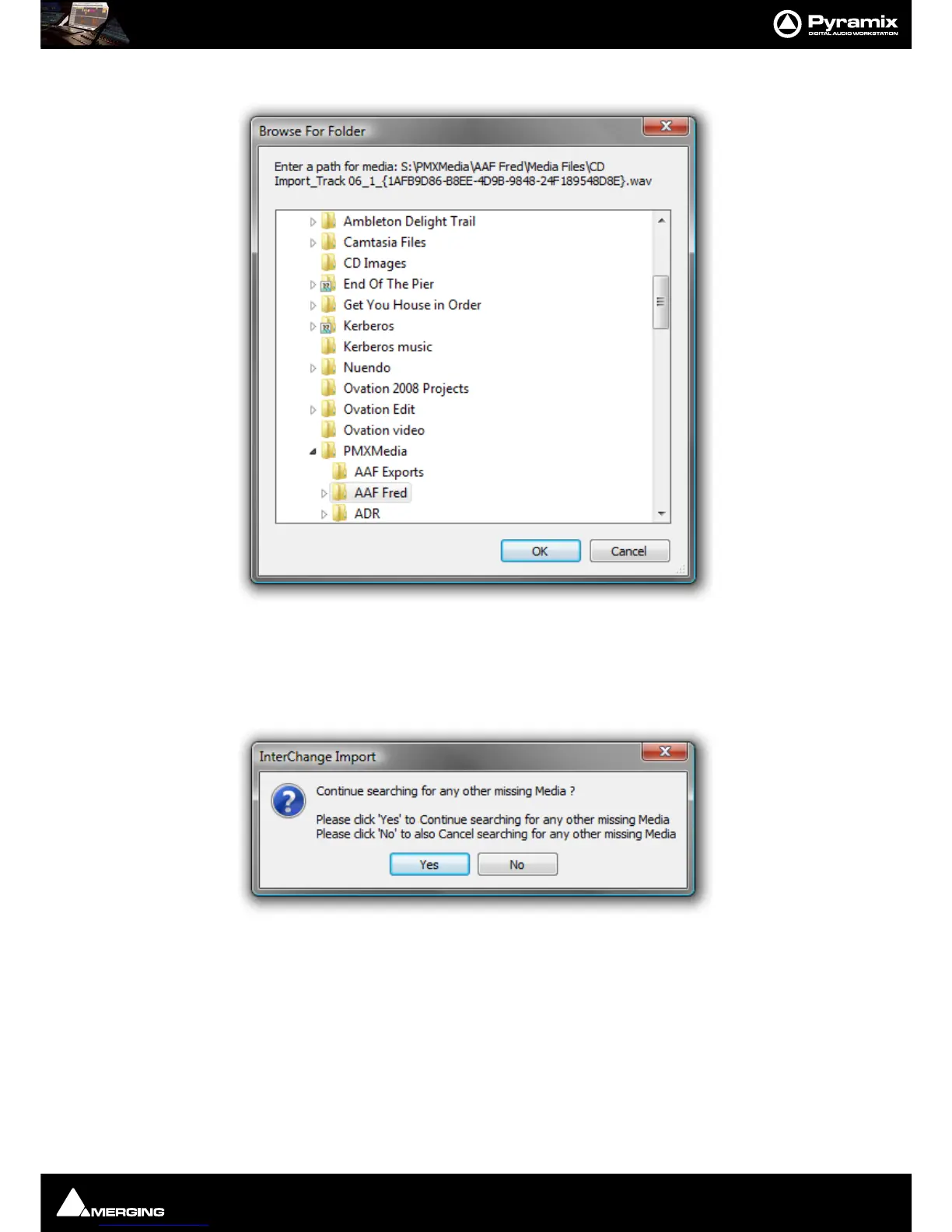
If a linked Media File or Files cannot be located, a browser window opens:
The browser enables the user to navigate to the missing file. If the file cannot be found or is known to be absent,
click on the
Cancel button to ignore the file.
A further dialog box opens with the option to ignore just the one file or the current file and all subsequent missing
files :
Click on
Ye s to skip the current missing Media file and Continue searching for any other missing Media
Click on
No to skip the current missing file and Cancel searching for any other missing Media.
If a subsequent missing file is identified the Browser opens again. with the same options as above.



 To Next Page