File and Project Interchange : Import / Export
18 - 437
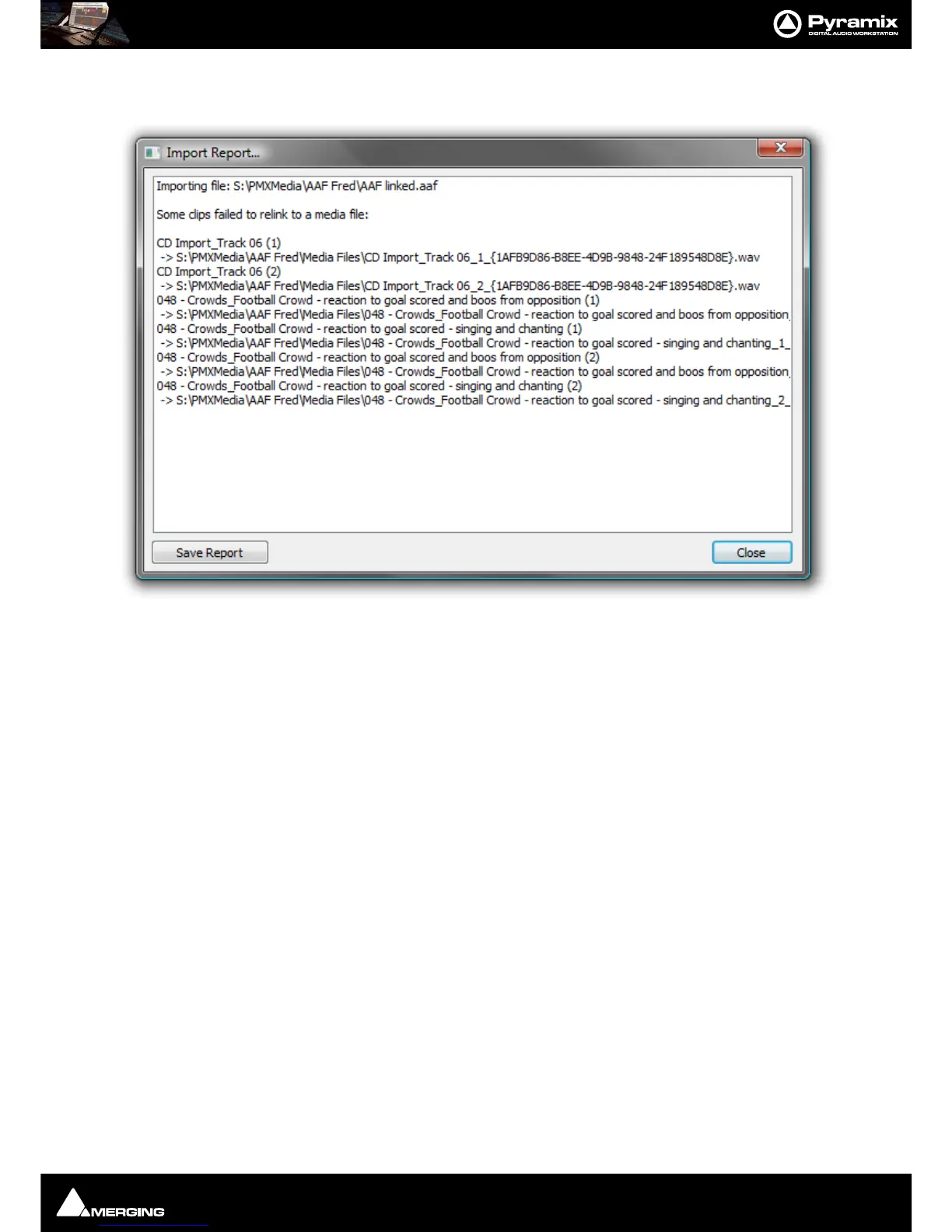
Import Report
If files are skipped during the Import process, the Import Report window appears :
All skipped files are listed along with the locations searched.
Clicking on the
Save Report button opens a Save As dialog. Here you can save the Import Report as a Text File.
Close simply closes the Import Report without saving.



 To Next Page