File and Project Interchange : Import / Export
18 - 439
Handles at the beginning and end may be added to Consolidated Media files to facilitate future editing. Type the
required handle length in the box. (Handles will not be added when a Clip begins at the beginning or ends at the
end of the Media file)
Bit Rate Options
The radio buttons offer the following options:
• 24 Bits (default)
• 16 Bits
Use 24 bits unless you have a good reason not to.
Video Frame Rate Options
The radio buttons offer the following options:
• Same as Project Video frame Rate - I.e. same as the Pyramix source project
• Set to: - The drop down list offers the choice of all conventional frame rates.
Quantize all Edits to the Video Frame Boundaries
When ticked ‘padding’ files will be added to ensure that all edits occur on Video Frame Boundaries. This option is
not available when
Link Clips to original Media in Original Location is selected.
Level Options
The radio buttons offer the following options:
•Export Clip Gain
• Export Clip Envelope
•Export Clip Mute
Note: If checked Gain and Envelope will be lost for Clips effectively muted.
Avid/Digidesign specific Options
Force Envelope over Static Gain (required for Avid Pro Tools only)
If the Pyramix Project contains Static Gain variations and or Envelope information the two are combined into
Envelope information.
Execute Export
In the Browser section navigate to the required destination drive/folder, type in a suitable name for the AAF file in
the
File name box and click Save to begin the Export process. A progress box opens to inform the user:
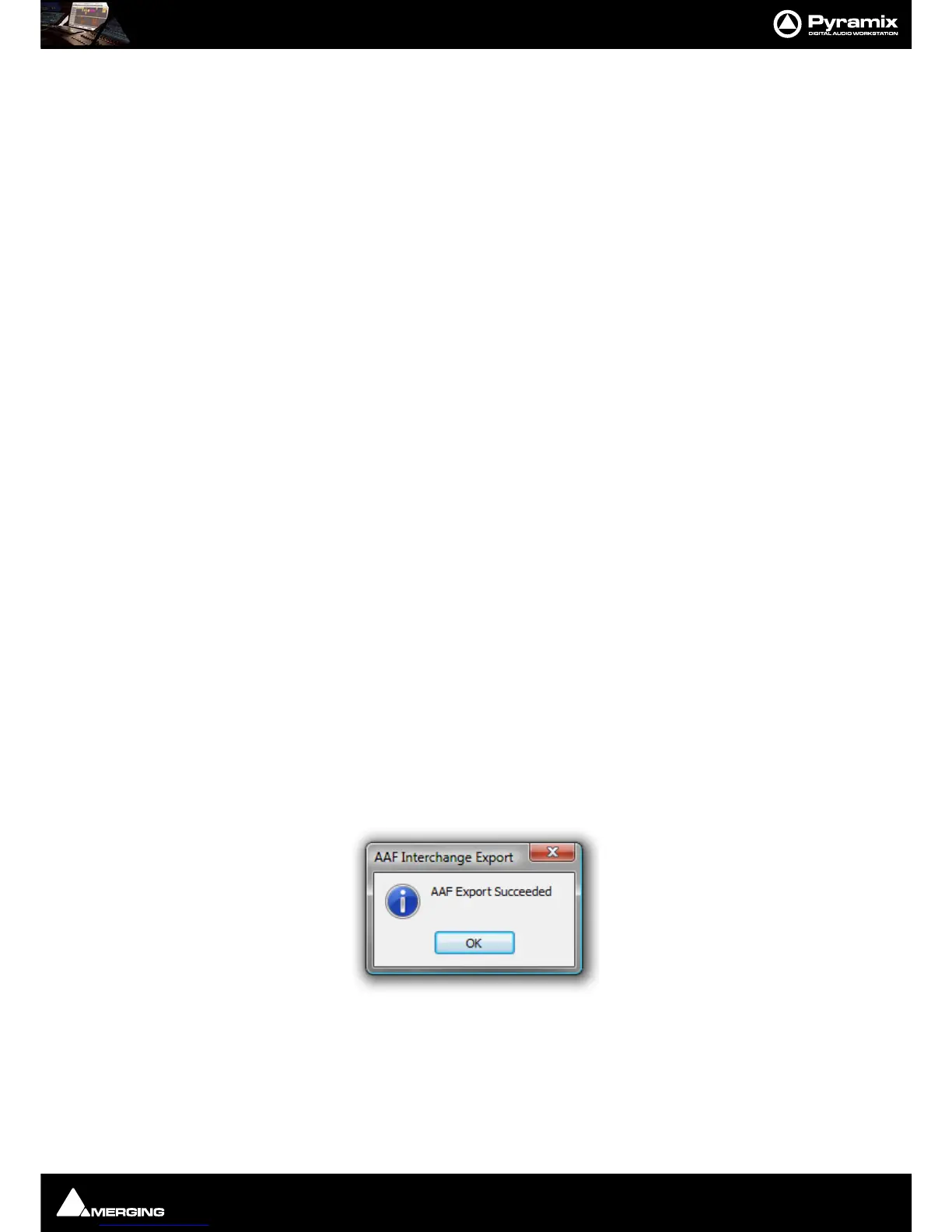
When the export is concluded this info box appears:
Note: EMBEDDED MEDIA When exporting to AAF with embedded Media the Clip names may
change when the file is opened in Pro Tools. In order to avoid problems getting AAF files into Pro
Tools there are some limitations to the structure of the AAF file and where the Clip name can be
stored. For AAF files referencing external media, these restrictions don't cause any noticeable dif-
ferences. When exporting embedded AAF files, the Clip name basically needs to be associated



 To Next Page