File and Project Interchange : Import / Export
18 - 444
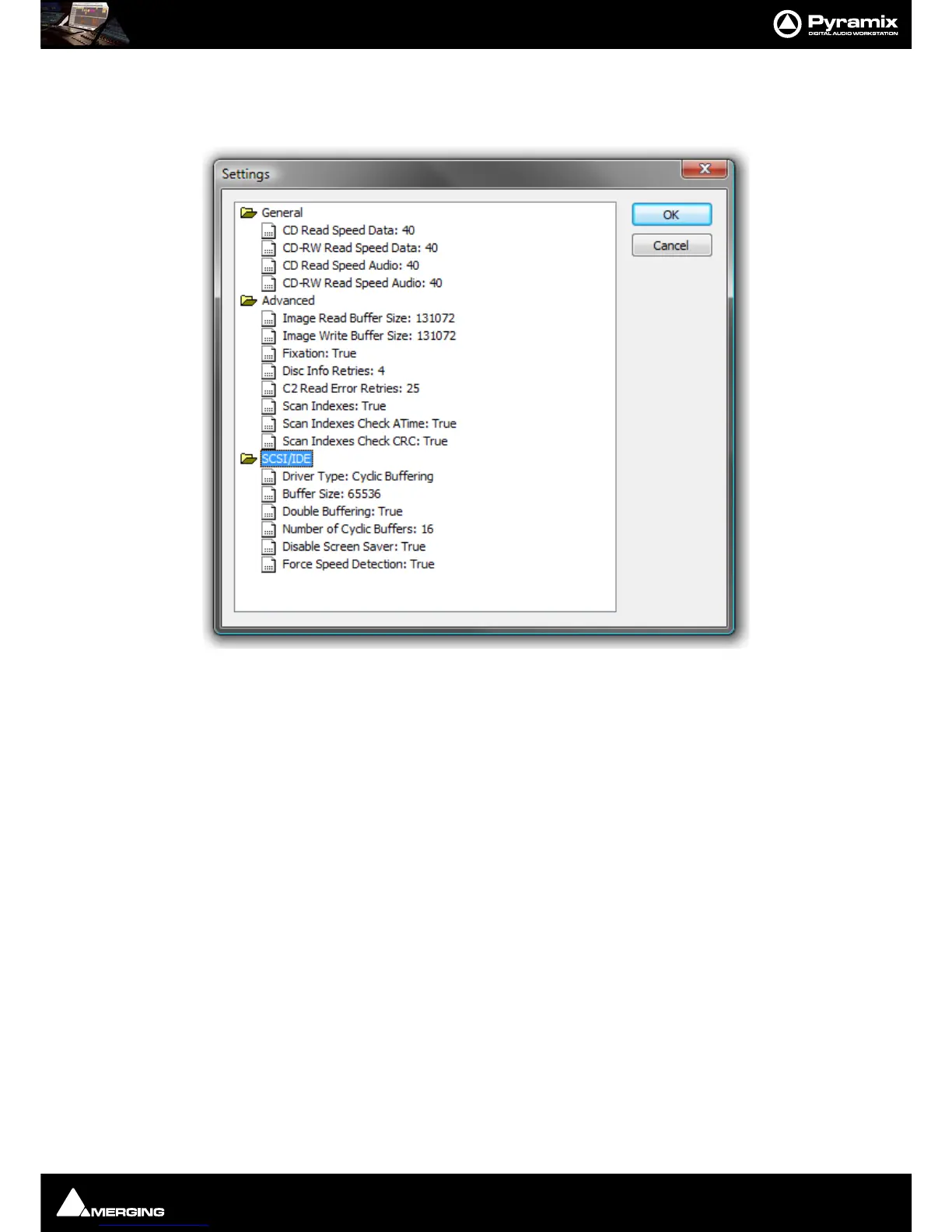
Settings
The Settings button opens a dialog box with specific drive settings. These settings may be altered if required by
clicking on an entry and typing a new value in the box.
Status
The field to the right of the Settings button shows pertinent information about the CD import process.
Disc Content
Read TOC...
Click the Read TOC button to read the Table Of Contents on the CD. The tracks are listed in the pane below.
Read ISRC, UPCEAN & CDtext When checked this information will also be read, if present.
Read pause and index markers When checked the Pause and Index markers will be read.
(Scanning can take several minutes) This can take several minutes longer than a simple read.



 To Next Page