CD/SACD Mastering and Album Production : Importing a U-Matic Tape
25 - 562
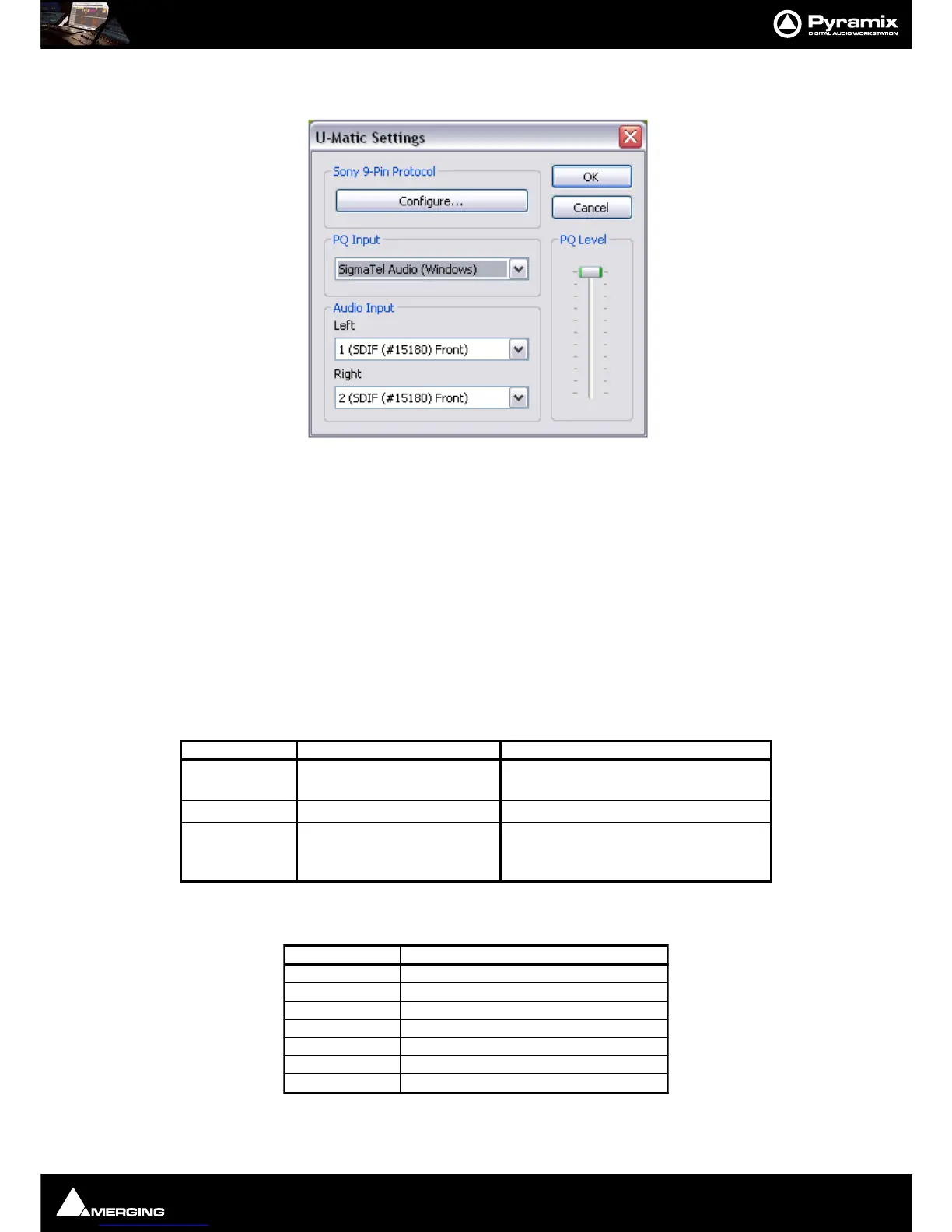
Click on Settings to open the U-Matic Settings dialog to configure DiskWrite for U-Matic Import.
Sony 9-Pin Protocol
To set up remote control for the U-Matic machine via the Sony 9-pin P2 protocol click on Configure... (Please see:
Sony 9-Pin Protocol Configuration (Machine) on page 704)
.
PQ Input
PQ input can be either a Horus input, a Mykerinos input or any sound-card live input.
PQ Level fader enables the level to be adjusted when using a Windows sound card.
Audio Input
The Audio Input MUST be Horus or Mykerinos inputs.
7. Make the following settings on the DMR-2000 front panel:
8. Make the following settings on the PCM-1630
9.
Make the physical connections to match the choices made in U-Matic Settings.



 To Next Page