Productivity : Bars & Beats
26 - 575
Using RGN (Region)
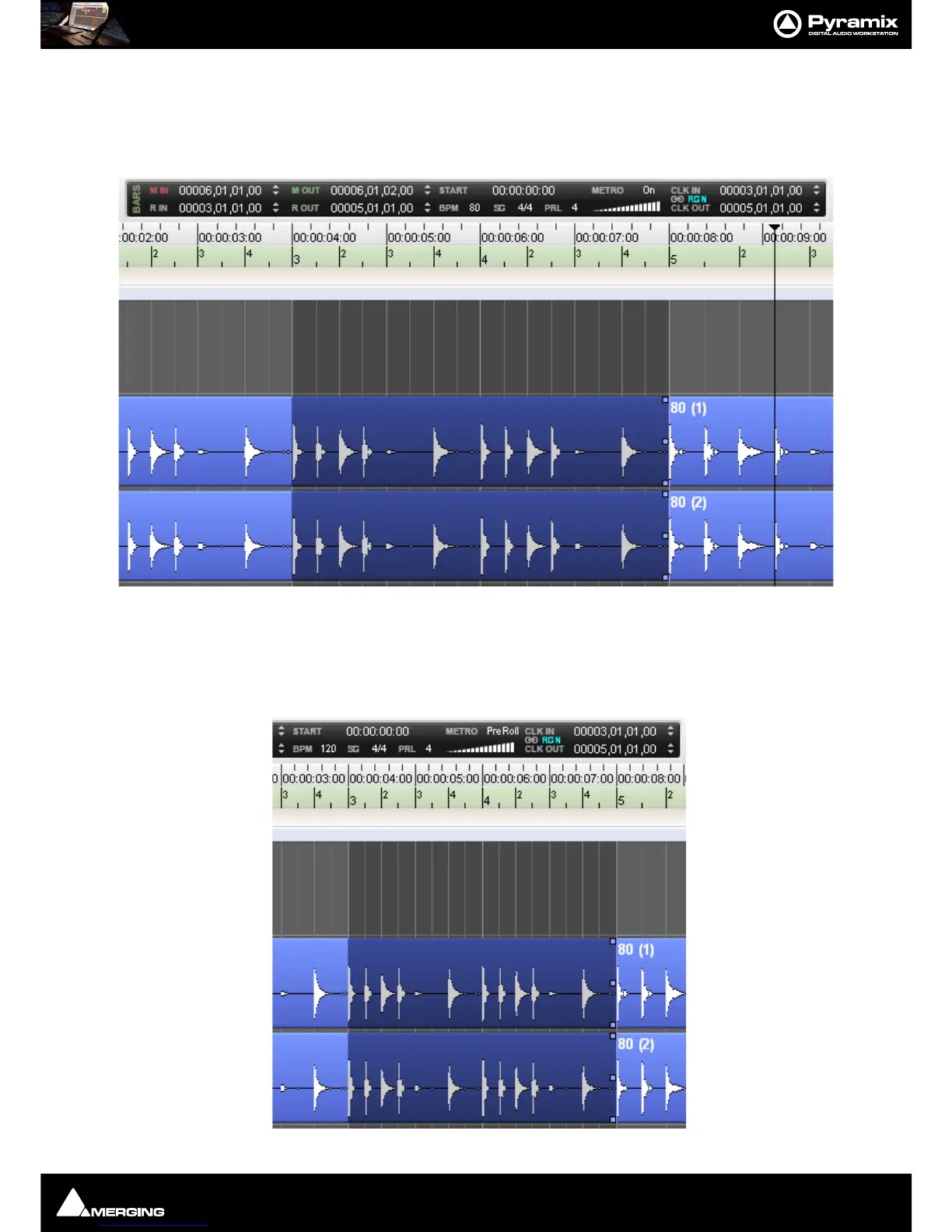
Simply select RGN next to the chain symbol and then select/draw a region at the desired Timeline positions to
define the Metronome active (playing) section. When the Playhead Cursor arrives at the Region selection Start
position, the Metronome starts playing, when it reaches the Region selection End position, it mutes. You can of
course define a
Pre-Roll value and use the two functions at the same time.
Another useful combination of a pre-defined Metronome section and a Pre-Roll value is to quickly select a part of
a song (other than the start) prior to which the Pre Roll should count. To achieve this, set the Metronome to Pre-
Roll and set the
Click In and Click Out to a determined value, using one of the examples above. For instance draw
a Region with the mouse with Snap Region Selection enabled.The Pre Roll will start counting by the amount
defined in PRL but the Metronome will switch off at the start of the pre defined Click In position.



 To Next Page