Productivity : Tab Windows
26 - 582
Pinned and Unpinned Tab Windows
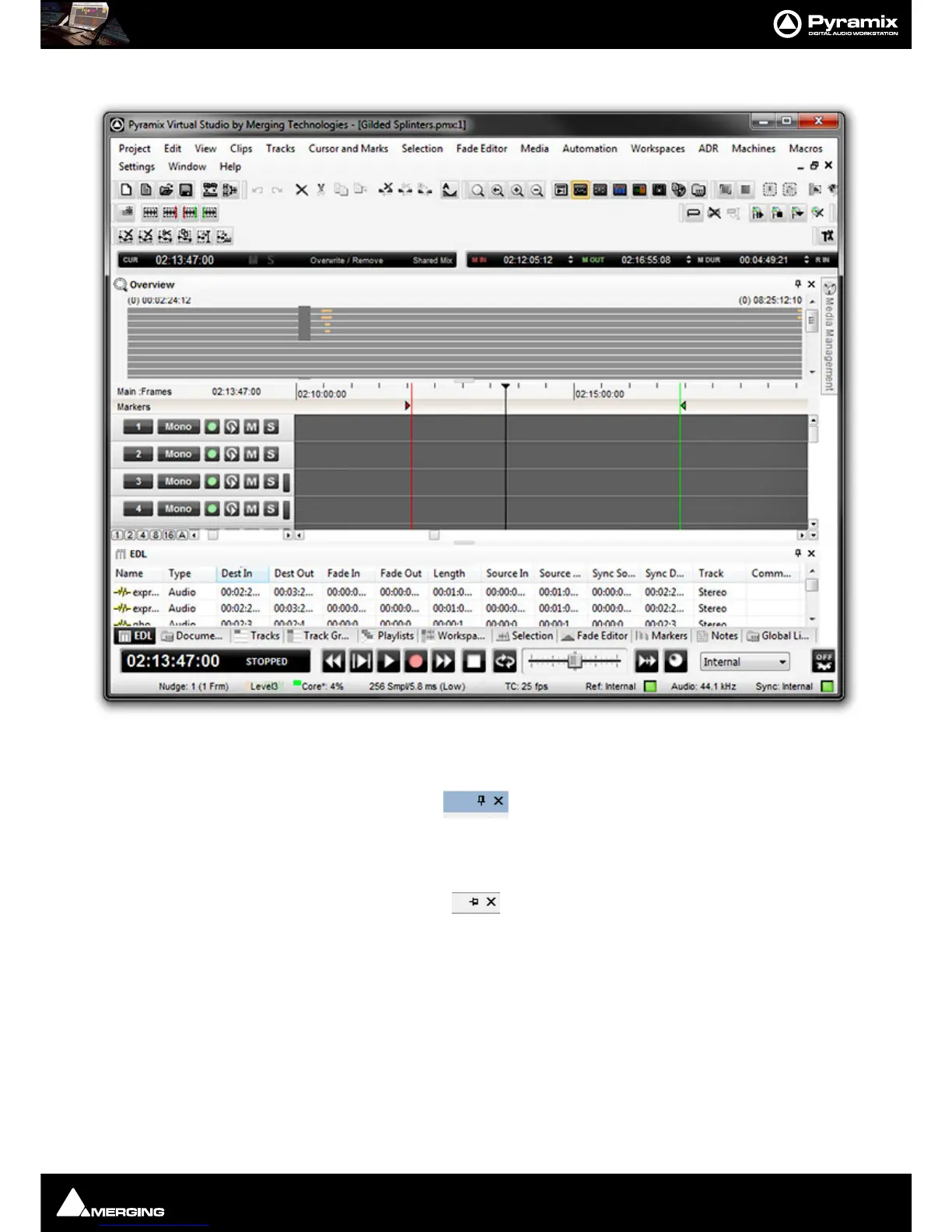
By now you’ve probably noticed the small ‘pin’ icon next to the close box on the title bar of each Tab window:
With the Pin in the vertical position the Tab Window behaves as normal. Clicking on the Pin toggles between the
default ‘Pinned’ state and ‘Unpinned’ -
Auto-Hide mode:
Note: The Pin is only present where the unpinned, Auto-Hide mode is available.
IMPORTANT: If there is only one Tab Window at the bottom of the main screen and you unpin it
you will lose access to all other Tabs until you open the Tab and unpin it.
Once a Tab Window is Unpinned it collapses down to a Tab a second or so after the mouse cursor leaves the Tab
Window. Hovering the mouse cursor over an Unpinned Tab opens the Tab Window which can then be used as nor-
mal until the mouse cursor leaves the Tab Window again. Clicking in the title bar ‘locks’ the Tab Window open as if
it were pinned. Alternatively, clicking on the Tab to open it does the same thing.



 To Next Page