Menus : Markers
27 - 620
Prompt for Marker Name at insertion
When ticked the Add New Marker dialog opens when a new marker is inserted
Add Marker to Cursor [NUM 9] Adds a new Marker to the current Play Cursor Position
Delete Selected Marker [SHIFT + DELETE] Deletes the currently selected Marker
Move Selected Marker to Cursor [CTRL + ENTER] Moves the selected Marker to the current Play Cursor Position
Set >
Set Marker 1
Set the Marker #1 to the current Play Cursor Position
Note: Set Markers 2 - 10 not shown
Goto>
Goto Marker 1
Set the Play Cursor position to Marker #1
Note: Goto Markers 2 - 10 not shown
Add Media Marker to Cursor
Add Media Marker to Cursor
The Clip to be marked must first be selected. Adds a Media Marker at the current Cursor
position.
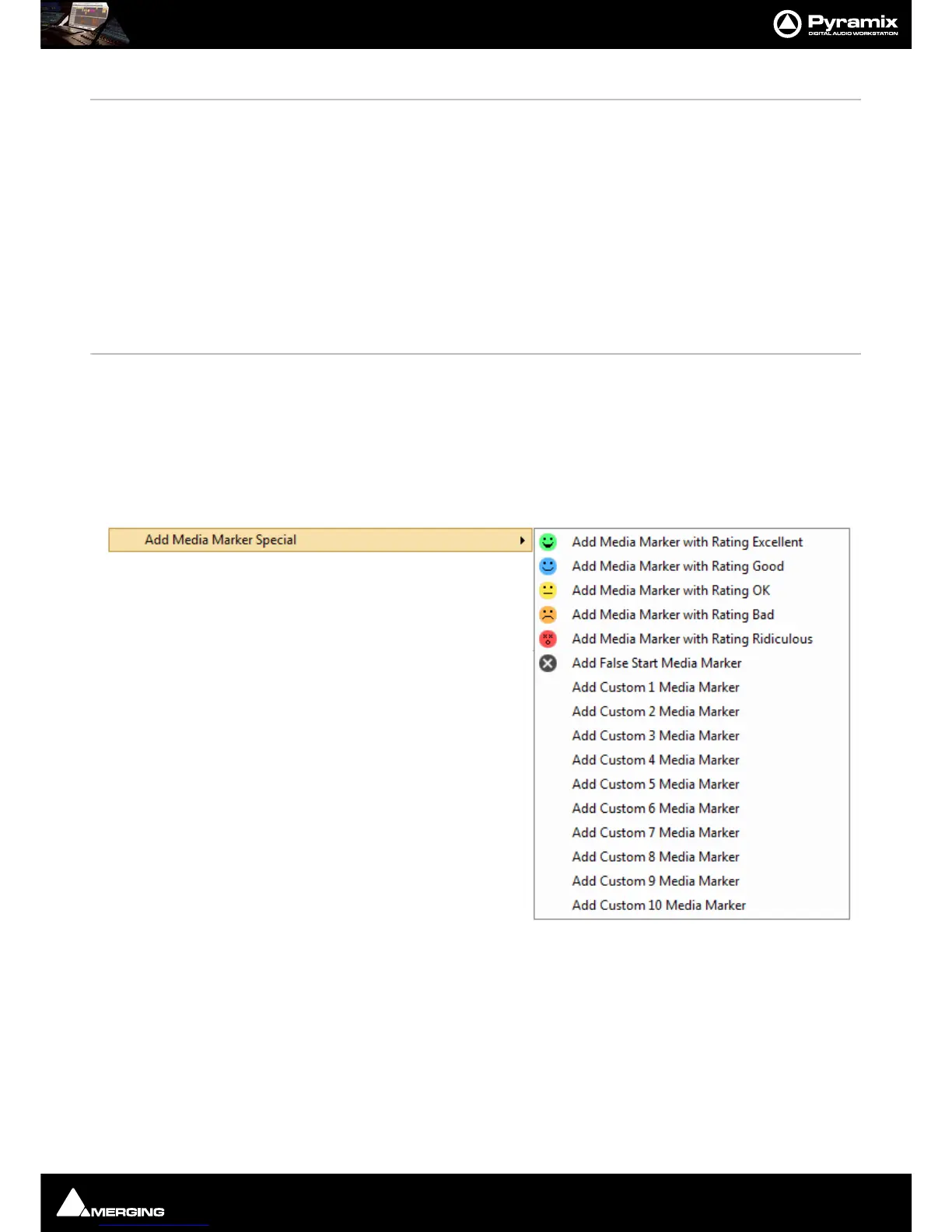
Add Media Marker Special > When Display Media Marker Line is on the line to the right of the Media Marker will be
colored according to the rating selected when a Media Marker
is added from this sub-
menu until the next Media Marker. Default, in the absence of a Media Marker is yellow i.e.
OK.
Add Media Marker with Rating Excellent
Add Media Marker with Rating Good
Add Media Marker with Rating OK
Add Media Marker with Rating Bad
Add Media Marker with Rating Ridiculous
Add False Start Media Marker
Add Custom 1 Media Marker
to:
Add Custom 10 Media Marker



 To Next Page