Menus : Markers
27 - 621
Note: Media Markers are added to the current recording ONLY when no other Clip or Clips is/are
selected in the Timeline.
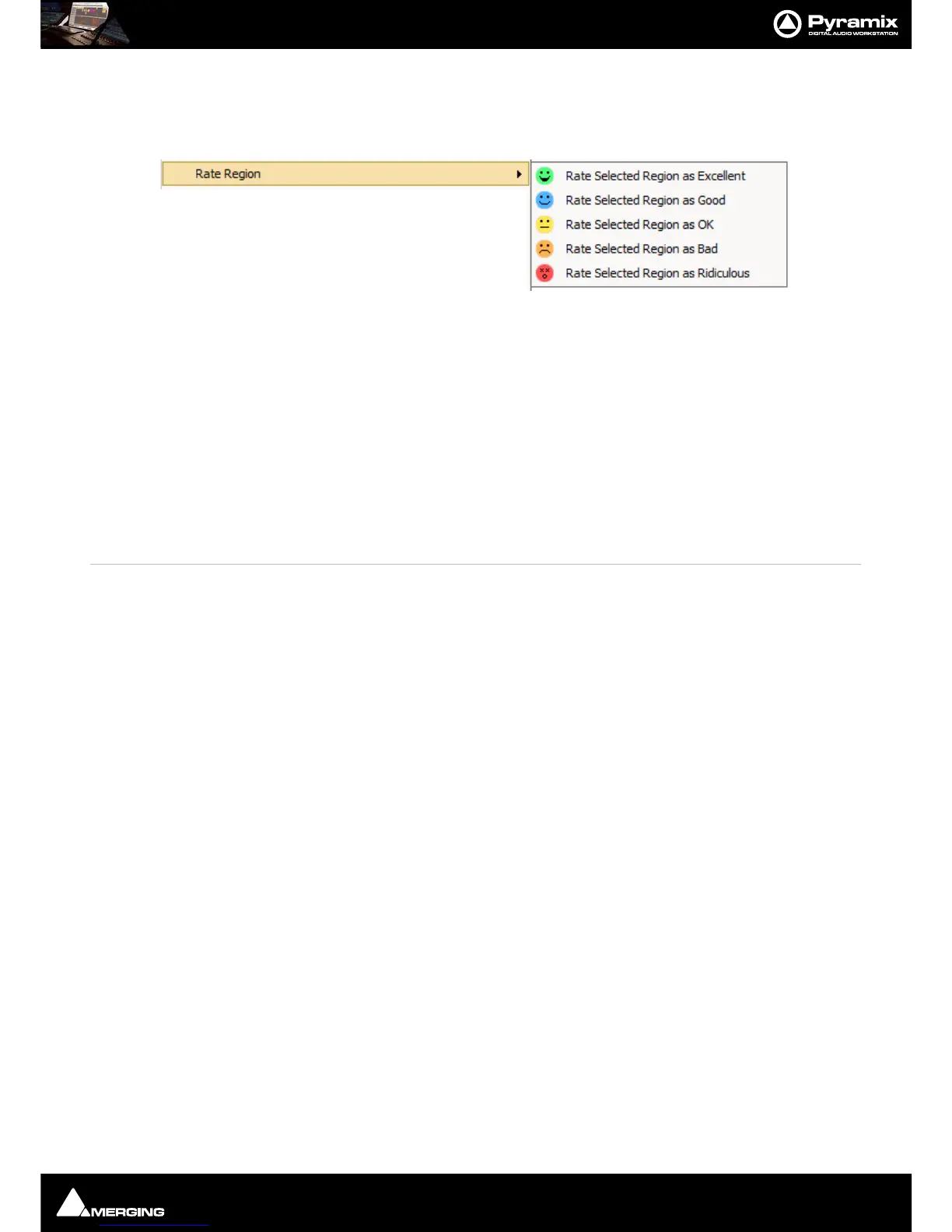
Rate Region The Sub-menu offers a choice of Ratings for the Region Currently selected:
Rate Selected Region as Excellent
Rate Selected Region as Good
Rate Selected Region as OK
Rate Selected Region as Bad
Rate Selected Region as Ridiculous
Delete Selected Media Marker
Deletes the selected Media Marker.
Display Media Markers Rating Line When active a colored line is shown reflecting the color of the most recent Media Marker.
Default in the absence of a Media Marker is yellow i.e.
OK
Update Media Markers to Media Files
Add CD Start Marker to Cursor [ SHIFT + ALT + ENTER]
Adds a CD Start marker at the Play Cursor position
Add CD Stop Marker to Cursor [CTRL + ALT + ENTER] Adds a CD Stop marker at the Play Cursor position
Add CD Index Marker to Cursor [CTRL + SHIFT + ALT + ENTER] Adds a CD Index marker at the Play Cursor position
Delete Selected CD Marker [SHIFT + ALT + DELETE] Deletes the currently selected CD Marker
CD Mark Groups [SHIFT + ALT + G] Enables automatic creation of CD Markers Groups in the Project Editor



 To Next Page