Settings : Remote Control
28 - 705
Serial Port
Shows the current Serial Port selected from the drop-down list. If not already highlighted, select the desired serial
COM port. Standard choices are either COM1 or COM2.
Click
OK to confirm the choice. This automatically sets the selected COM port with the proper parameters of the
Sony 9-pin communication protocol.
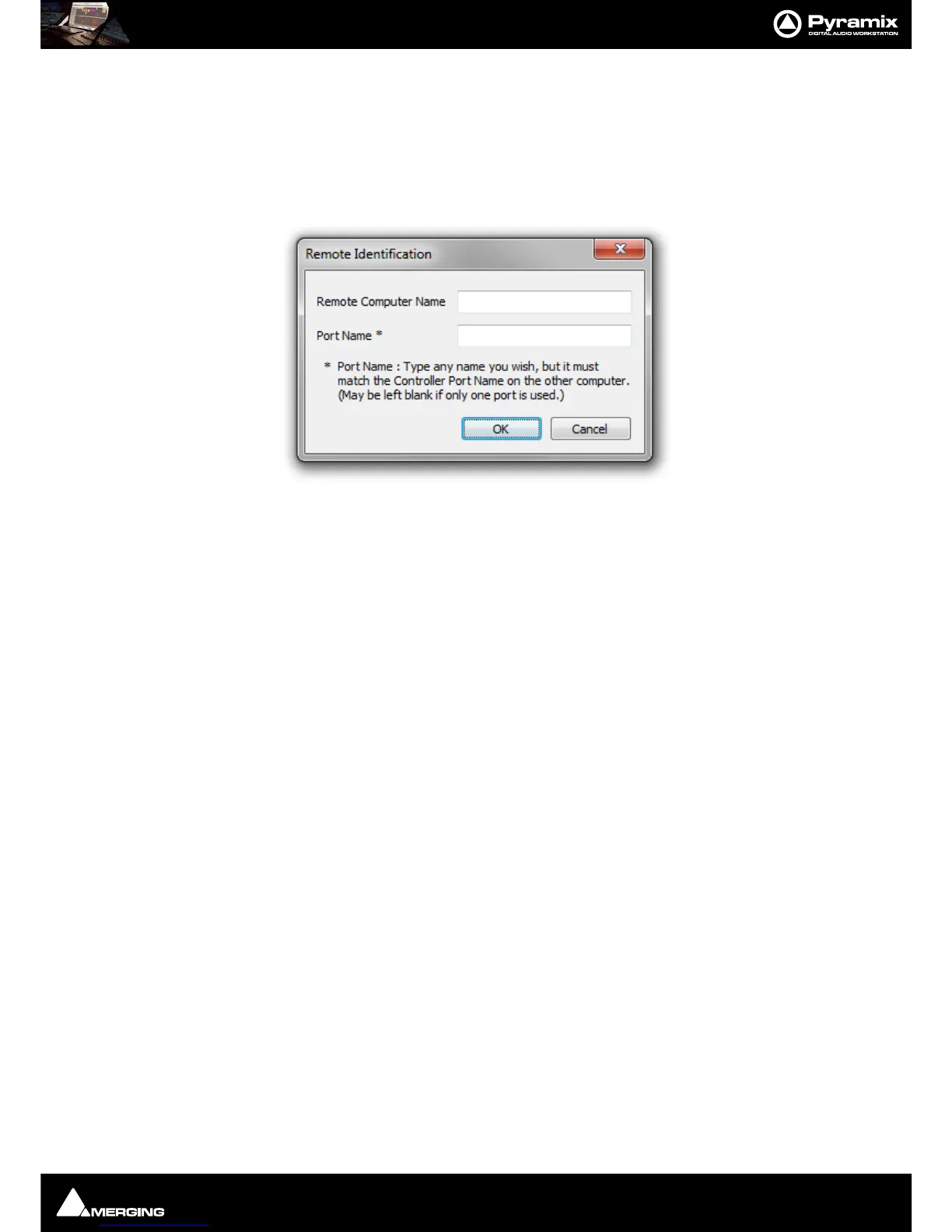
Remote Identification
• Remote Computer name The entry here must match the remote computer
•
Port Name* The entry here must match the Controller Port Name on the other Computer
Note: Both fields may be left blank if the connection is local on the same PC. I.e. a PyraCube.
Monitoring options on Stop
After a Stop command the following command will be issued:
•Stop Only
• Stop + Full EE Off
• Stop + Full EE On
• Stop + Select EE On
Monitoring Options on Pause/Jog(0)
After a Pause/Jog command the following command will be issued:
• Pause/Jog(0) Only
• Pause/Jog(0) + Full EE Off
• Pause/Jog(0) + Full EE On
• Pause/Jog(0) + Select EE On
Monitoring options
Selecting:
• Apply Monitoring Options only when the Machine is Chasing (Slave)
ensures that the above options, Monitoring options on Stop and Monitoring options on Pause/Jog(0) are only
applied when the 9-pin external machine is chasing the Internal Machine (being synchronized, i.e. editing). When
the 9-pin external machine is Master (the Internal Machine is chasing it, typically for recording back to tape) then
the 9-pin external machine is in normal Input/Repro Auto mode.
TimeCode Request
•Auto



 To Next Page