Settings : Remote Control
28 - 708
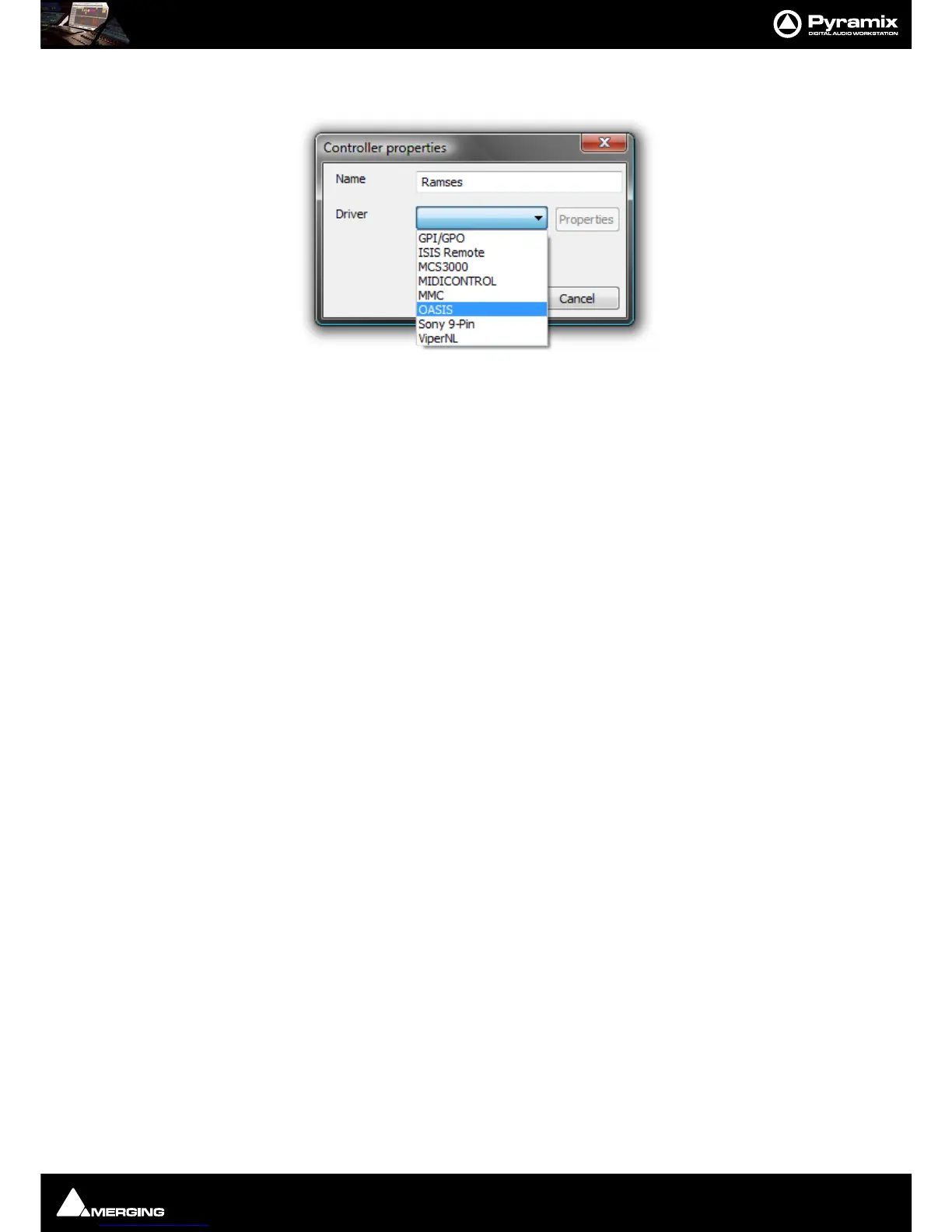
Type a suitable name for the controller you wish to add in the Name field. Click on the down arrow to drop down
the list of drivers.
Select the correct driver for the controller you are installing.
Clicking on
Properties will open a configuration dialog specific to the driver.
Ensure that the
Enable check-box is ticked and Click on OK to add the controller.
Remove
Removes the Controller currently highlighted in the The following controllers are installed list (if any)
Properties
Pops up the configuration window for the selected controller.
Please see: Control by External Device on page 517 for further details.
Auto Show Effects Windows
When selected moving a control on the hardware controller mapped to an effect will open the relevant plug-in’s
window.
Auto Show Release Time (in frames)
Sets the amount of time an Auto Shown window persists after the last detected control move.



 To Next Page