Media Management & Libraries : Library Tab Windows
4 - 83
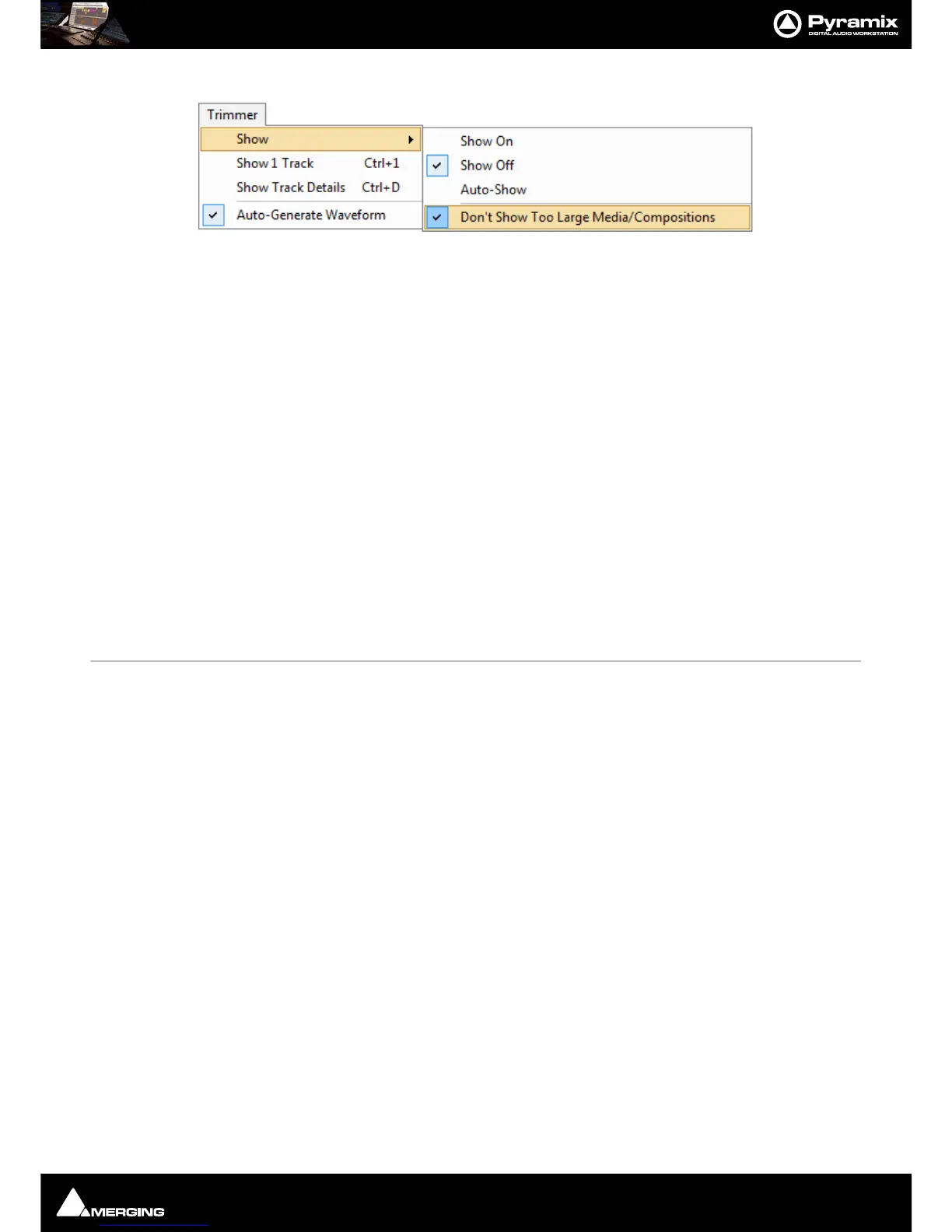
Trimmer Menu
Show
Show On
When ticked the Trimmer is visible
Show Off When ticked the Trimmer is hidden
Auto-Show When ticked the Trimmer is only shown when a Media file is selected
Don’t Show too Large Media/Compositions When ticked Large Media files and Compositions will not be
opened in the Trimmer.
Note: When this option is selected Media or Compositions with more than 16 Tracks or more
than 100 Clips will not be shown in the Trimmer. Selecting this option avoids the loading time
associated with Compositions containing a large number of Clips.
Show 1 Track Show only the first Track of the object displayed in the Trimmer. When this option is
selected
Up and down arrows appear at the left of the Trimmer Track display which
enable any Track to be displayed.
Show Track Details The following information is displayed for each Track of the selected Media file:
•Track Name
•Track Number
• Track Type (left, Right, Center etc.)
• Track File Name (If the Media is recorded in
One File Per Track mode)
Auto-Generate Waveform Waveforms are automatically created for objects without them.
Search Menu
Search All Open Libraries Toggles between Global and Local search. When Active, all open Libraries are searched.
When Inactive only the current Library / Shelf is searched.
Add to Search Results Creates a new Search Results folder named by date and time and the search term(s).



 To Next Page