Media Management & Libraries : Library Tab Windows
4 - 82
View Menu
The View menu determines how information is displayed.
Status Bar Turns the Status bar on and off
Large Show large Icons
Small Show small Icons
List Show as list
Detail Show as list with details
Filters Adds Filter term entry boxes above each column in the view
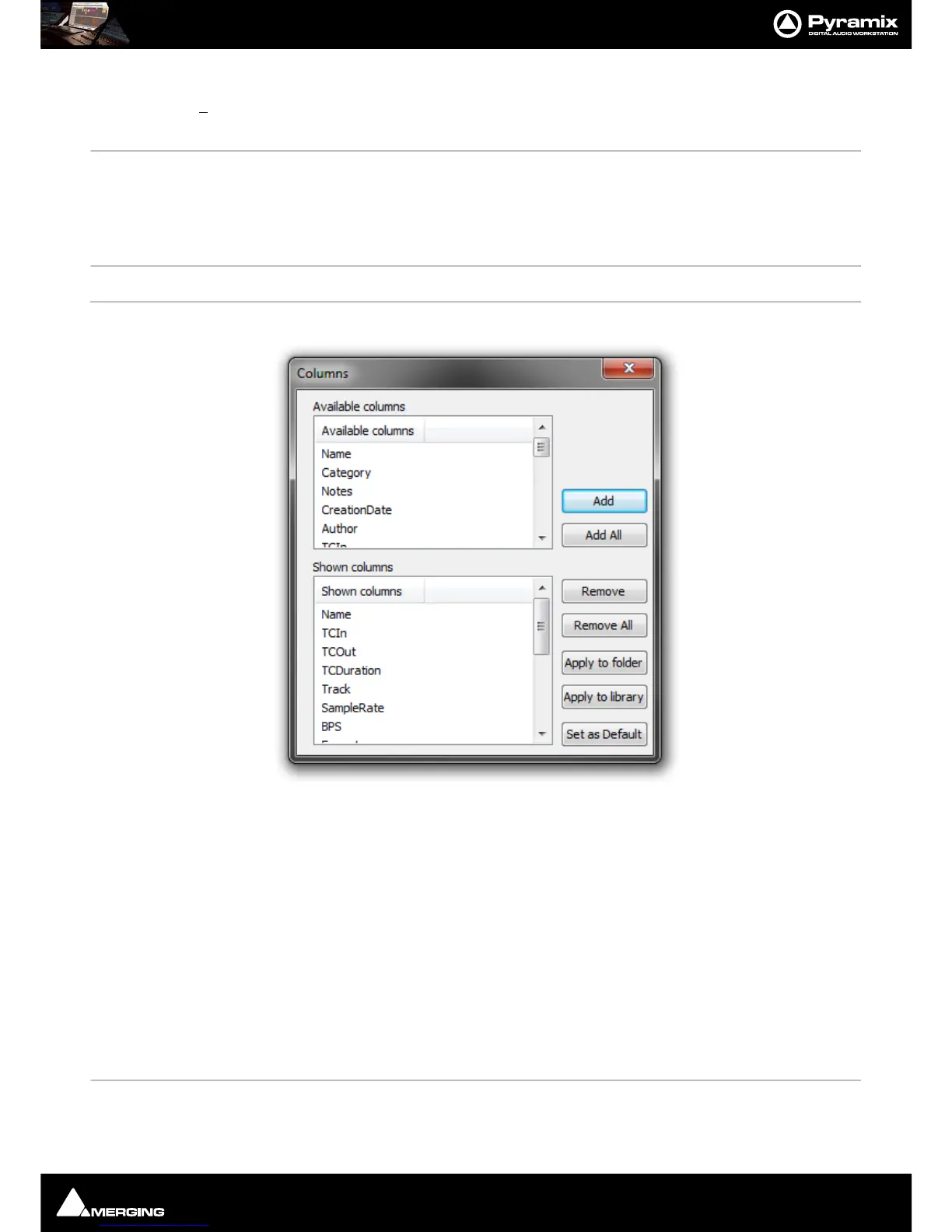
Options Opens the Columns dialog box:
The dialog box shows two lists, Available Columns and Shown Columns.
Available Columns buttons:
Add Adds the column(s) selected to the Shown columns list
Add All Adds All the available columns to the Shown Columns list
Shown Columns buttons:
Remove Removes the column(s) selected from the Shown columns list
Remove All Removes all column from the Shown columns list
Apply to Folder Applies the changes made in this dialog to the current Folder
Apply to library Applies
the changes made in this dialog to all Folders in the current Library
Set as Default Sets
the changes made in this dialog as the default column content for all Folders
in all Libraries.
New Window Opens a new Library Window empty
Refresh Forces a refresh



 To Next Page