Media Management & Libraries : Library Tab Windows
4 - 81
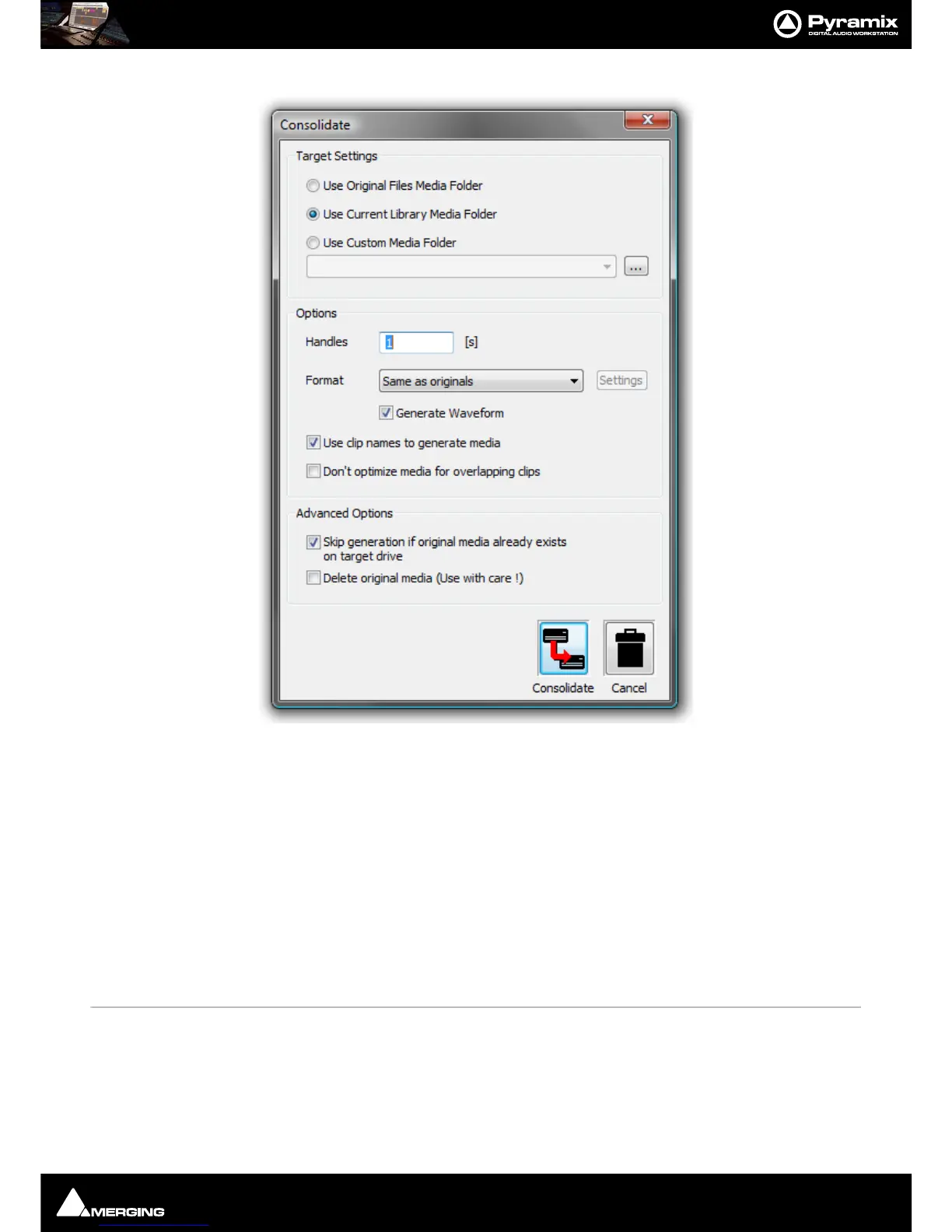
Consolidate
(Libraries only) Opens the Consolidate dialog.
The
Consolidate function makes a selective backup of the media segments in the selected object. I.e. instead of
backing up the whole of every media file referenced by the Clips in a composition,
Consolidate backs up only
those parts of the media files that are referenced by the Clip segments in the
Composition. Extra media, beyond
the Clip boundaries can be added using the
Handles option. This allows further manipulation of the Composition
within the limits of the handle length.
Please see also: Consolidating Projects on page 409
Collect Selected Media to current Project Media Folder
Copies all selected media to the current Project Media Folder.
Select Menu
Select All Selects all objects in the right-hand pane (Ctrl Click toggles selection of individual
objects)
Invert Selection Selected objects are de-selected, unselected objects are selected
Select Media Present on current Project Media Folder Selects any Media file(s) shown in the right-hand pane that are pres-
ent on the current Project Media Folder.
Select Media NOT present on current Project Media Folder Selects any Media file(s) shown in the right-hand pane that are
not present on the current Project Media Folder.



 To Next Page