Data Dictionary categories 4 Data management
Edit data entry categories
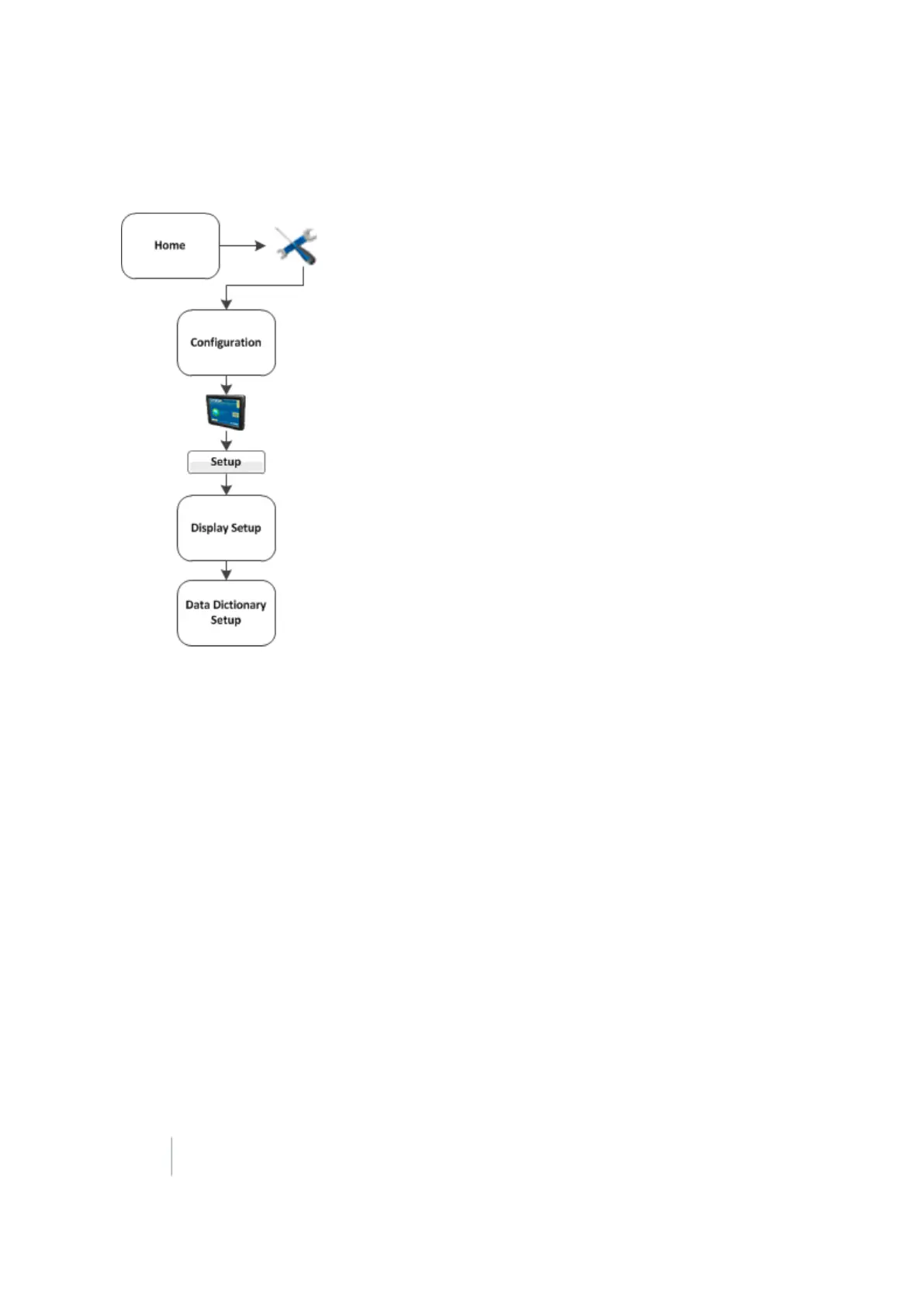
1. At the Display Setup screen, tap Data Dictionary.
2.
Tap Setup. The Data Dictionary Setup screen displays.
3.
From the data list, select the data item you want to add or change.
ll Tap New to create a new item.
l Tap Edit to change an existing item.
4. Define the custom entry by manually entering or updating the name, then tap OK.
5. The new or edited entry displays in the data list on the Data Dictionary Setup screen.
104 FM-1000 Integrated Display User Guide Version 9.25, Revision B



 To Next Page