3 Basic settings Basic system settings
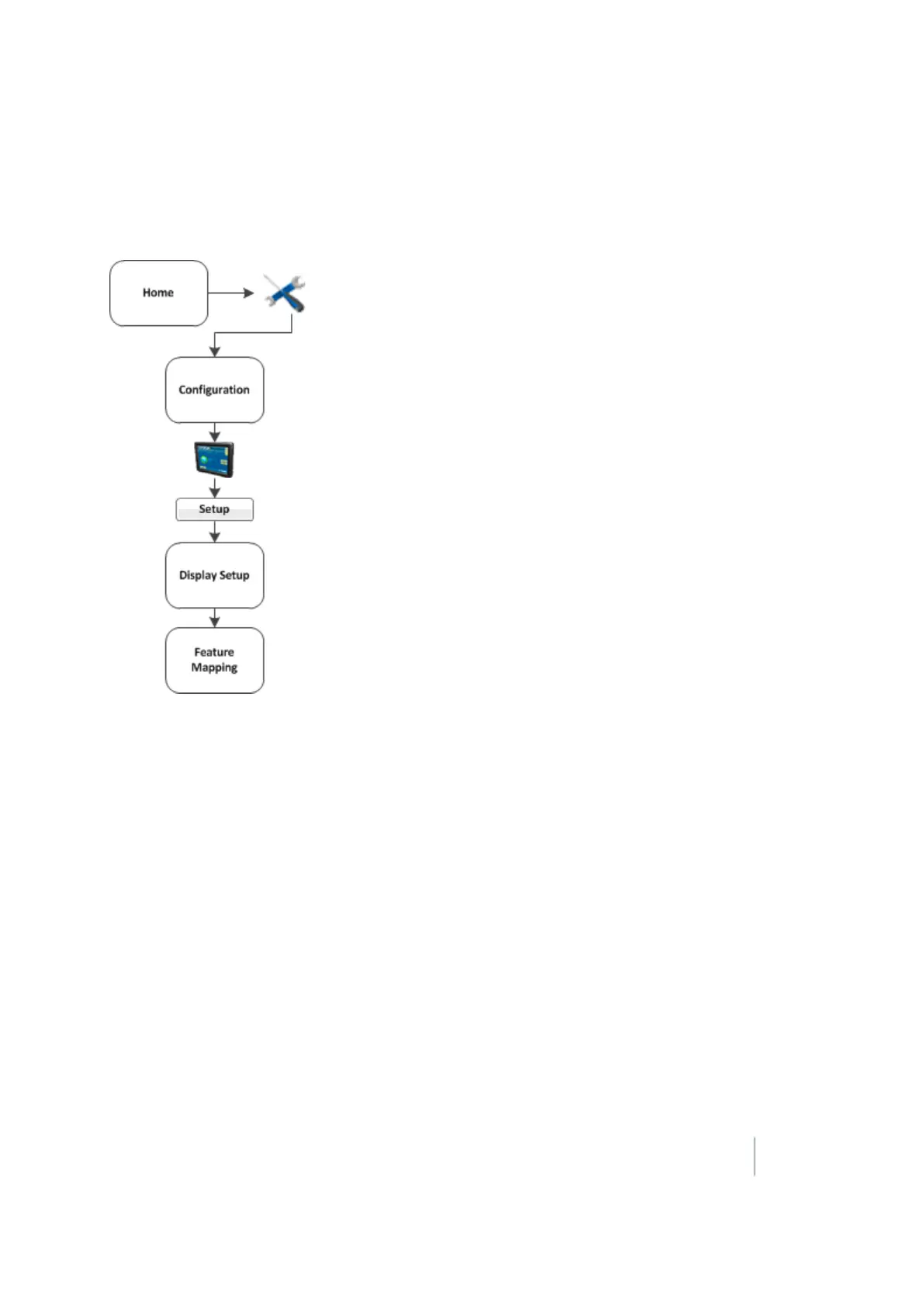
Field feature mapping settings
A field feature is an item you designate on the display while your in your field to indicate lines (such
as fences), areas (such as areas to exclude) and points (such as rocks).
The field feature mapping settings determine:
l What buttons are available on the Mapping Guidance panel of the Run screen for creating
features in the field
l The reference point for creating field features (center, left or right of the boom)
l If a path should be recorded when you begin logging coverage
l The types of warnings that can trigger when entering a feature or area
l When to restrict remote output
l How a boundary is recorded
For detailed information, see Field feature mapping settings (page 142).
Version 9.25, Revision B FM-1000 Integrated Display User Guide 55



 To Next Page