Field feature mapping settings 6 Field feature mapping setup
Field feature mapping settings
You can place field features in the field while driving to define on the screen points of interest or
areas to avoid. There are three types of field feature:
l Point:A single point in the field, such as a tree
l Line:A straight or curved line in a field, such as a fence
l Area:An area of land, such as a pond
You can customize:
l Which features display on the Mapping Guidance panel at the Run screen
l The settings of each feature
Access Feature Mapping settings
1.
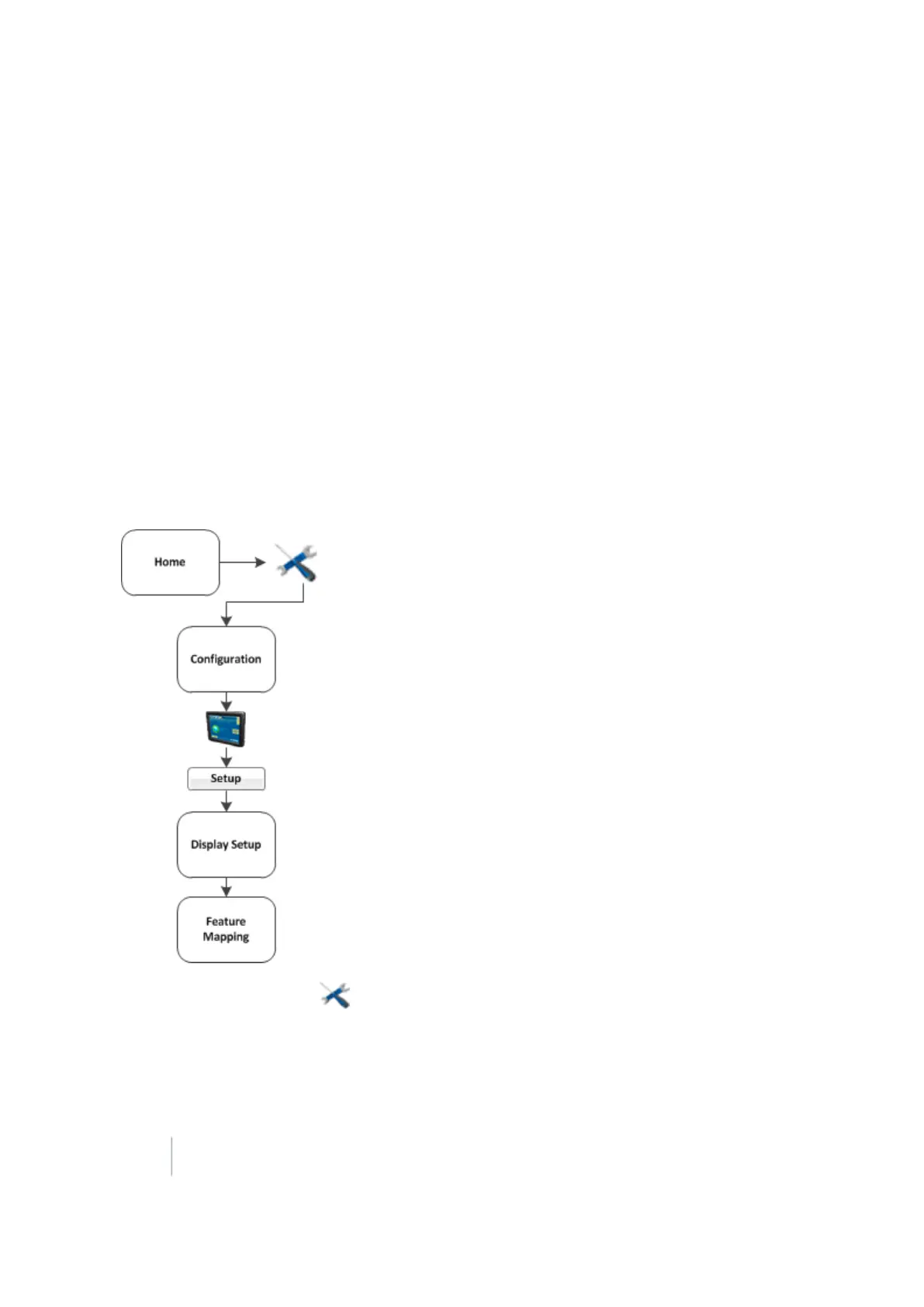
At the Home screen tap . The Configuration screen displays.
2. Select System and tap Setup. The Display Setup screen displays.
3. Select Feature Mapping and tap Setup. The Feature Mapping screen displays.
142 FM-1000 Integrated Display User Guide Version 9.25, Revision B



 To Next Page