5 Connectivity settings Remote Output setup
Remote Output settings
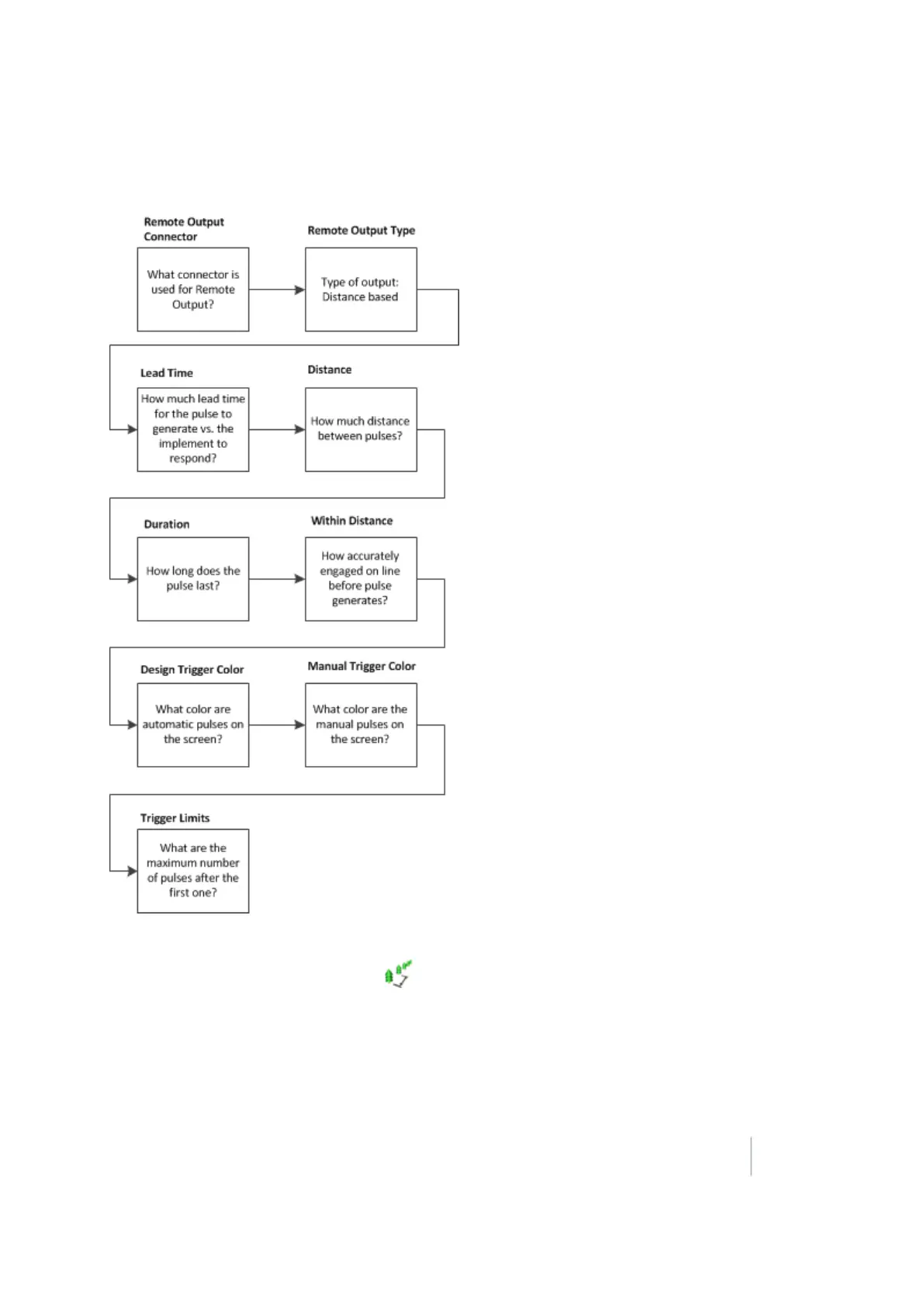
To enable pulse remote output:
1.
At the Configuration screen, select Remote Output and then tap Setup.
2.
The Remote Output screen displays. Complete the settings and tap OK.
3.
For Remote Output Connector:
Select Connector B.
Version 9.25, Revision B FM-1000 Integrated Display User Guide 131



 To Next Page