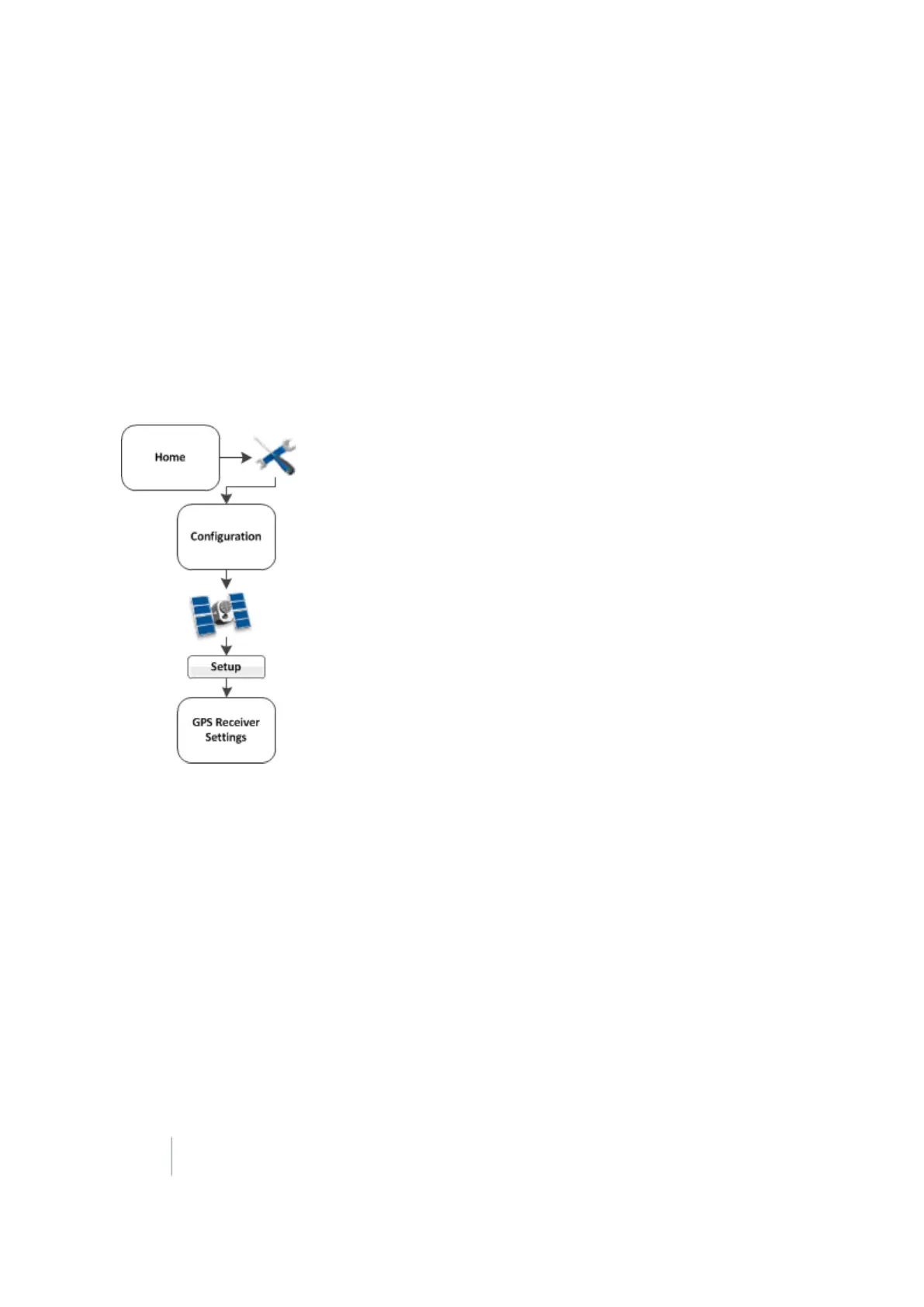
GPS receiver settings 5 Connectivity settings
GPS receiver settings
The FM-1000 integrated display automatically adds a GPS receiver option that controls the internal
GPS receiver, when you install:
l Manual Guidance
l Autopilot
l FieldLevel II
In addition, the system may need second GPS receiver. For example, the TrueTracker system uses a
second receiver that is configured with a separate GPS receiver option.
Note – GPSreceiver settings will show different options, depending on how your system is setup.
Setup of the GPS receiver begins with corrections. These corrections are available:
l Autonomous (no GPS corrections):WAAS and EGNOS
l CenterPoint™ RTK. See CenterPoint RTK (page 111).
l CenterPoint RTX™. See CenterPoint RTX (fs) (page 113).
l CenterPoint RTX (sc) (page 115)
l CenterPoint RTX (ss) (page 116)
l OmniSTAR® wide-area differential GPS service. See OmniSTAR HP/XP/G2 (page 120).
l RangePointRTX (page 123)
l SBAS: Tracks DGPS correction systems using WAAS
108 FM-1000 Integrated Display User Guide Version 9.25, Revision B



 To Next Page