Basic system settings 3 Basic settings
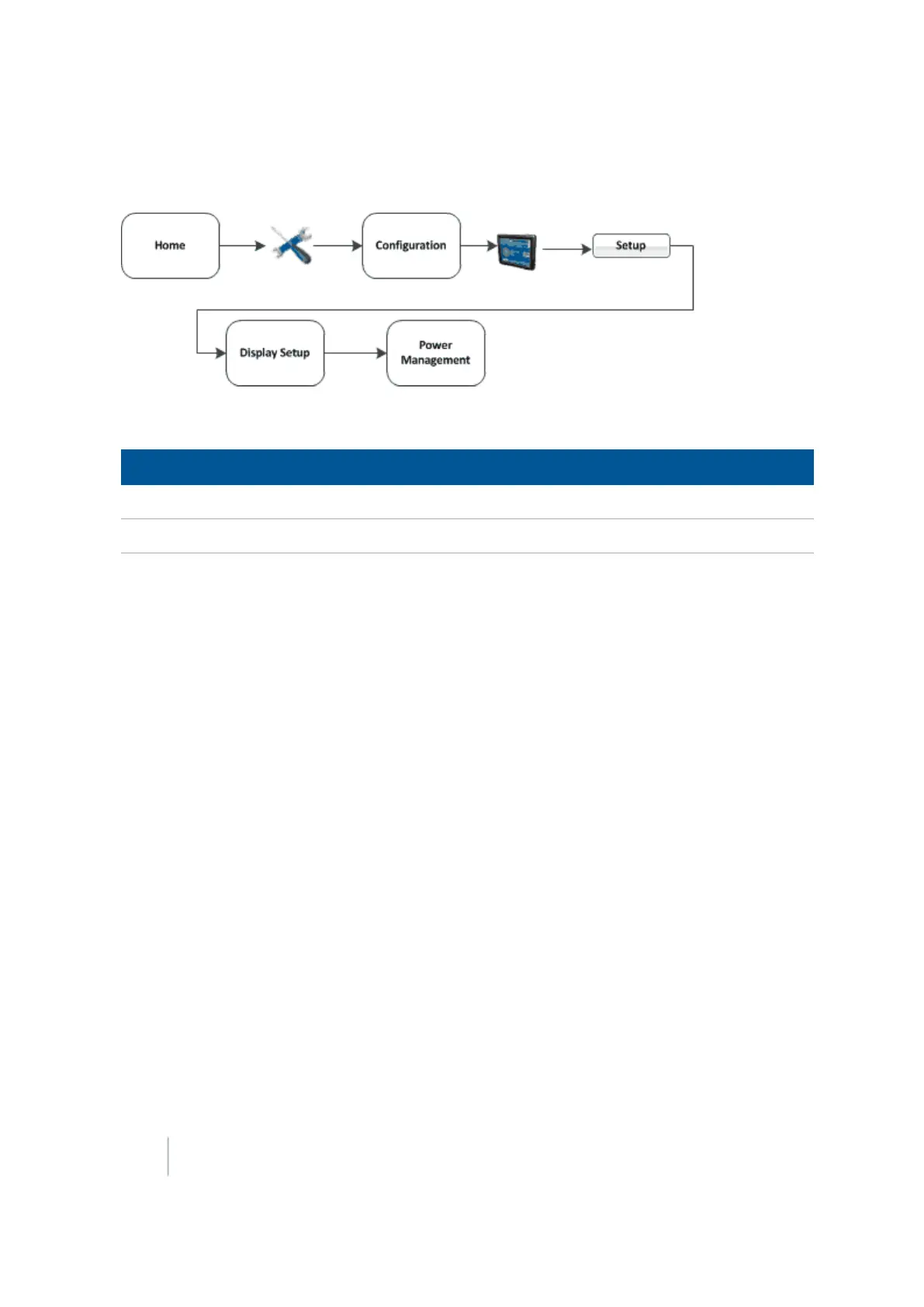
Power management
To manage power, you can set the display to dim the backlight or turn off the display after a pre-set
period of inactivity.
Setting Explanation
Turn Off Backlight Length of time before the backlight turns off.
Turn Off System Length of time before system turns off.
66 FM-1000 Integrated Display User Guide Version 9.25, Revision B



 To Next Page