Basic system settings 3 Basic settings
Basic system settings
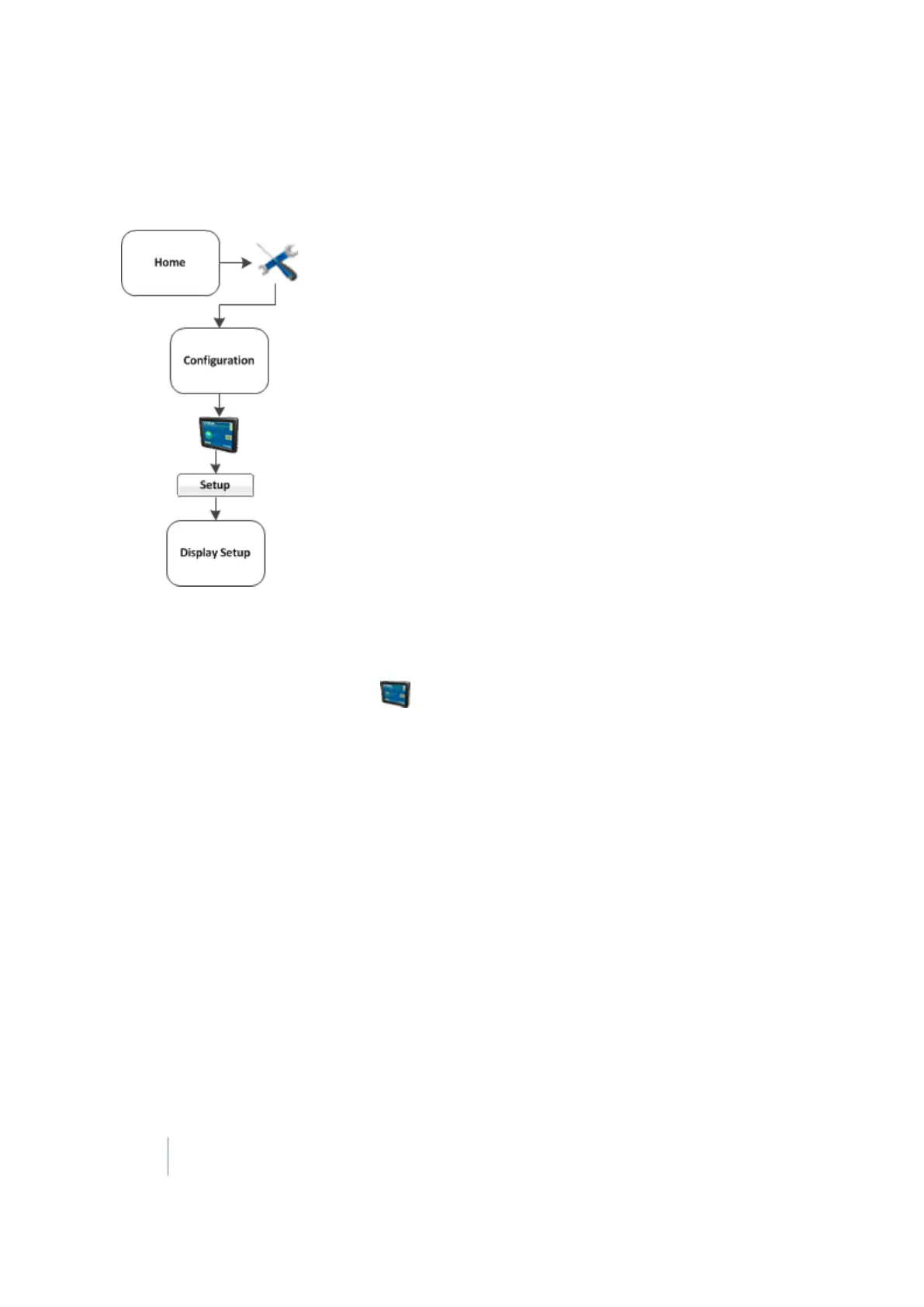
At the Configuration screen, select the System option and then tap Setup. The Display Setup screen
displays.
If required, enter the administrator password. See Passwords (page 39).
1.
At the Configuration screen, tap System in the list, then tap Setup.
2. If necessary, enter the administrator password. See Passwords (page 39).
3. The Display Setup screen displays.
At the Display Setup screen, you can navigate to and edit:
l CAN bus settings (page 50)
l Data dictionary (page 51)
l EZ-Remote Joystick (page 53)
l Field feature mapping settings (page 55)
l Guidance settings (page 56)
l Language, measurements, keyboard layout (page 58)
l Lightbar settings (page 63)
l Map settings (page 59)
48 FM-1000 Integrated Display User Guide Version 9.25, Revision B



 To Next Page