Operation basics 18 Operations
Feature panels
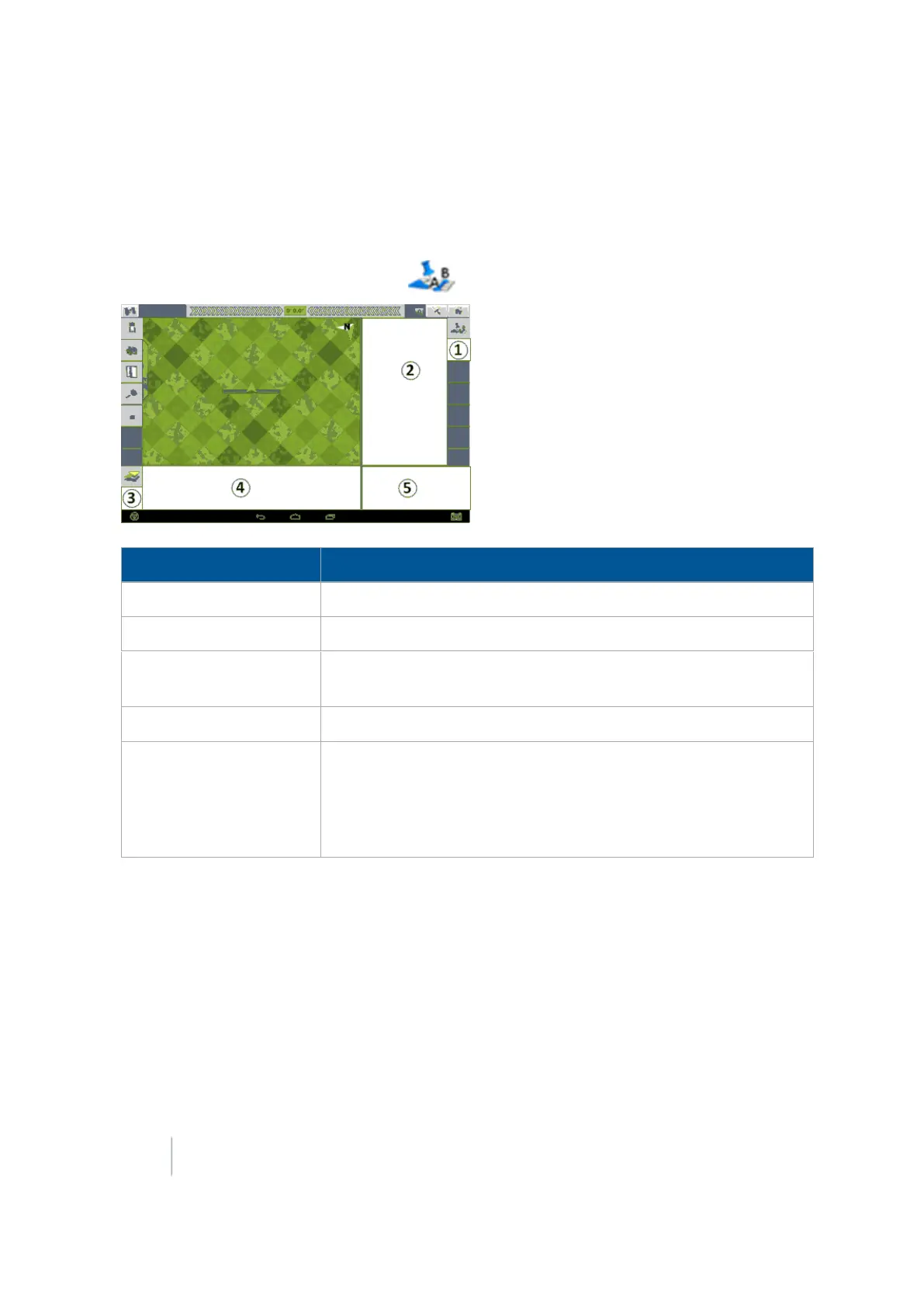
On the Run screen, you open a feature panel to view controls related to that feature. The feature
buttons display on the right-hand side of the screen.
One feature is always on the Run screen: opens the Mapping Guidance panel.
Item Explanation
1 Location for
feature buttons
. Tap to open the feature panel.
2 Feature panel. Contains controls specifically related to the feature.
3 Optional control button. Tap to open additional views related to the
feature.
4 Additional information related to the feature.
5
Area for controls such as the coverage logging and Engage button
when applicable. See:
l Coverage logging (page 381)
l Engage button (page 351)
348 FM-1000 Integrated Display User Guide Version 9.25, Revision B



 To Next Page