Basic system settings 3 Basic settings
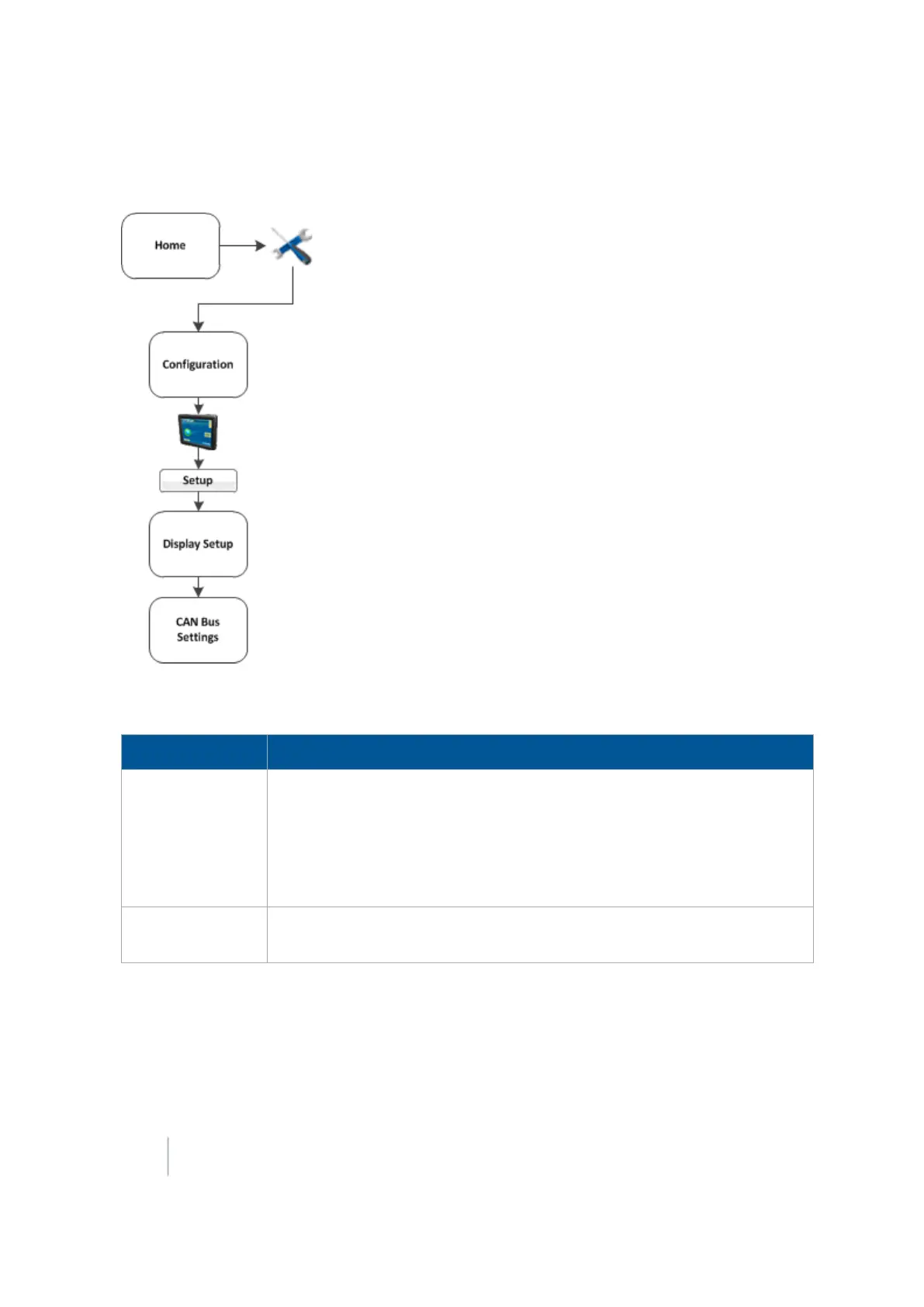
CAN bus settings
Note – These settings are very advanced. Use them only under the direct advice of Technical Support.
At the CANBus Settings screen, complete the settings and tap OK.
Setting Explanation
CAN A Termination
CAN B Termination
If the either CAN buses do not have a physical terminator, enable the CAN
Termination option for that bus.
l Early hardware revisions of the FM-1000 integrated display will
terminate ports A and B.
l Later revisions will terminate B or D.
CAN Driver
Strength
Enable this setting to control the strength of the edges on the CAN bus.
Note –
It is recommended that you set the CAN driver Strength to Full.
50 FM-1000 Integrated Display User Guide Version 9.25, Revision B



 To Next Page