18 Operations TrueTracker operation
l Satellites
l HDOP
l VDOP
l Network ID
Text
A number of status text items provide information about the implement. You can set these status
text items to appear permanently at the top of the screen or on a slide-out tab. To set up status
items, see Status items (page 70).
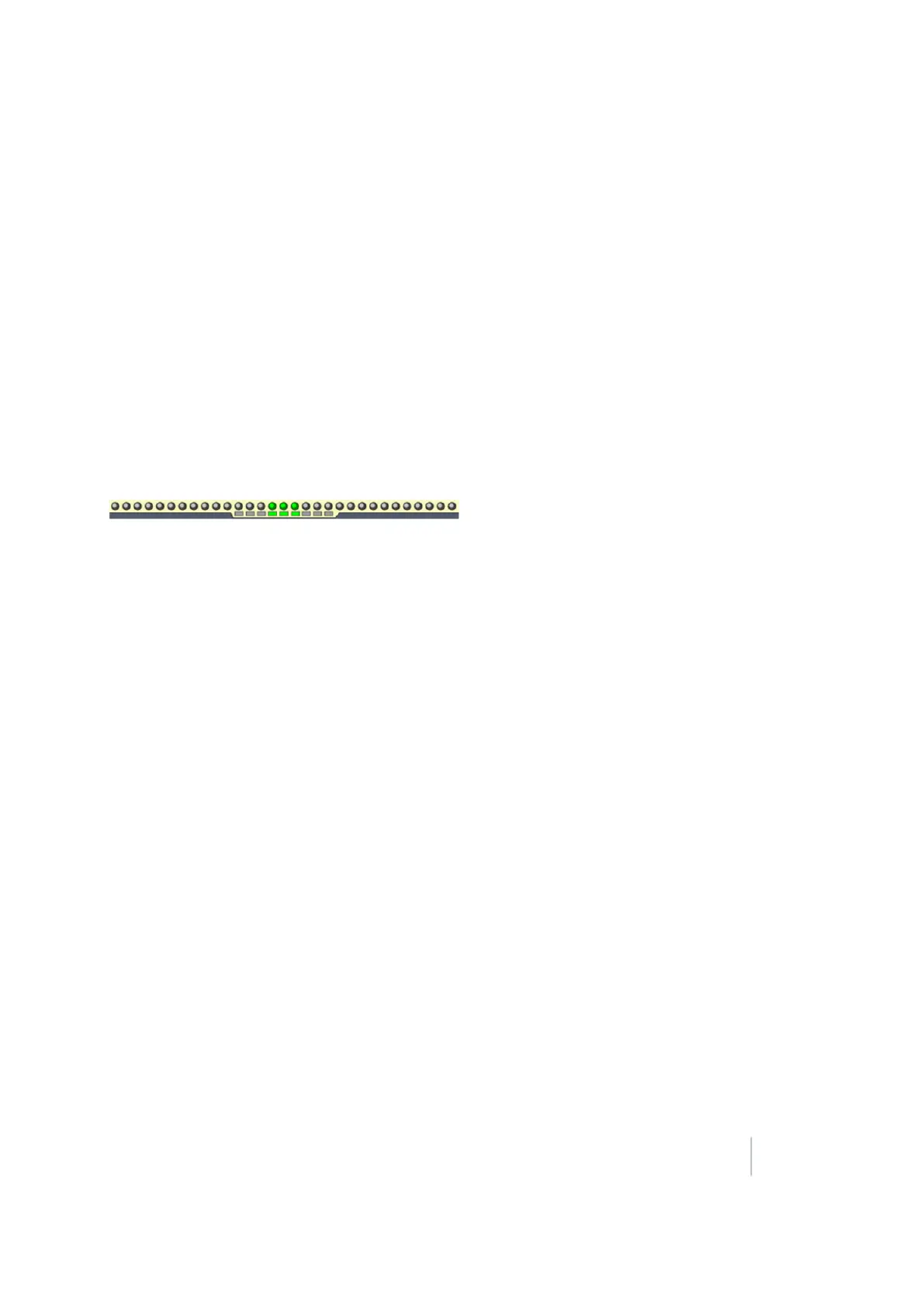
Implement on-screen lightbar
When implement steering is enabled, a second, smaller lightbar displays on the screen below the
main lightbar.
The lower lightbar shows the implement guidance relative to the guidance line. Each LED on the
second lightbar represents 1 inch.
Version 9.25, Revision B FM-1000 Integrated Display User Guide 425



 To Next Page