Delete data 4 Data management
Delete data
CAUTION – Deleting data is permanent. You cannot undo the deletion or restore the data.
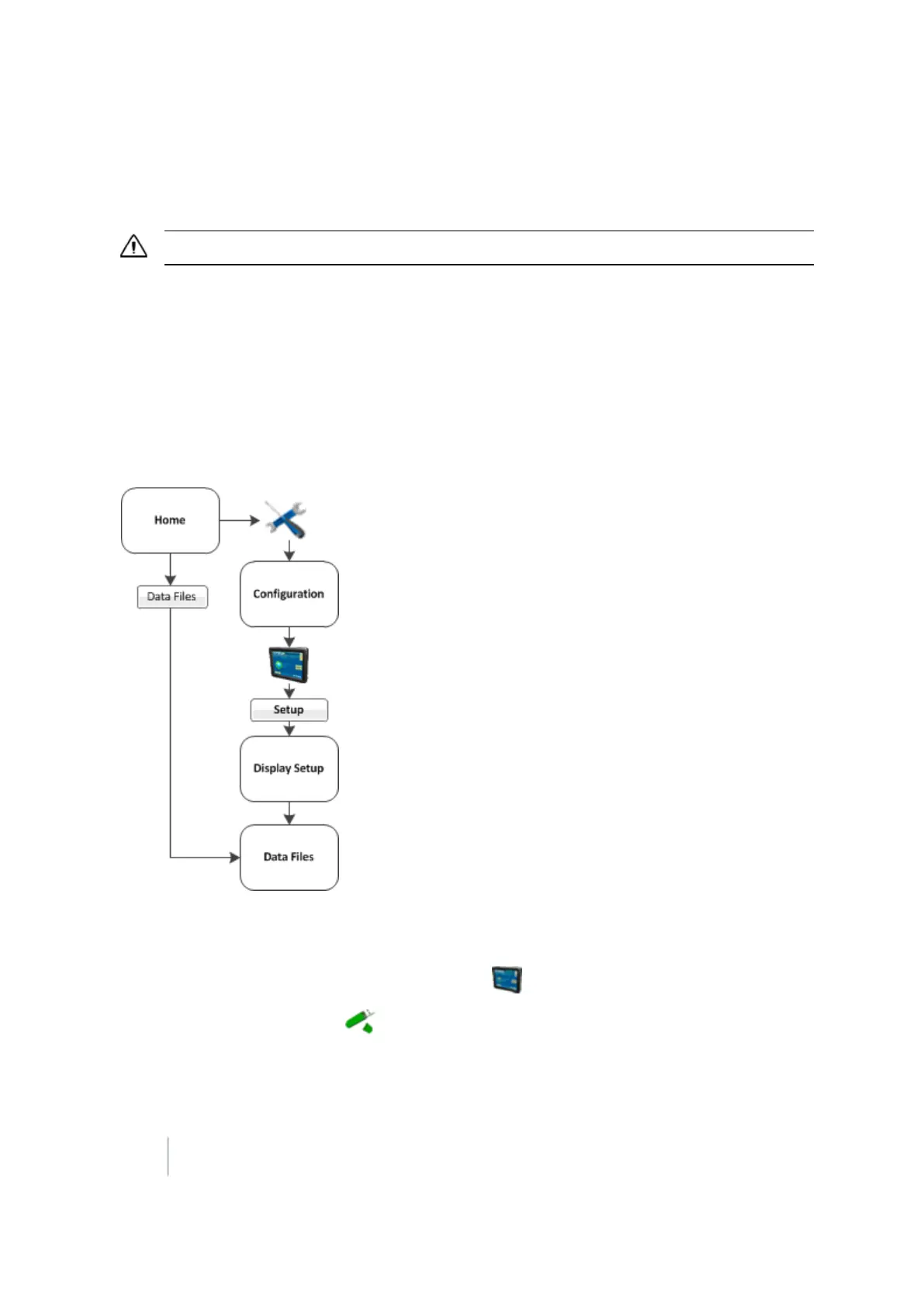
If you need to create more space, you can use the FM-1000 integrated display to delete from the
internal memory or the USB drive:
l Clients
l Farms
l Fields
l Events
Note – You cannot undo data deletion or restore the data.
1. At the Data Files screen, tap Delete Data. The Delete Data Storage screen displays.
2.
If you want to delete from:
ll
The internal memory of the display: Tap the Internal tab.
l
The USBdrive: Tap the USBDrive tab.
90 FM-1000 Integrated Display User Guide Version 9.25, Revision B



 To Next Page