18 Operations Guidance pattern use
Delete a swath
Note – To be able to delete swaths, you must have entered the Administration password.
1.
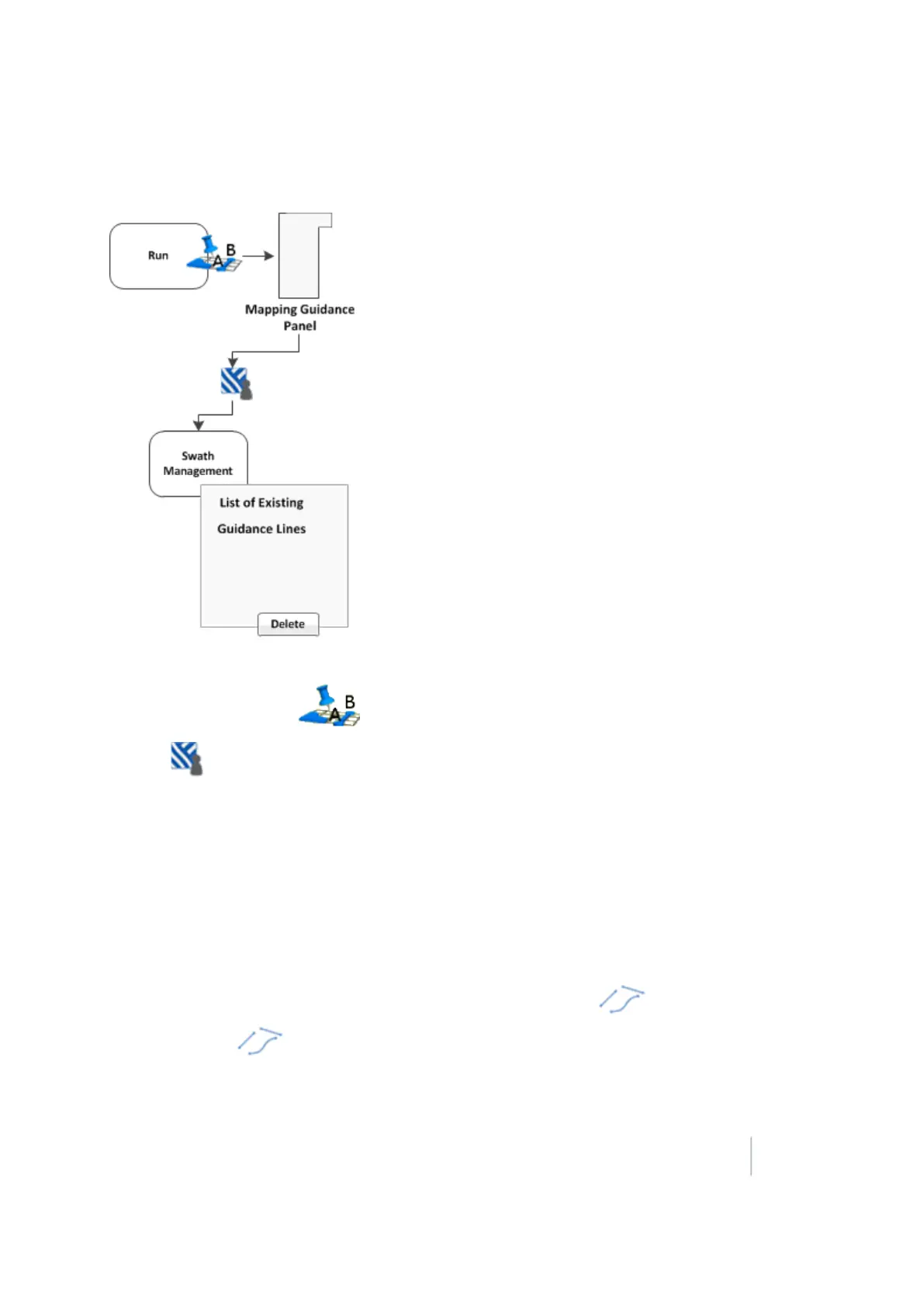
At the Run screen, tap to open the Mapping Guidance panel.
2.
Tap Swaths. The Swath Management screen displays.
3. From the list on the left, select the swath to delete.
4.
Tap Delete. If prompted, enter the password. The swath is marked as deleted. The next time you
close the current field, the swath does not show in the list.
Note – You cannot delete a swath that is currently active.
5. To return to the Run screen, tap Close.
Switch to the next pattern
You can switch from one existing line pattern to another. To do so, tap .
Each time you tap , the system changes the line pattern to the next pattern available in the
list on the Swaths Management screen (Swaths tab).
Version 9.25, Revision B FM-1000 Integrated Display User Guide 377



 To Next Page