2 Display basics Main screens
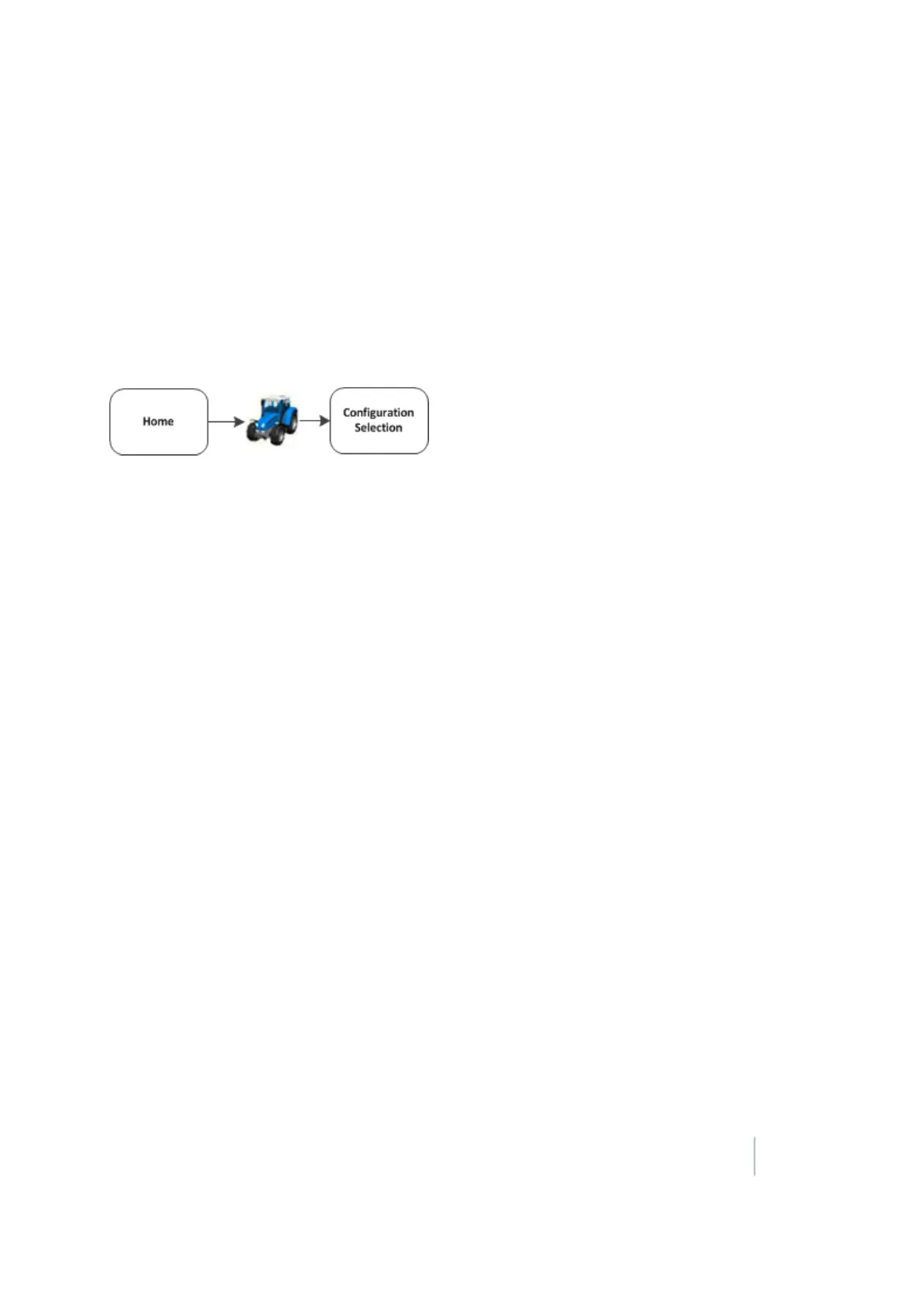
Configuration Selection screen
Before you enter the Run screen, the Configuration Selection screen shows the current
configuration selected for the:
l System
l Vehicle
l Implement
Access the Configuration Selection screen from the Home screen.
For each of these you can:
l Switch to another system, vehicle or implement
l Edit settings
The Configuration Selection screen shows the current configuration selected for the:
l System
l Vehicle
l Implement
Version 9.25, Revision B FM-1000 Integrated Display User Guide 29



 To Next Page