Guidance pattern use 18 Operations
9. Tap OK. The imported field or AB Line is ready to use.
10. For best results, close the field and then reopen it.
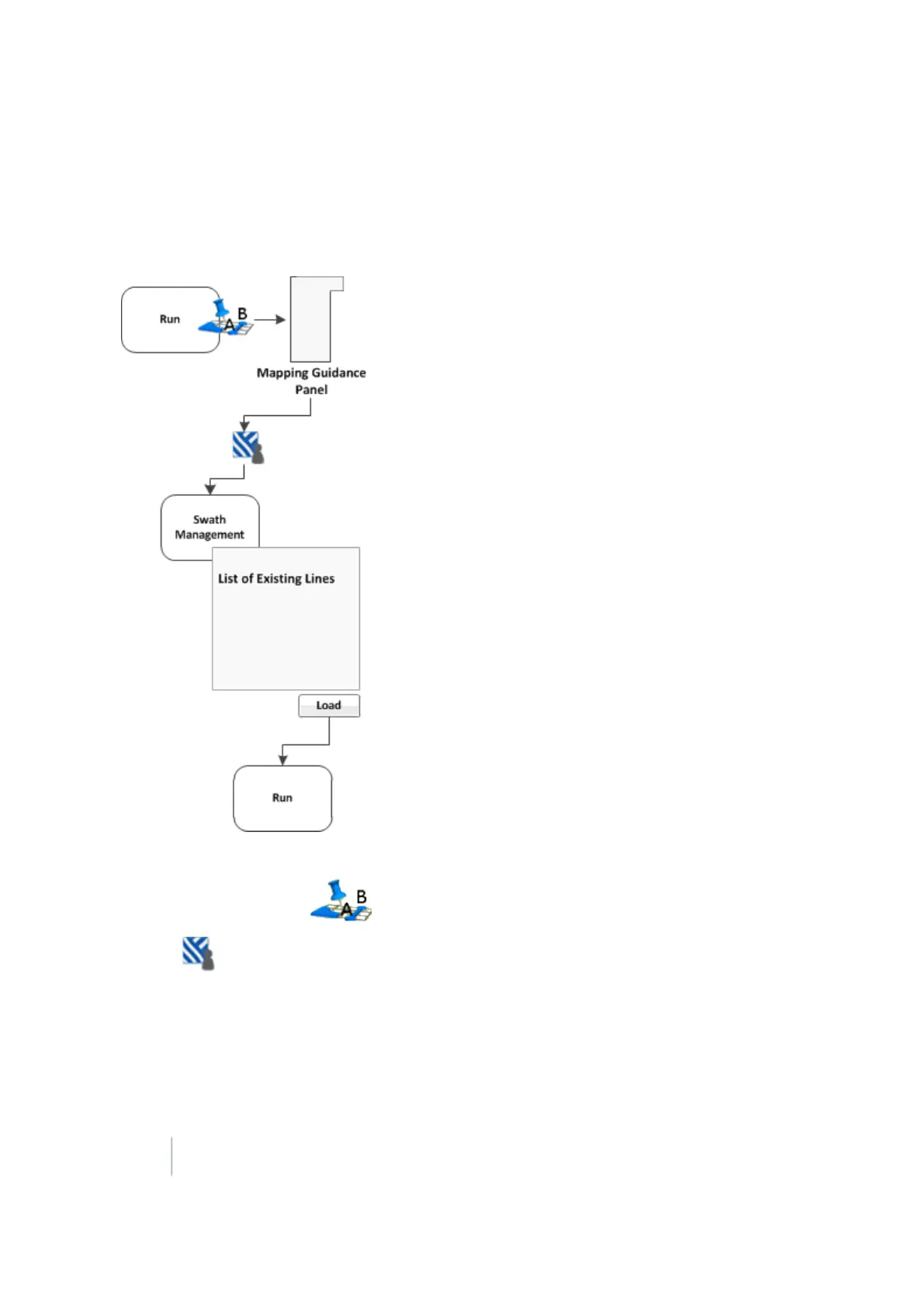
Load a pattern
To load a line/pattern you previously created in a field:
1.
At the Run screen, tap to open the Mapping Guidance panel.
2.
Tap Swaths. The Swath Management screen displays.
3. To load a pattern, select it from the list on the left of the screen. The system loads the closest
pattern to you.
4.
Tap Load. The Run screen displays, with the pattern loaded.
374 FM-1000 Integrated Display User Guide Version 9.25, Revision B



 To Next Page