9 Field-IQ system setup Material setup
Delete a material
1. At the Material Setup screen, tap Delete.
2.
To remove the material, tap Remove. A message displays prompting you to tap either:
ll Remove to remove the material.
l Cancel to return to the Material Setup screen.
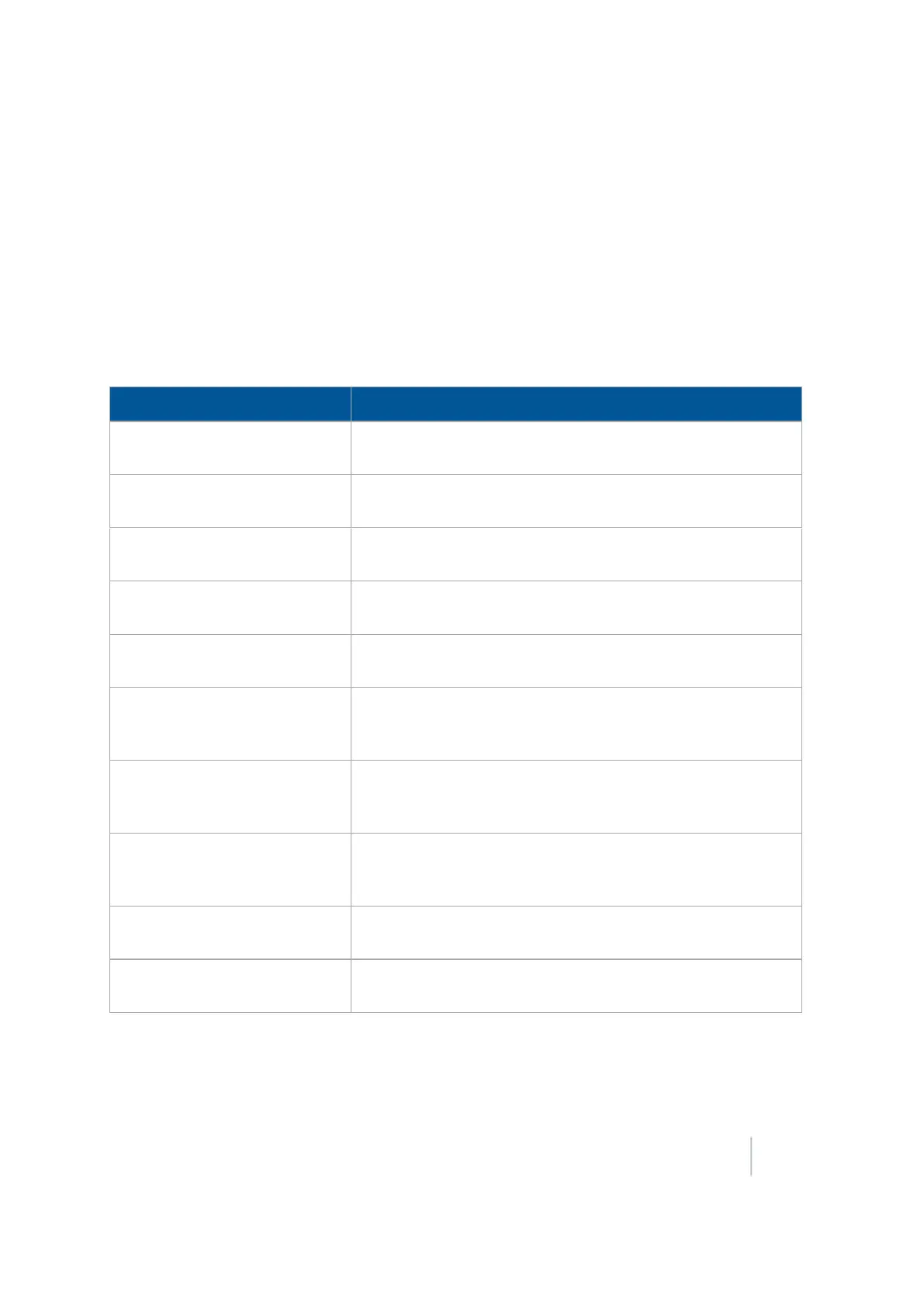
Alarms tab
Setting Alarm triggers when...
High Alarm The rate reaches the selected percentage above the target for
longer than the delay setting
Low Alarm The rate drops the below the target for longer than the delay
setting for the selected percentage
Singulation Low The singulation reaches a percentage lower than 100% for
longer than the delay setting
Seeds When Off This percentage of seeds is detected while the sections are off
for longer than the delay setting
No Seeds When On This percentage of seeds is not detected for longer than the
delay setting
Blockage Sensitivity / Alarm When less than this amount of material is sensed for the
number of seconds given. When no pulses are sensed for this
amount of time the alarm triggers.
Multiples Threshold When two seeds fall within this percentage of seed spacing
(this is considered a double). Lowering this number requires
seeds to be closer together to be reported as a double.
Skips Threshold If two seeds fall outside of this percentage of seed spacing (this
is considered a ). Raising this number requires seeds to be
further apart to be a skip.
Averaging Sample Size The number of seeds used to calculate the average. Increasing
this amount makes the response slower but more stable.
Misplaced Seeds Threshold If a seed falls outside this percentage of seed spacing then it is
considered misplaced and reduces the spacing quality.
Version 9.25, Revision B FM-1000 Integrated Display User Guide 211



 To Next Page