Main screens 2 Display basics
Run screen
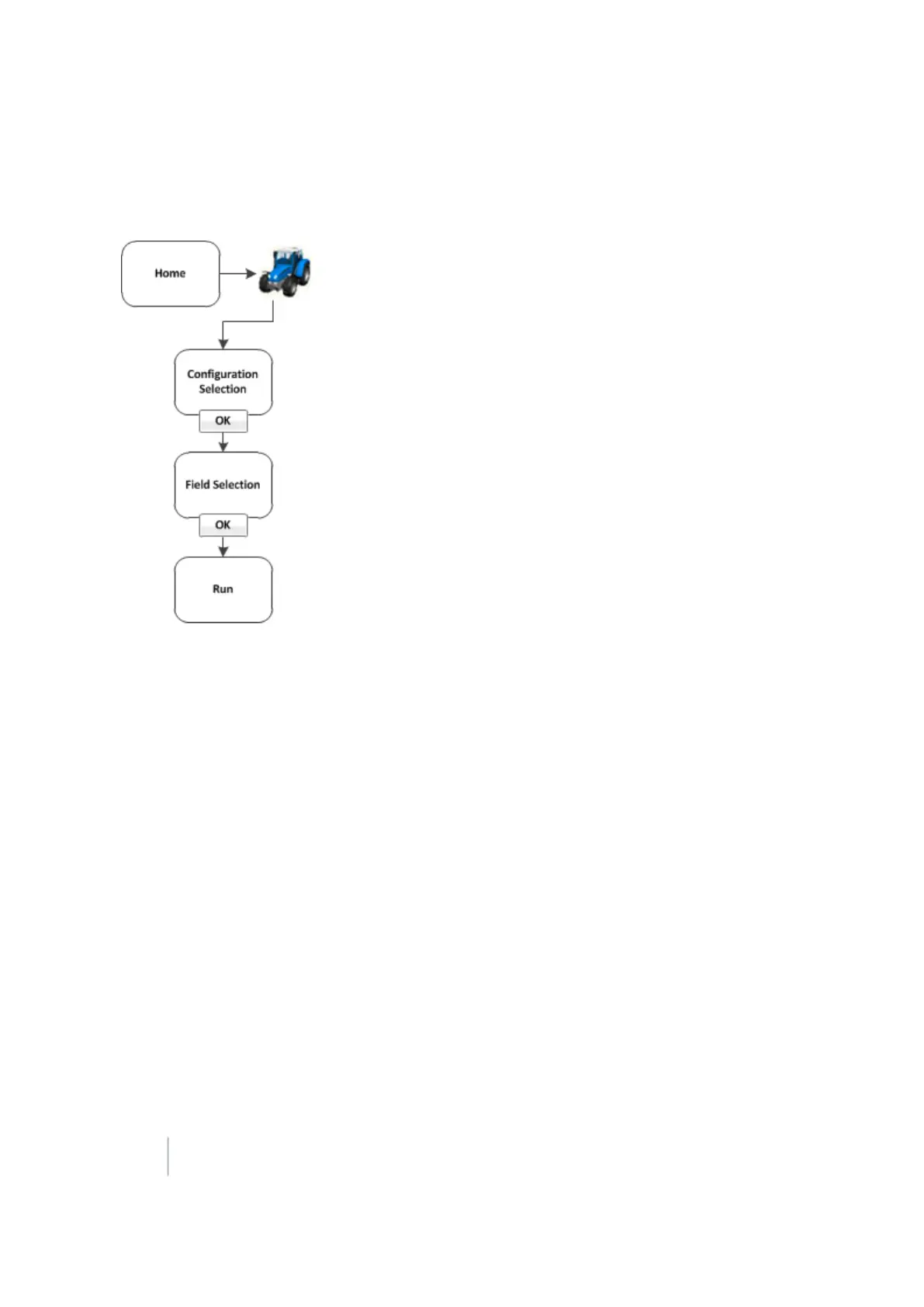
You access the Run screen from the Home screen.
You can also move between the Run screen and the Configuration screen in some cases.
The Run screen is used during operations and shows your guidance lines and an on-screen
representation of your vehicle in the field. The areas of the Run screen include:
l Operational view (page 347)
l Main buttons (page 344)
l On-screen lightbar for vehicle (page 352)
l Optional features/plugins (page 40)
l Coverage button and information. See Coverage button for logging (page 352).
l Engage button (page 351) , if applicable
You can navigate from the Run screen to the Configuration screen to:
l Change settings
l View diagnostics
l Save configuration (in some cases)
36 FM-1000 Integrated Display User Guide Version 9.25, Revision B



 To Next Page