18 Operations EZ-Pilot system operation
EZ-Pilot system operation
WARNING – Many large and sudden changes in satellite geometry caused by blocked satellites can cause
significant position shifts. If operating under these conditions, auto-guidance systems can react abruptly. To avoid
possible personal injury or damage to property under these conditions, disable the auto-guidance system and take
manual control of the vehicle until conditions have cleared.
To engage the EZ-Pilot system, you must have:
l Have an open field in the Run screen
l Have an existing pattern you are using
l The vehicle within the engage distance set in the Engage tab. See Engage settings for EZ-Pilot
system (page 193).
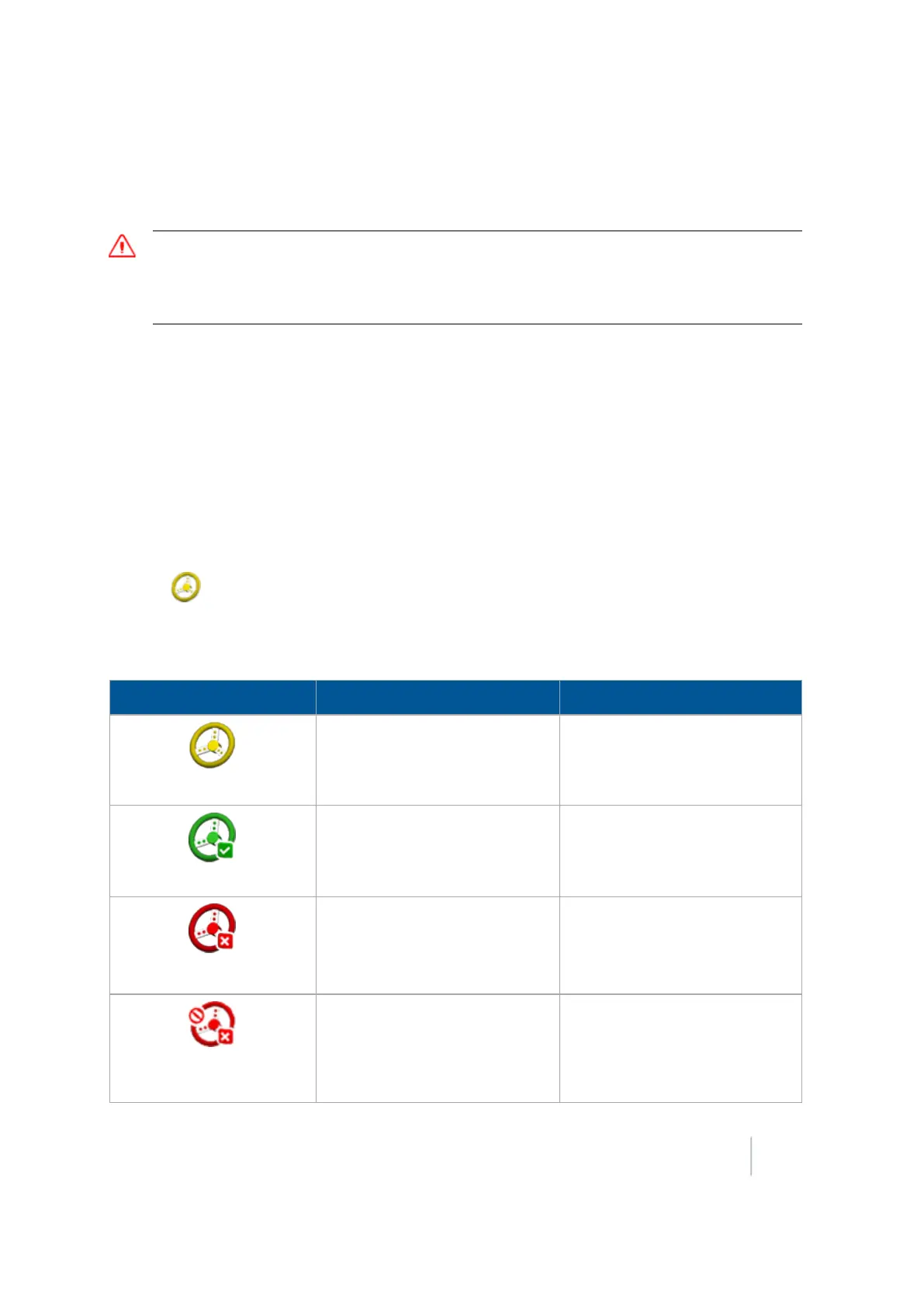
The Engage button on the screen can indicate status and, in some cases, also control the EZ-Pilot
system.
When you are using EZ-Pilot, to automatically steer on the guidance line you can:
l
Tap (yellow) on the screen
l Press the Engage button on the EZ-Remote joystick
l Use an external foot or rocker switch
Indicator / Button Explanation Tap to...
Ready to Engage (yellow)
The vehicle is close enough to
the guidance line to engage on
it.
Engage on the guidance line.
Engaged (green)
The vehicle is engaged on the
guidance line.
Stop engaging on the guidance
line.
Not Ready to Engage (red)
The vehicle is not ready to
engage on the line because the
guidance line is too far from the
vehicle.
N/A. You cannot tap this button.
It is an indicator only.
Auto steering not allowed
(red)
Automatic steering is not
allowed due to how it has been
set up.
N/A. You cannot tap this button.
It is an indicator only.
Version 9.25, Revision B FM-1000 Integrated Display User Guide 401



 To Next Page