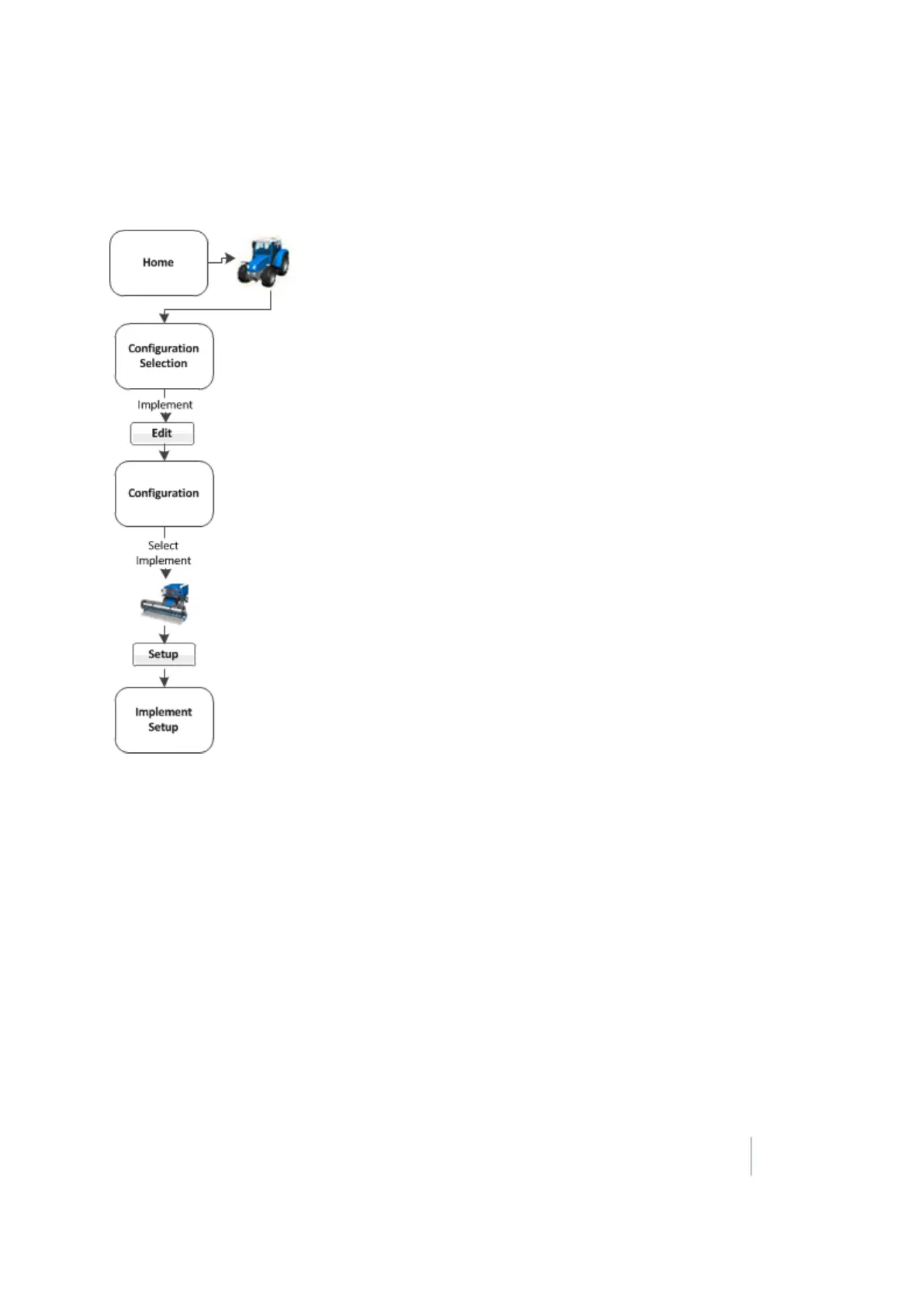
7 Implement setup Edit implement settings
Edit implement settings
At the Implement Setup screen, you can change:
l Implement Type: Primary task for the current implement
l Measurements: Basic information required for guidance using an automatic steering system
l Geometry: More detailed implement dimensions required both with and without a GPS
receiver on the implement
l Overlap: Values required to apply or avoid overlap
l Extras: Settings for variety setup and remote log switches
Implement Type
In the Implement Type tab, choose the type of implement you want to set up.
Version 9.25, Revision B FM-1000 Integrated Display User Guide 155



 To Next Page