17 Yield Monitoring setup Yield sensor / moisture sensor calibration
Yield sensor / moisture sensor calibration
To calibrate the yield sensor and moisture sensor, use either of these:
l Single-Load Calibration
l Multi-Load Calibration
Before starting either procedure, keep the following in mind:
l Use the same load type for both yield and moisture calibration.
l To achieve the highest accuracy, perform the Multi-Load Calibration procedure.
Calibration steps
1. Verify that all Yield Monitoring setup parameters are correct.
2.
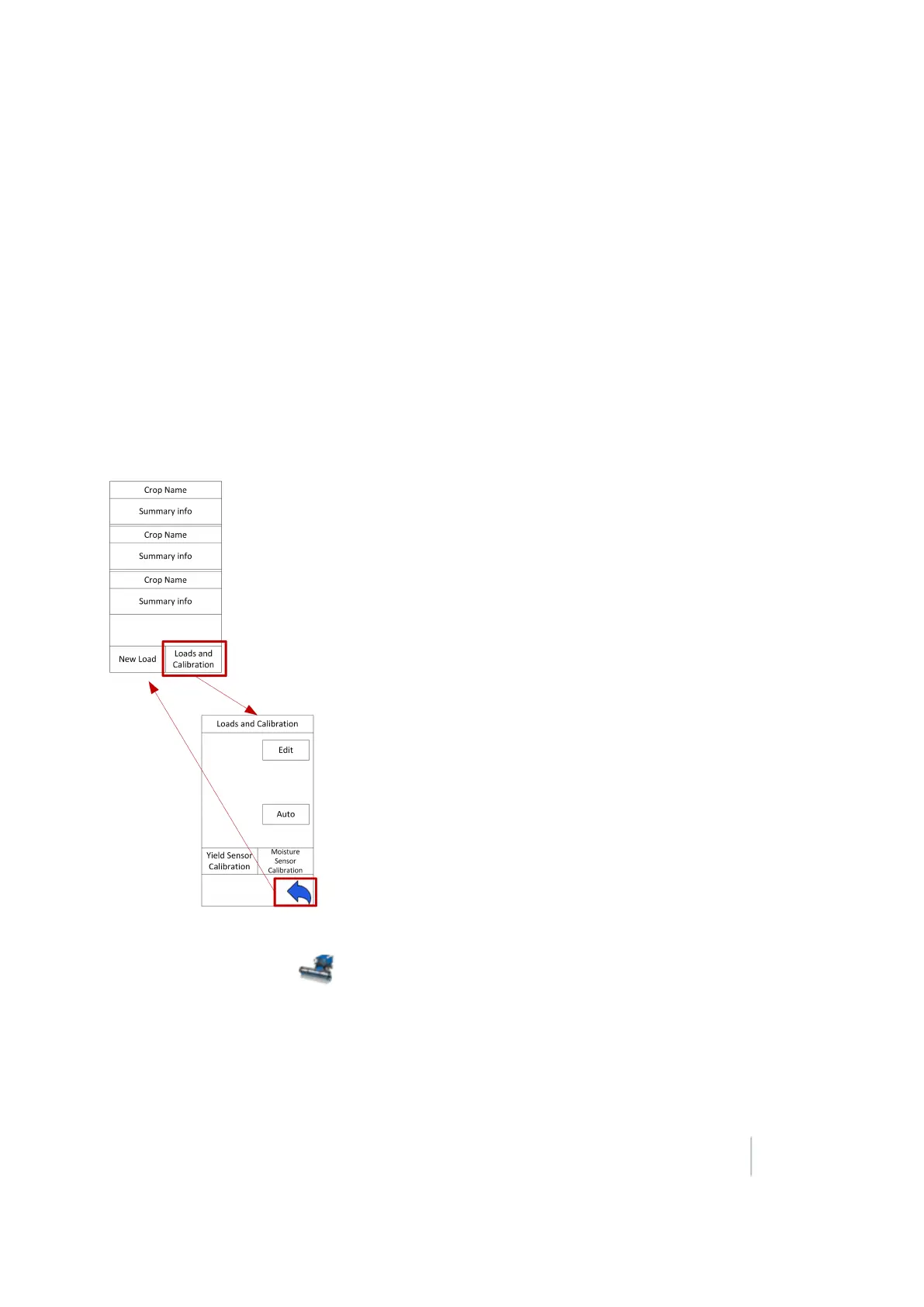
At the Run screen, tap to open the Yield Monitoring panel.
3. Tap Loads and Calibration. The Loads and Calibration view of the panel displays.
4. Tap either Yield Sensor Calibration or Moisture Sensor Calibration, depending on which calibration
you want to perform.
Version 9.25, Revision B FM-1000 Integrated Display User Guide 333



 To Next Page