3 Basic settings Basic system settings
Lightbar settings
The display has two lightbar options:
l The on-screen lightbar that displays at the top of the Run screen
l One or more external lightbars
On-screen lightbar
You can edit the default settings for the on-screen (virtual) lightbar.
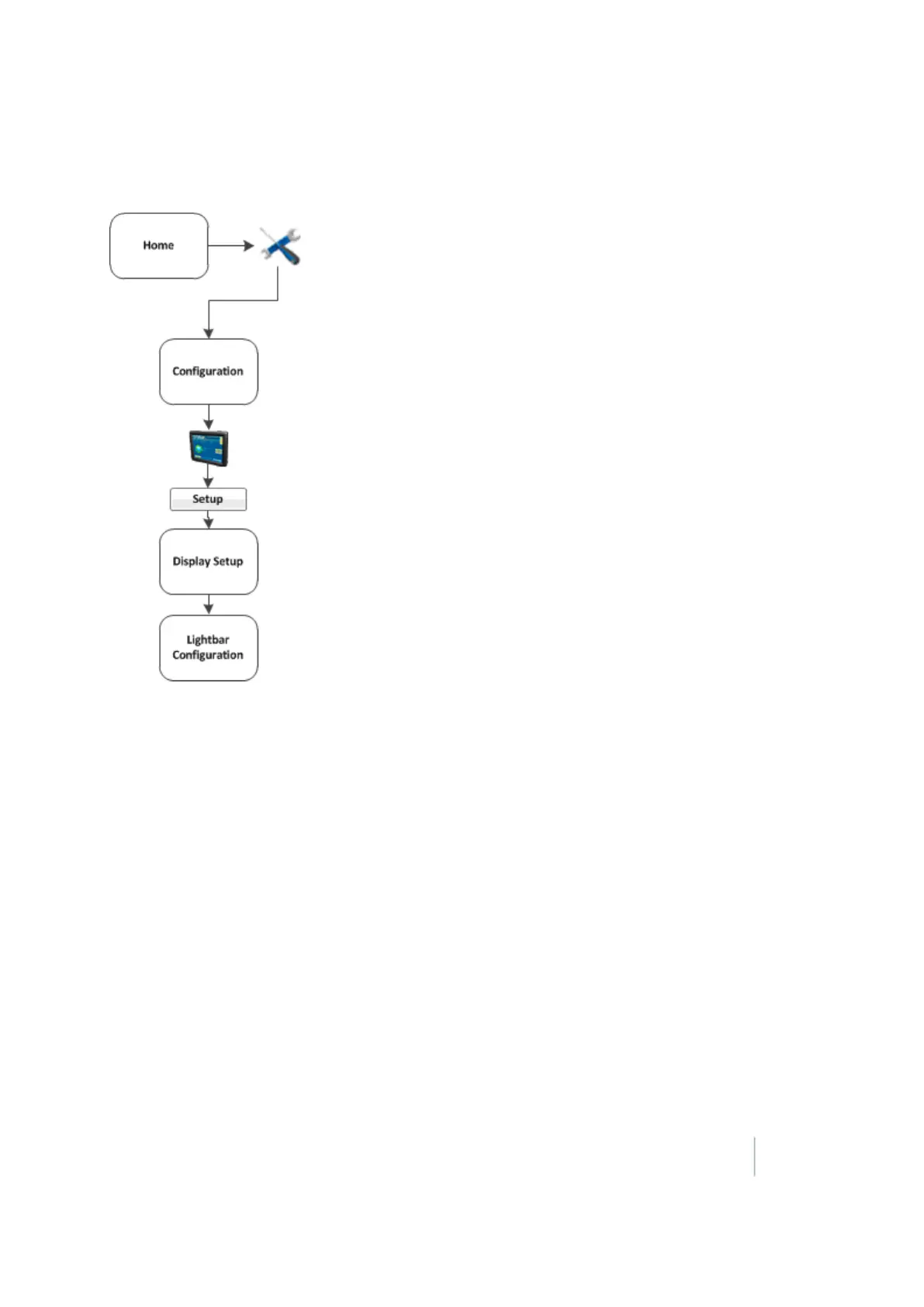
1. At the Display Setup screen, select Lightbar.
2. Tap Setup. The Lightbar Configuration screen displays.
3. Tap Virtual Lightbar and tap Setup.
4.
Complete the settings as appropriate.
Version 9.25, Revision B FM-1000 Integrated Display User Guide 63



 To Next Page