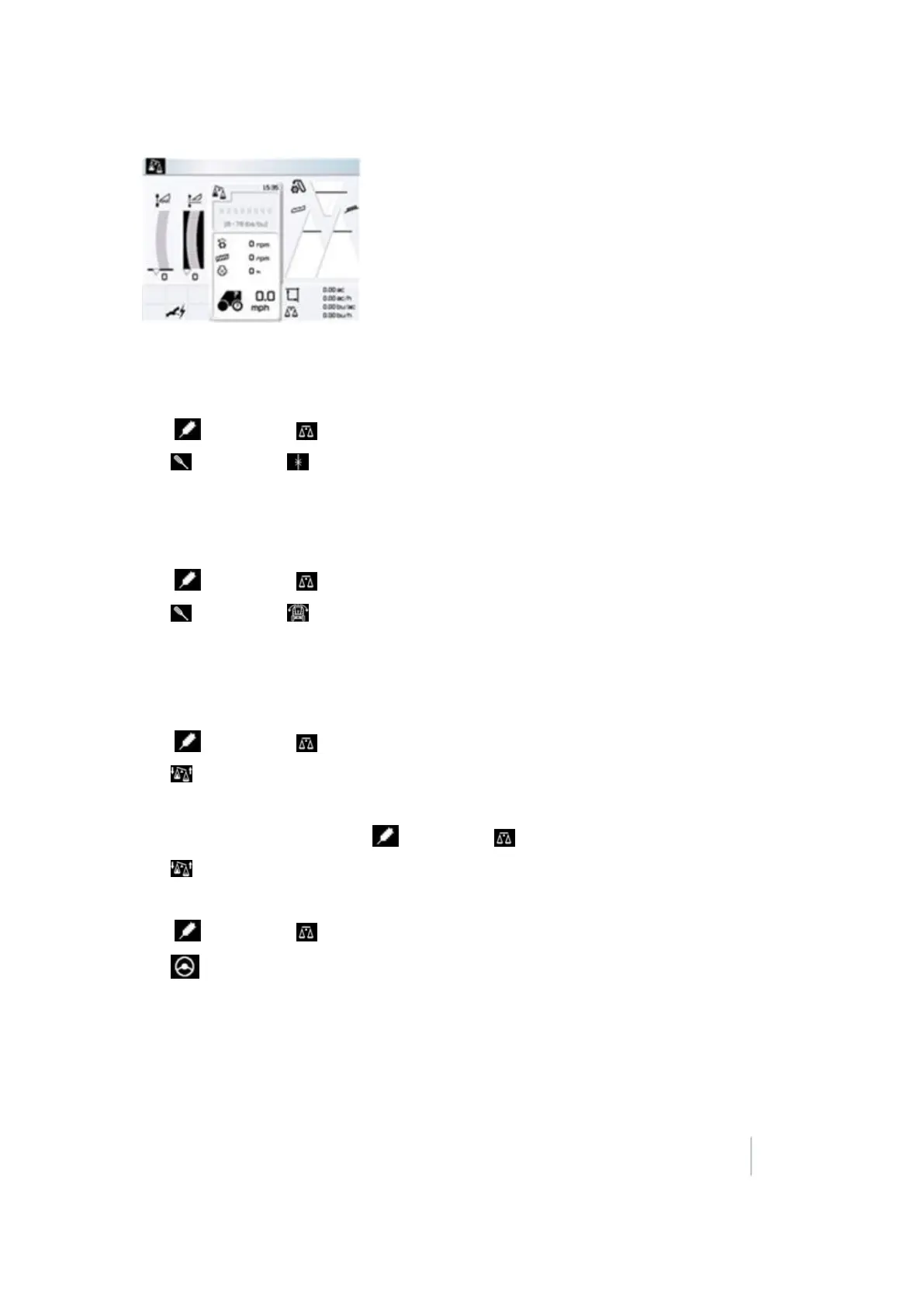
17 Yield Monitoring setup Third-party display instructions
Note – The lbs/bu value must be set before the Weight Measured function can be used.
Zero Yield setting
1.
Tap and then tap .
2.
Tap and then tap .
3. Tap OK.
Zero Angle setting
1.
Tap and then tap .
2.
Tap and then tap .
3. Tap OK.
Claas Cebis Quantimeter calibration
1.
Tap and then tap .
2.
Tap and then scroll to On.
3. Harvest a full grain tank or truck load.
4.
After the tank or truck is full, tap and then tap .
5.
Tap and then scroll to Off.
6. Weigh the grain tank or truck to get a scale ticket.
7.
Tap and then tap .
8.
Tap and then tap Crop yield weighted.
9. Scroll to increase or decrease the value until it matches the weight on the scale ticket.
Version 9.25, Revision B FM-1000 Integrated Display User Guide 337



 To Next Page