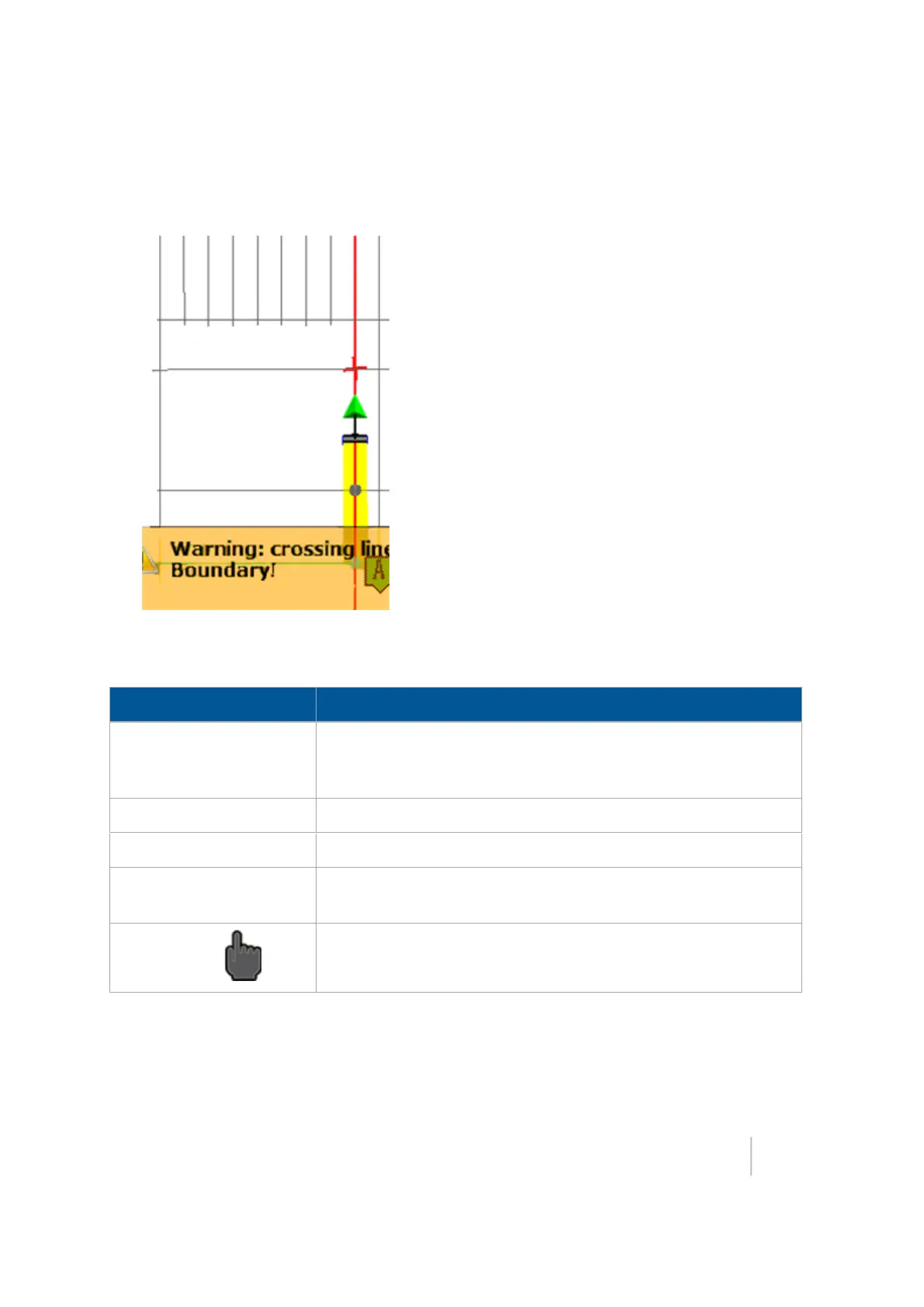
18 Operations Remote Output operation
Note – The location of the next output may change as accuracy of the calculated position improves.
l
A warning when you near the intersecting line, if you have set up warnings (see Remote Output
settings (page 131))
The Remote Output panel shows:
Remote Output Panel Explanation
Next Output ID A combination of the next pulse number and the current swath ID).
(The pulse number increments with each pulse, and is not related to
the swath or vehicle position.)
Current Pass Output
The number of pulses that have been output on the current swath.
Total Outputs The number of pulses that have been output in the field currently.
Next Output Distance The distance between the implement and the next point for the
system to output a pulse.
Manual Trigger Tap this button to manually output a pulse.
Change trigger limits during operation
To change the maximum number of pulses per swath during operation, tap the button to the left of
the label Trigger Limits and enter the new number.
Version 9.25, Revision B FM-1000 Integrated Display User Guide 417



 To Next Page