17 Yield Monitoring setup Third-party display instructions
4.
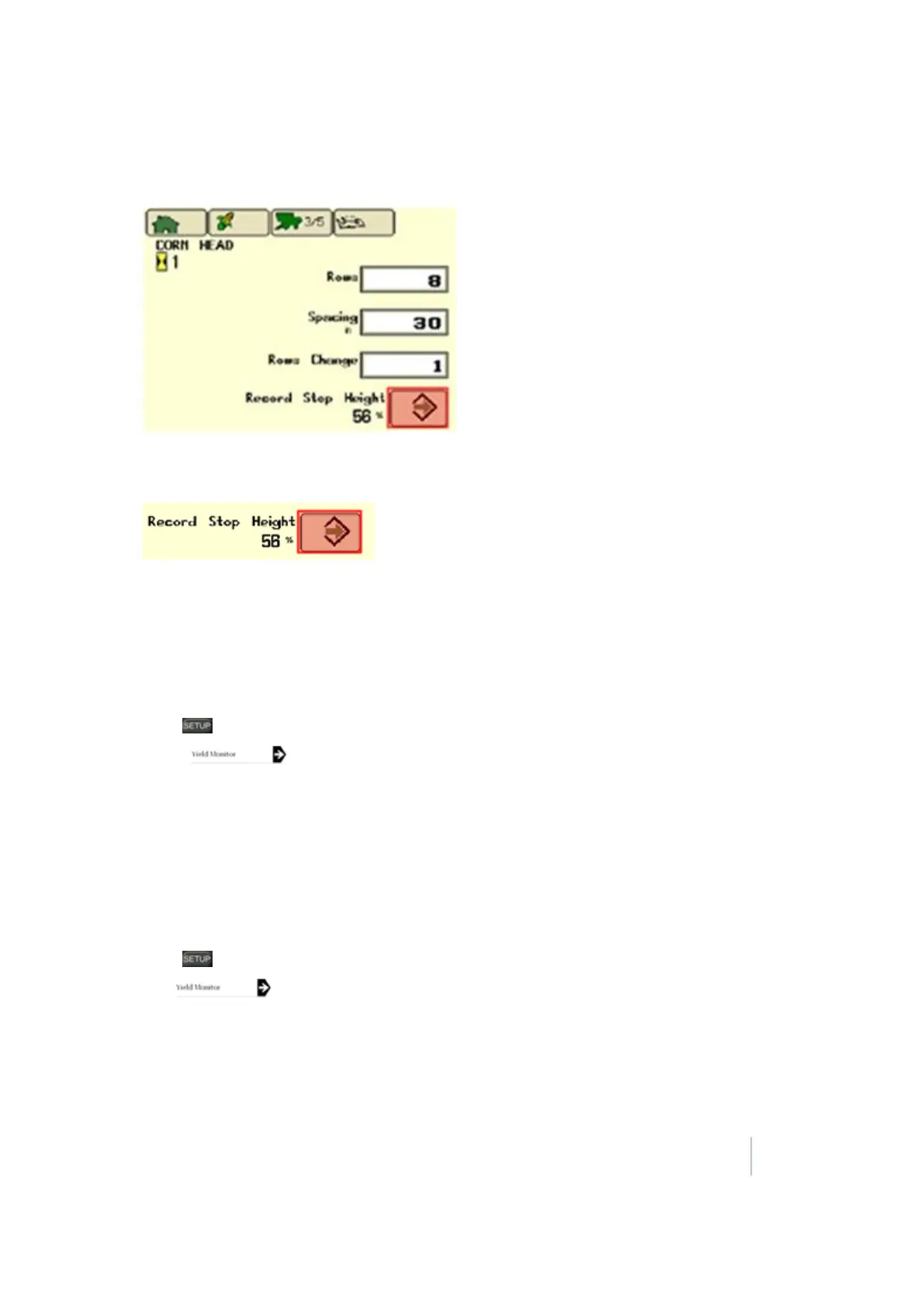
After Combine tab is selected, continue to press the third button from the left until page 3
displays (page numbers are located on the Combine Tab).
5. Position the header to 100%.
6.
Press Enter on Stop Head Height screen to record the required stop header height.
Greenstar Monitor calibrations
Original Greenstar Display (60 Series Combines)
Moisture calibration
1. Press .
2.
Select .
3. View page 1.
4. Check moisture with a certified tester.
5. Calculate moisture correction (certified tester reading minus the Greenstar reading).
6. Input the moisture difference.
Yield calibration
1. Press .
2.
Tap .
3. View page 2.
4.
Verify that the combine’s grain tank and the truck/wagon are both empty, and tap Start.
Version 9.25, Revision B FM-1000 Integrated Display User Guide 339



 To Next Page