Guidance pattern use 18 Operations
Access paths
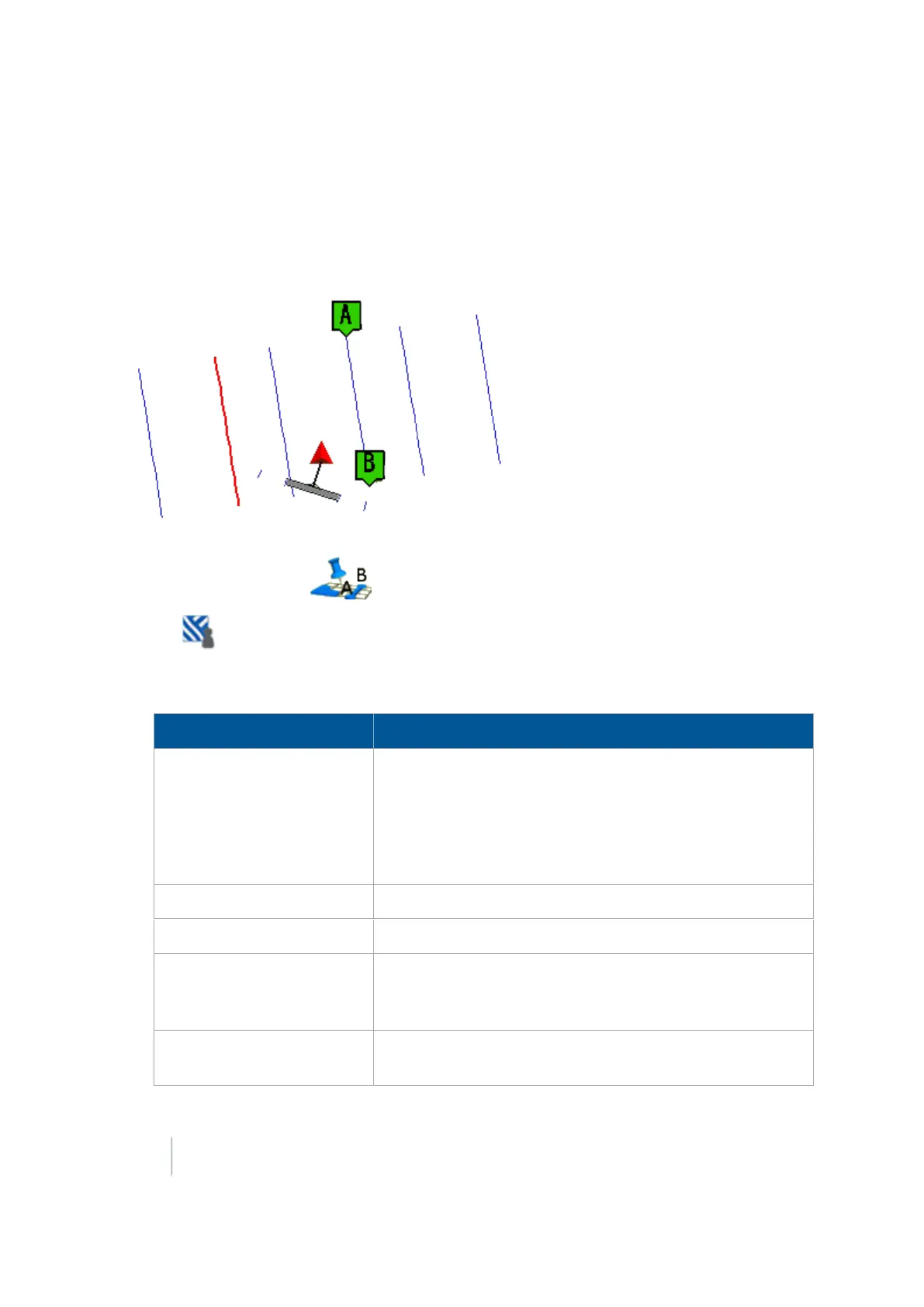
An access path is a space between your guidance lines. These paths can be useful if there is road (or
other field feature that breaks the consistent flow of swaths) through the middle of your field.
Note – You can add access paths on a straight or curved pattern, but not headlands or pivots.
1.
At the Run screen, tap to open the Mapping Guidance panel.
2.
Tap Swaths.
3.
At the Swath Management screen, tap Access Paths. The Access Path Setup screen displays.
Complete the settings on this screen and tap OK.
Setting Explanation
Swaths between access paths
This value must be equal to or higher than the Swaths in first
group setting. The next access path will display this number of
swaths beyond the first access path, and will continue to
repeat after this number of swaths.
The access path will display after this number of swaths
(including the master line).
Path width Width of the access path
Swaths in first group Enter the number of swaths
ABs place in the first group
(left to right)
Enter a value in the ABs place in the first group (left to right)
entry box. This setting enables you to specify where the
master line displays in the first group (from left to right).
Provide Guidance to Select whether guidance will be based on swaths or access
paths.
372 FM-1000 Integrated Display User Guide Version 9.25, Revision B



 To Next Page