System diagnostics 19 Diagnostics
System diagnostics
At the Configuration screen, select System and then tap Diagnostics. Each tab contains specific
information about the system:
l Advanced system diagnostics (page 474)
l CAN Bus data (page 475)
l Network diagnostics (page 475)
l Serial Comms (page 476)
Advanced system diagnostics
1.
At the Configuration screen, tap System and then tap Diagnostics.
2.
Go to the Advanced tab.
3.
Select the Diagnostics Level. This determines how much debugging information is logged in the
program files.
Item Explanation
1 Minimal level of information
6 (default) Medium level of information
9 Highest level of information
4.
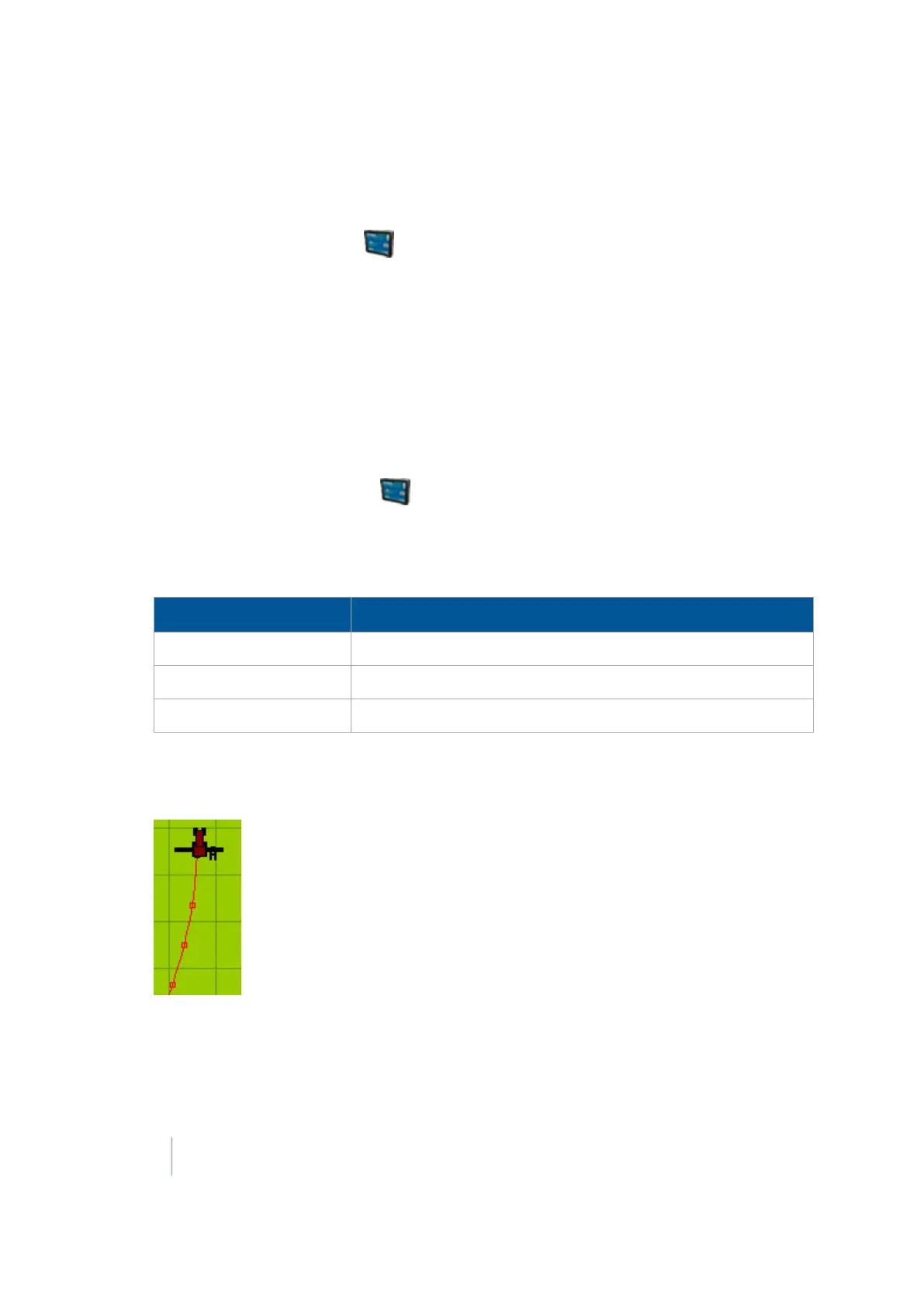
At Swath Control Points, select whether to hide or show swath control points.
When the guidance line is a curve, it displays on-screen as a series of short straight sections
joined together. Swath control points appear where these line segments meet.
You can also use the System Diagnostics screen to view raw port data. For more information, see
Serial Comms (page 476).
474 FM-1000 Integrated Display User Guide Version 9.25, Revision B



 To Next Page