Guidance settings 8 Vehicle guidance setup
Guidance settings
l Manual guidance (page 164): For systems without any automatic steering system
l Autopilot system (page 166)
l EZ-Pilot assisted steering system (page 191)
l EZ-Steer assisted steering system (page 199)
All guidance systems require GPS. See GPS receiver settings (page 108).
For operational information, see:
l Autopilot system operation (page 398)
l EZ-Pilot system operation (page 401)
l EZ-Steer system operation (page 404)
Manual guidance
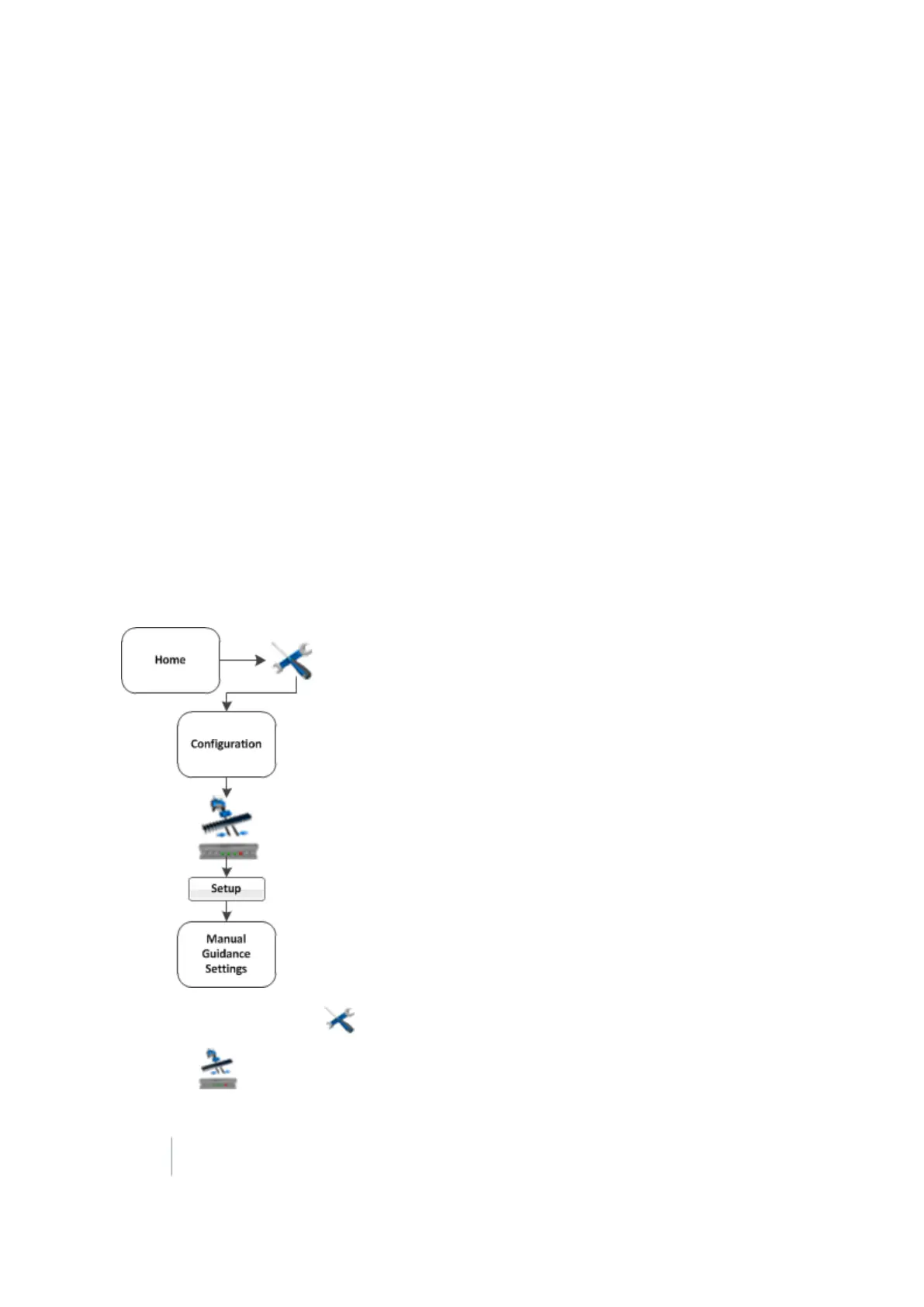
To set up manual guidance, complete the settings and complete the GPS receiver settings (page
108).
1.
At the Home screen, tap . The Configuration screen displays.
2.
Select Manual Guidance and then tap Setup. The Manual Guidance Settings screen displays.
164 FM-1000 Integrated Display User Guide Version 9.25, Revision B



 To Next Page