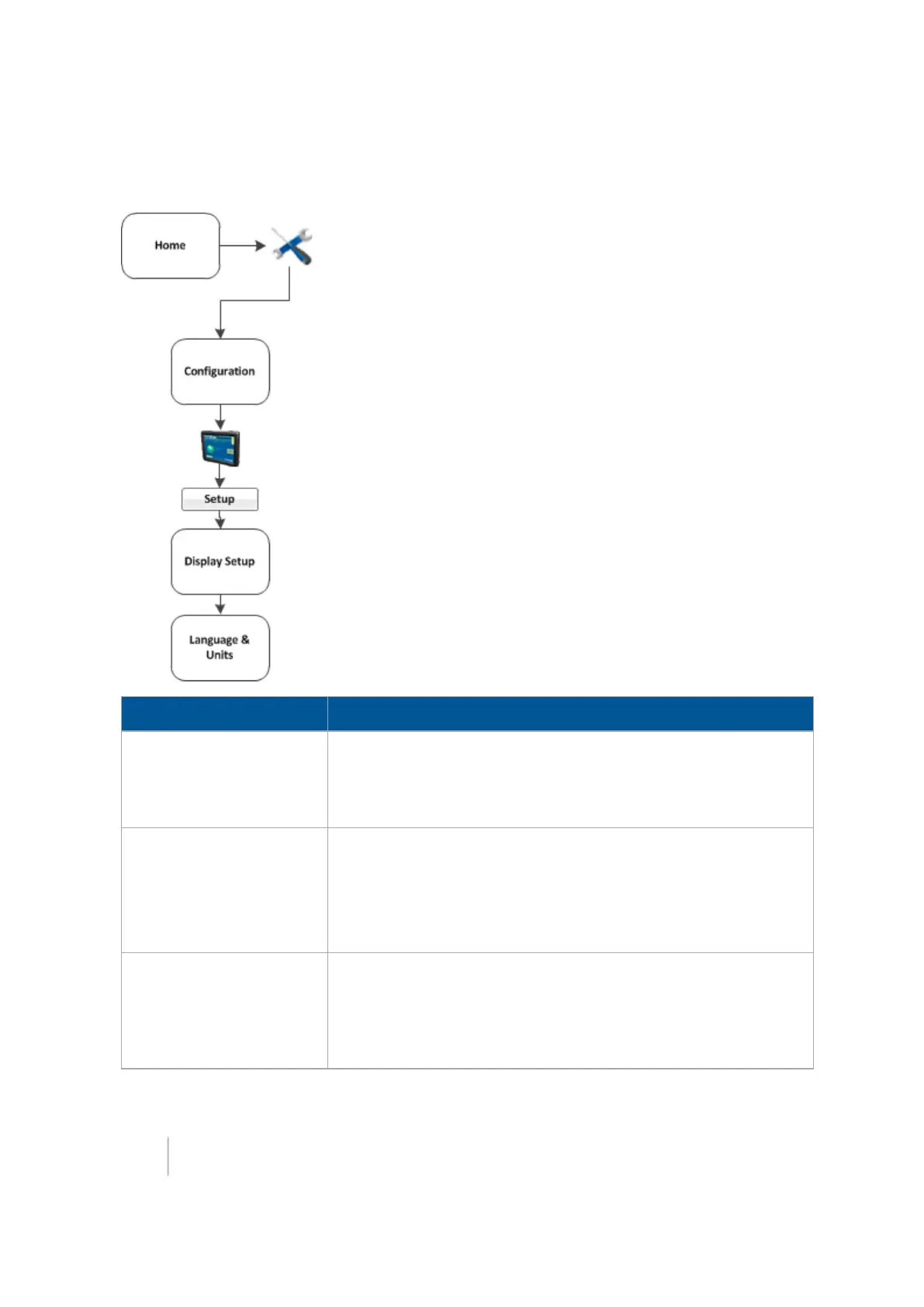
Basic system settings 3 Basic settings
Language, measurements, keyboard layout
Setting Explanation
Language
Can be changed if you have chosen FM-1000Only for the Language
Selection.
If you change the language, a message warns that the display will
turn off so that the change can take effect.
Display Units
Select the unit of measure for the display:
l Metric
l Feet and Inches (default)
l Decimal Feet
Keyboard Layout
The FM-1000 integrated display uses an on-screen keyboard on the
touchscreen. Options for layout:
l ABCDEF:Letters appear in alphabetical order
l QWERTY:Layout the same as a computer keyboard (default)
58 FM-1000 Integrated Display User Guide Version 9.25, Revision B



 To Next Page